About this brochure
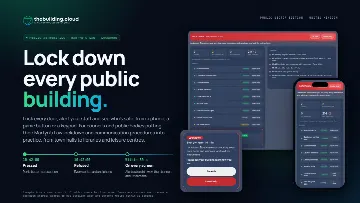
This brochure explains how venues can use TheBuilding.Cloud to put their lockdown and communication procedures into practice. It follows an example lockdown from the first press through door controls, alerts, a staff roll call and a downloadable report. It also covers drills, different ways to start a lockdown and how to select the buildings or door groups involved.
The brochure is for people responsible for arenas, theatres, sports grounds, conference centres and hotels, including duty managers and other operators. It describes the four procedures covered by Martyn’s Law and the responsibilities of the person in charge of the premises. It also explains which doors the system locks, how people can report that they need help, and what remains the venue’s responsibility. Ticket holders are not included in the roll call; the venue’s stewarding plan looks after the crowd.
What’s inside
The text of each page, written out so it can be read and searched.
Page 1
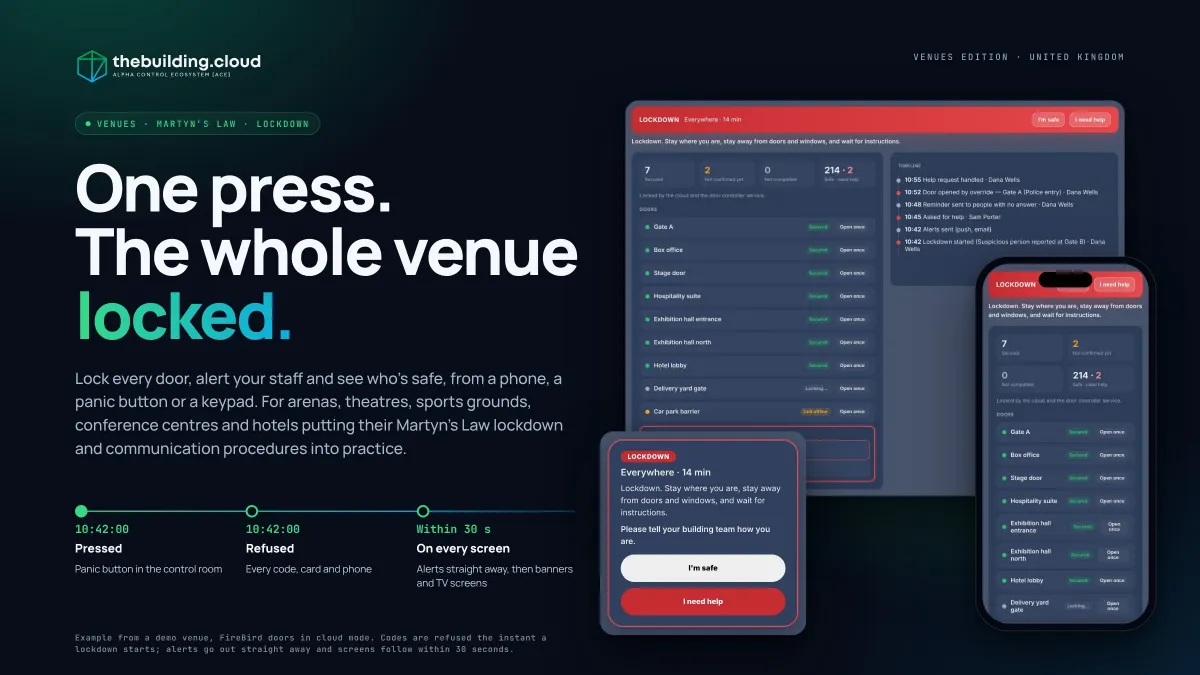
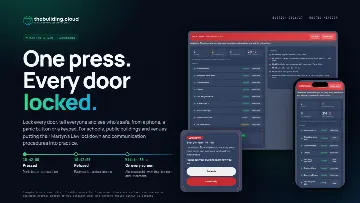
One press. The whole venue locked.
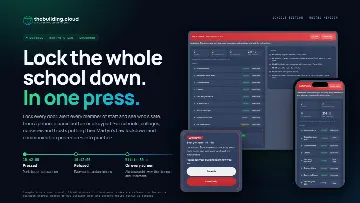
The brochure introduces lockdown for UK venues using a phone, panic button or keypad. In its demo venue, FireBird doors in cloud mode refuse codes immediately, alerts go out straight away and screens follow within 30 seconds.
Page 2
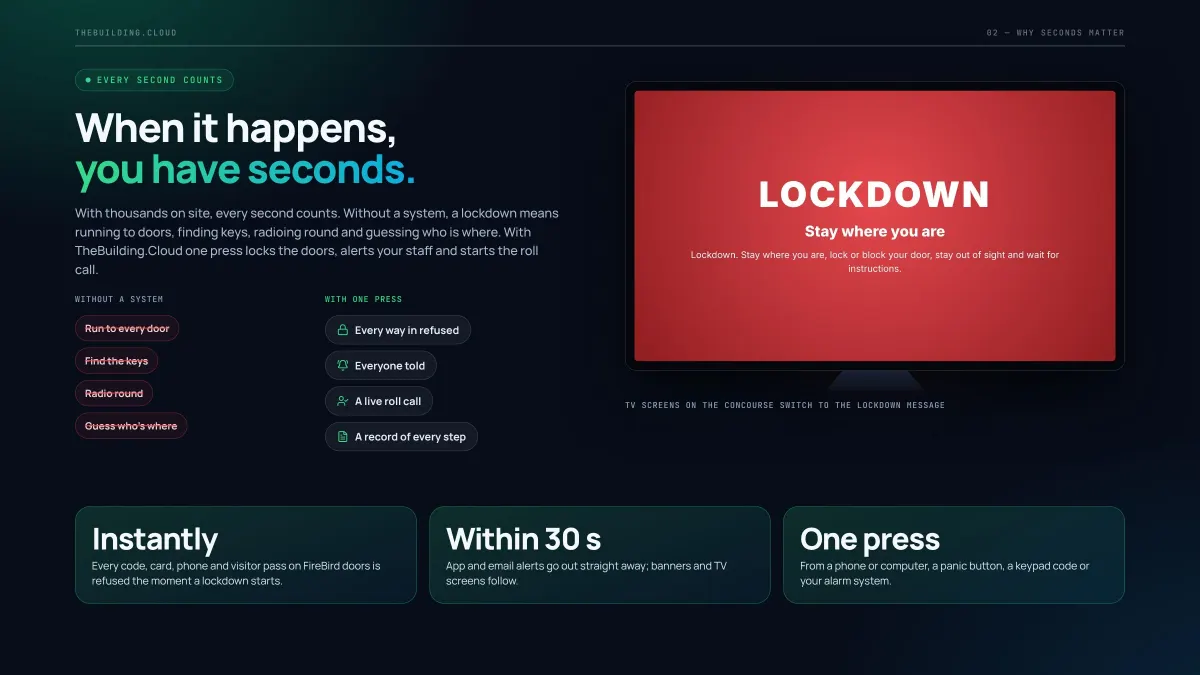
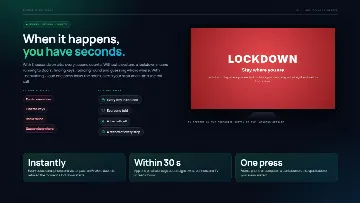
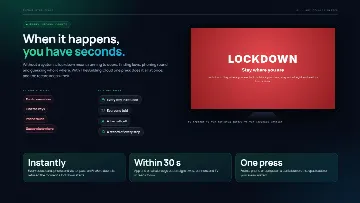
When it happens, you have seconds.
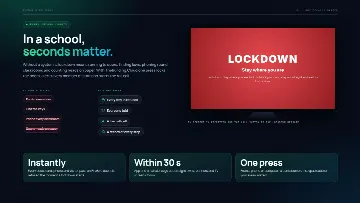
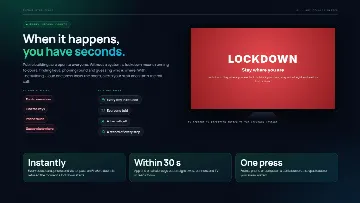
One press can lock doors, alert staff and start a live roll call. A lockdown can be started from a phone or computer, a panic button, a keypad code or an alarm system.
Page 3
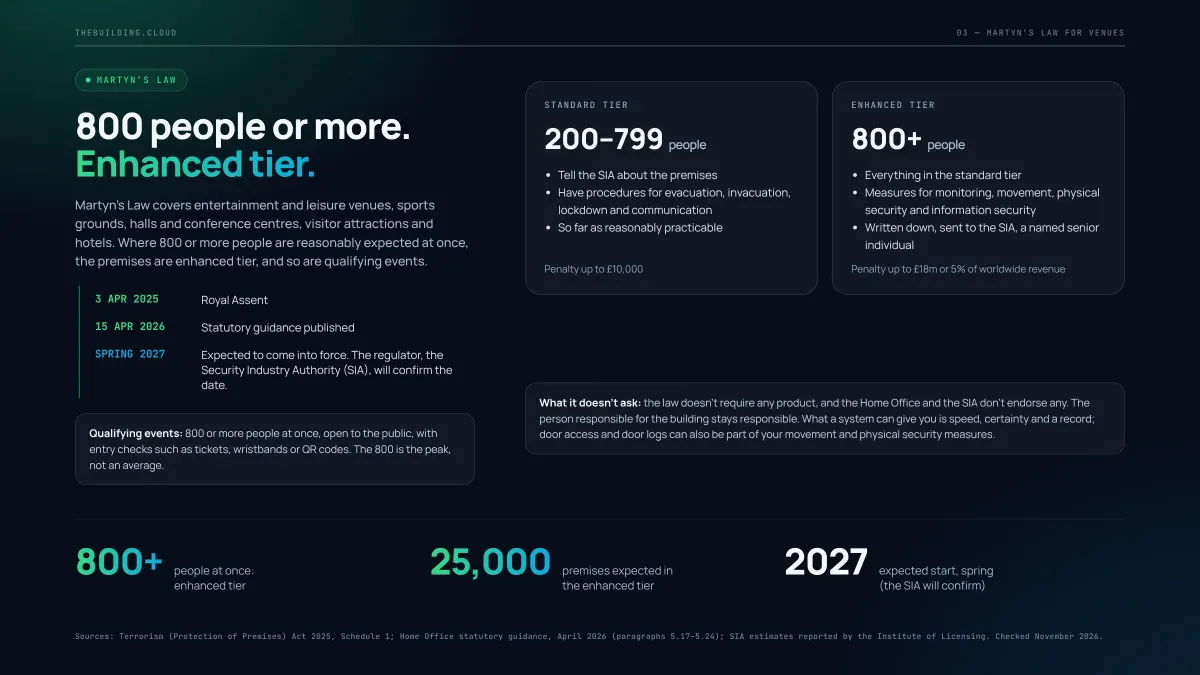
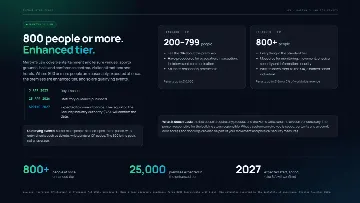
800 people or more. Enhanced tier.
The brochure describes Martyn’s Law tiers, procedures and measures for qualifying venues and events. It says the law does not require a product and the person responsible for the building remains responsible.
Page 4
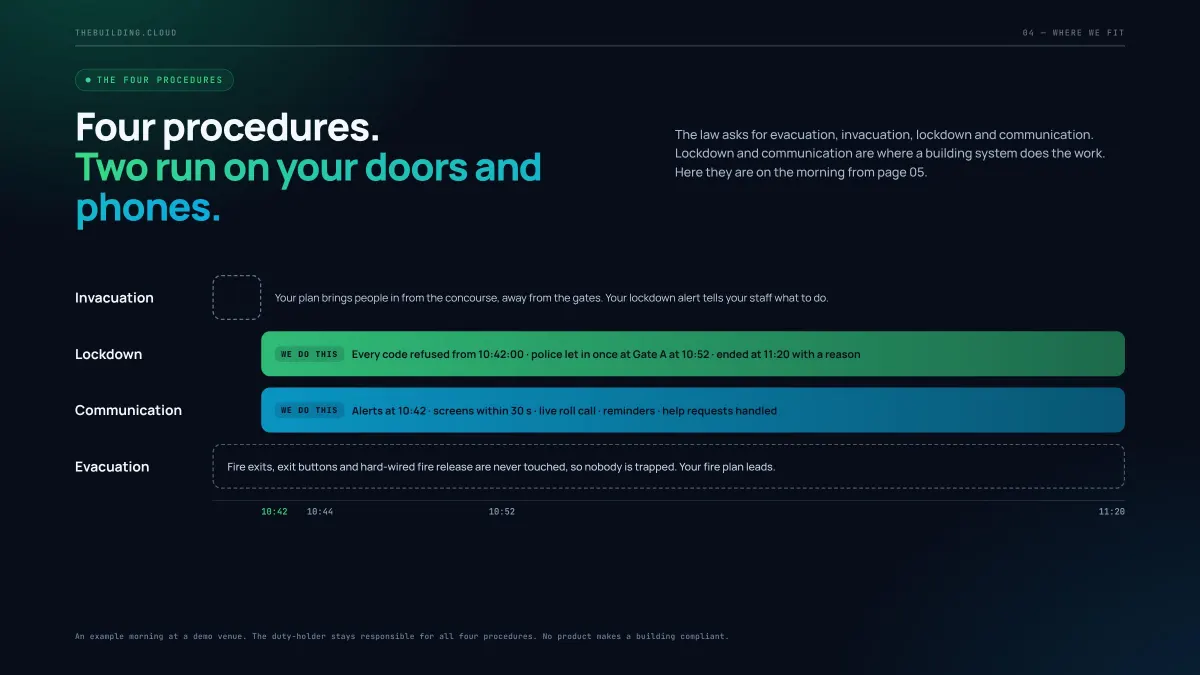
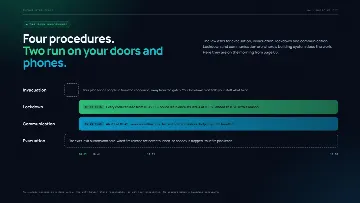
Four procedures. Two run on your doors and phones.
The brochure outlines evacuation, invacuation, lockdown and communication. It explains how the system supports lockdown and communication, while the venue’s plans lead on the other procedures.
Page 5
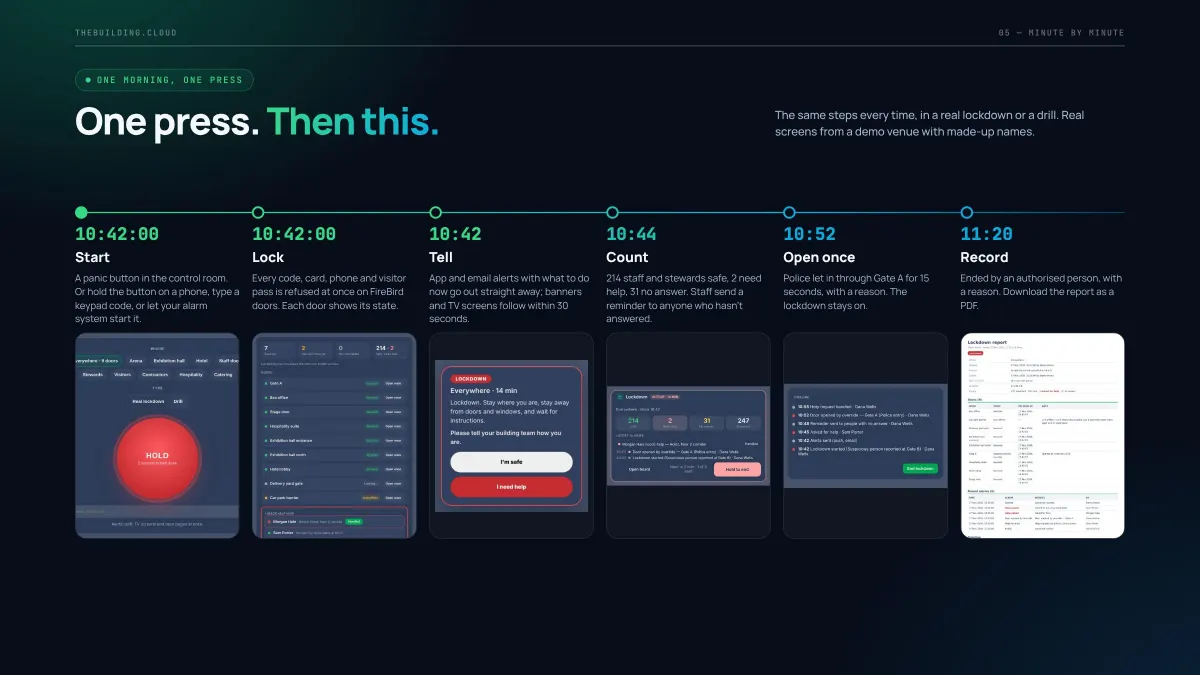
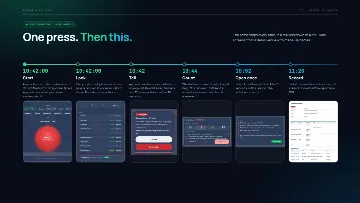
One press. Then this.
A demo venue shows a lockdown being started, doors locked, alerts sent and staff counted. Police are let through one door once, and an authorised person ends the lockdown and downloads a report.
Page 6
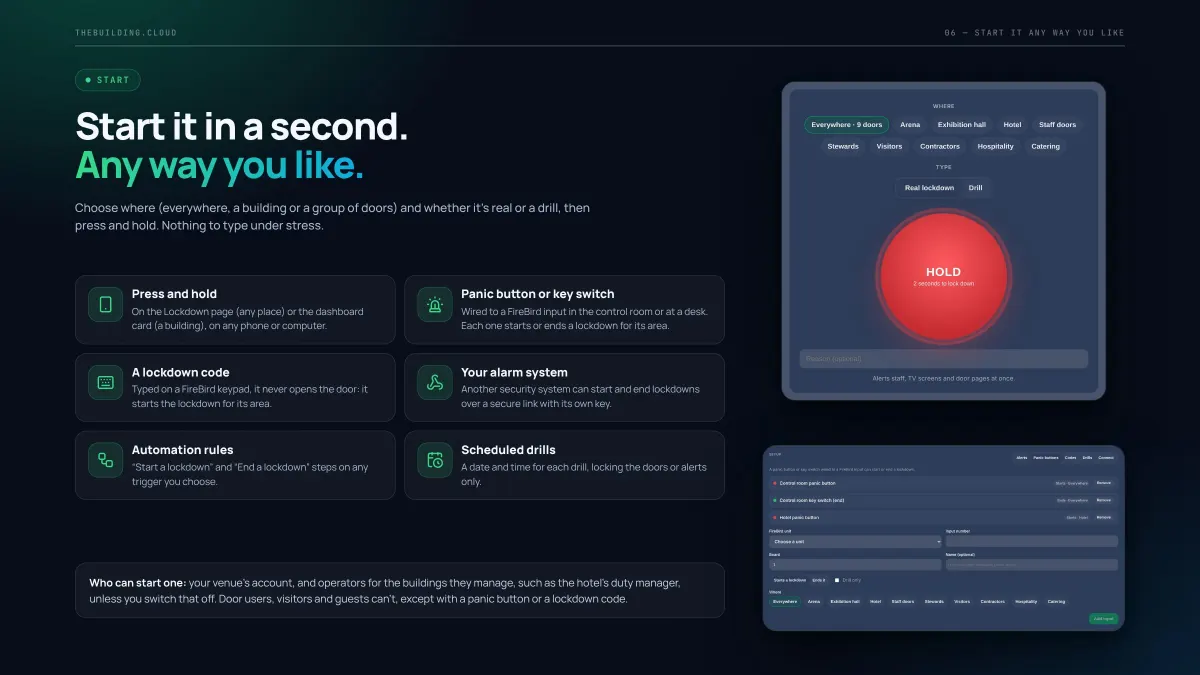
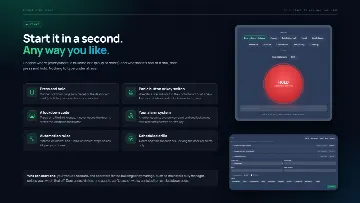
Start it in a second. Any way you like.
A lockdown or drill can cover the whole site, a building or a group of doors. Starting options include pressing and holding on a phone or computer, a wired button or key switch, a keypad code, an alarm system, automation or a scheduled drill.
Page 7
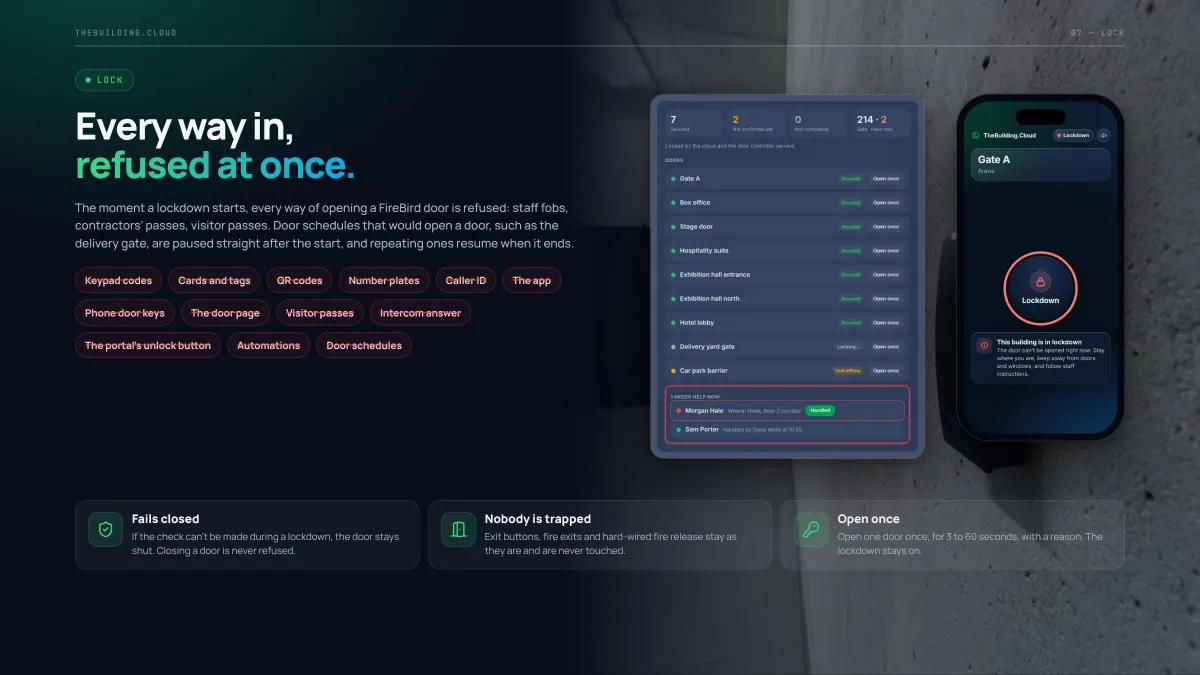
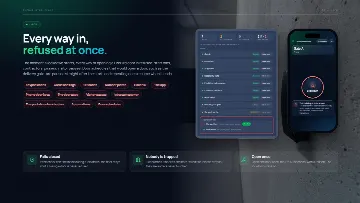
Every way in, refused at once.
FireBird doors refuse opening methods during a lockdown, and door schedules that would open them are paused. Exit buttons, fire exits and hard-wired fire release are not affected; an authorised user can open one door once with a reason.
Page 8
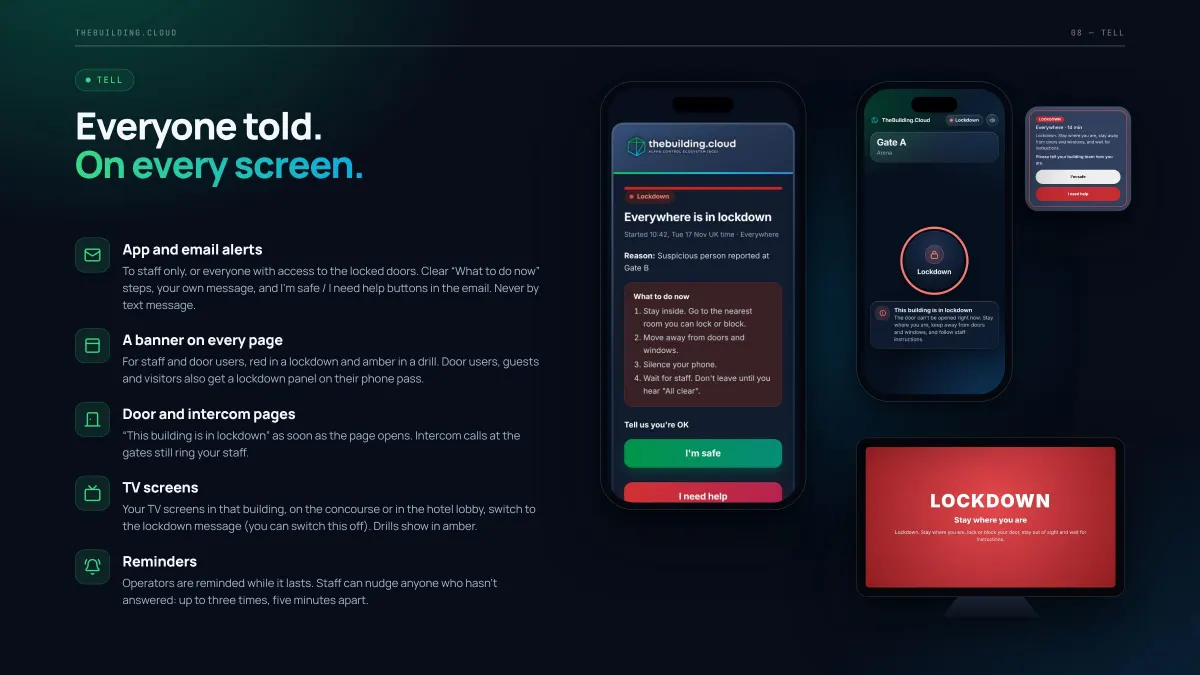
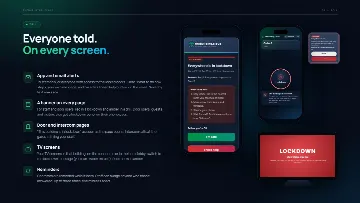
Everyone told. On every screen.
App and email alerts can go to staff or everyone with access to the locked doors, with instructions and response buttons. Banners, phone passes and TV screens can also show lockdown messages, and staff can remind people who have not answered.
Page 9
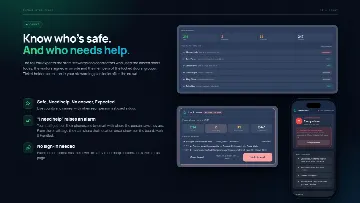
Know who’s safe. And who needs help.
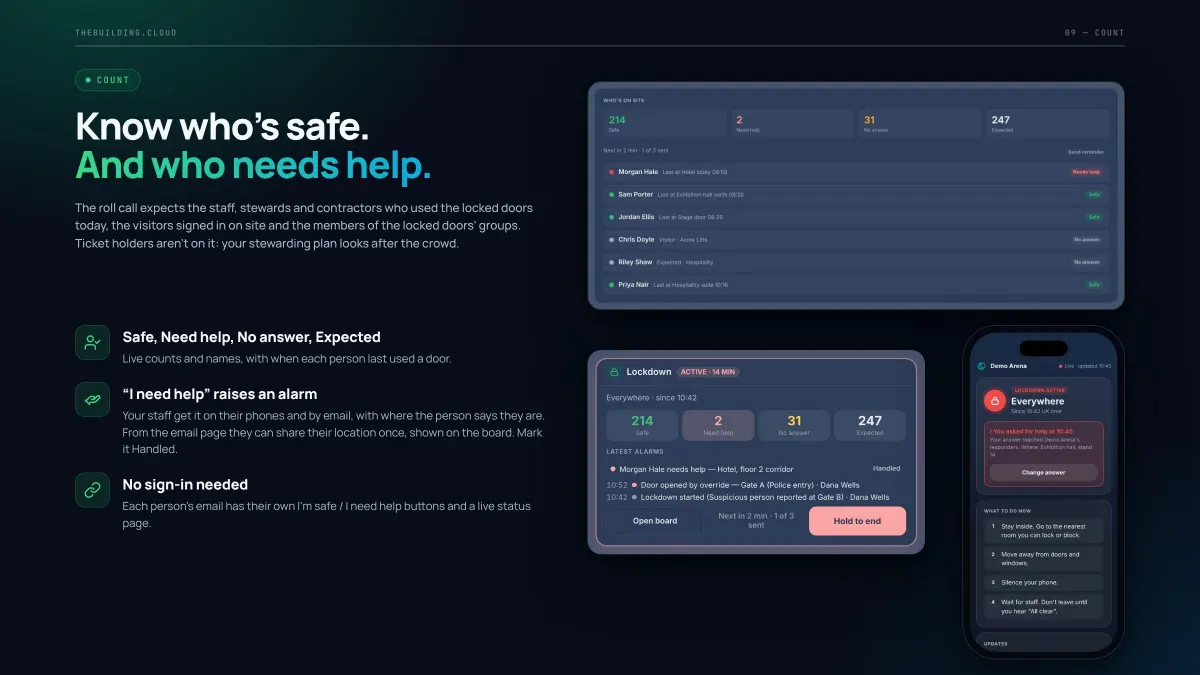
The live roll call shows expected people, their responses and when they last used a door. Help requests alert staff, and people can share their location once; ticket holders are not included in the roll call.
Page 10
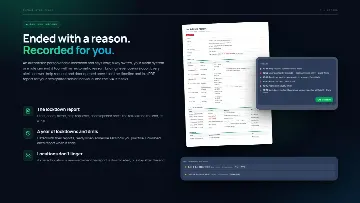
Ended with a reason. Recorded for you.
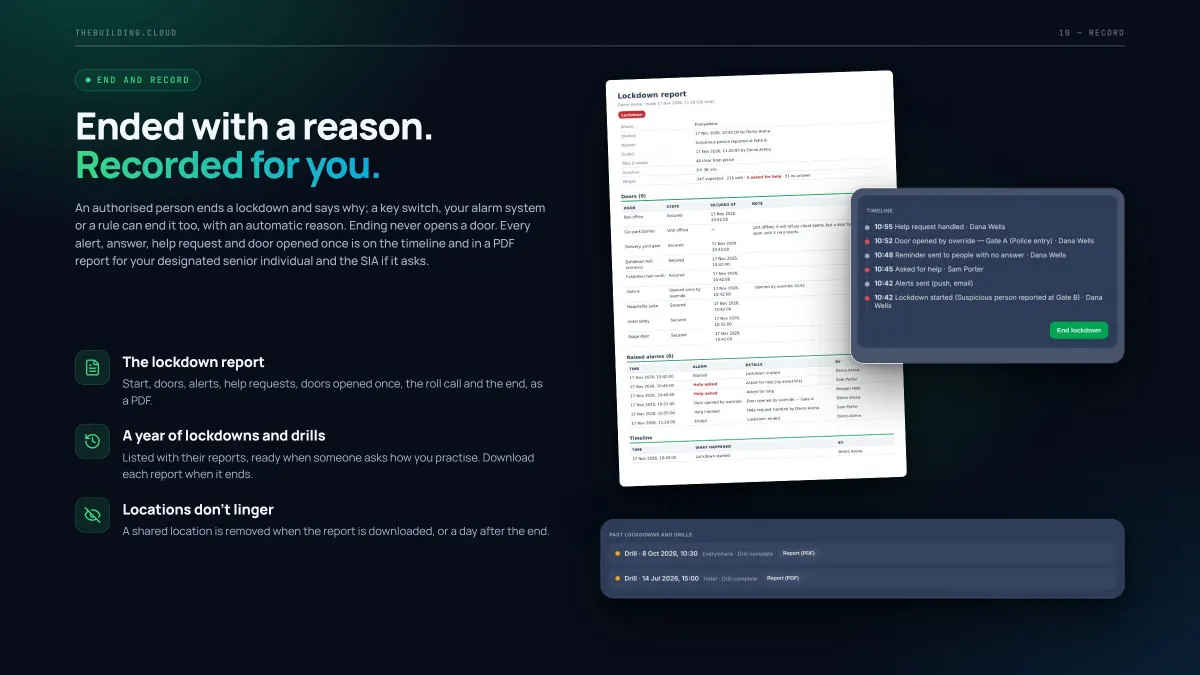
A lockdown ends with a reason and does not open a door. The timeline and PDF report include alerts, responses, help requests and doors opened once; shared locations are removed when the report is downloaded or a day after the end.
Page 11
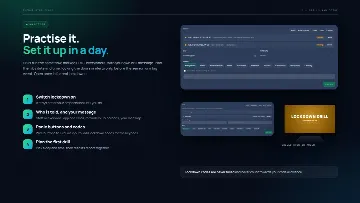
Practise it. Set it up in a day.
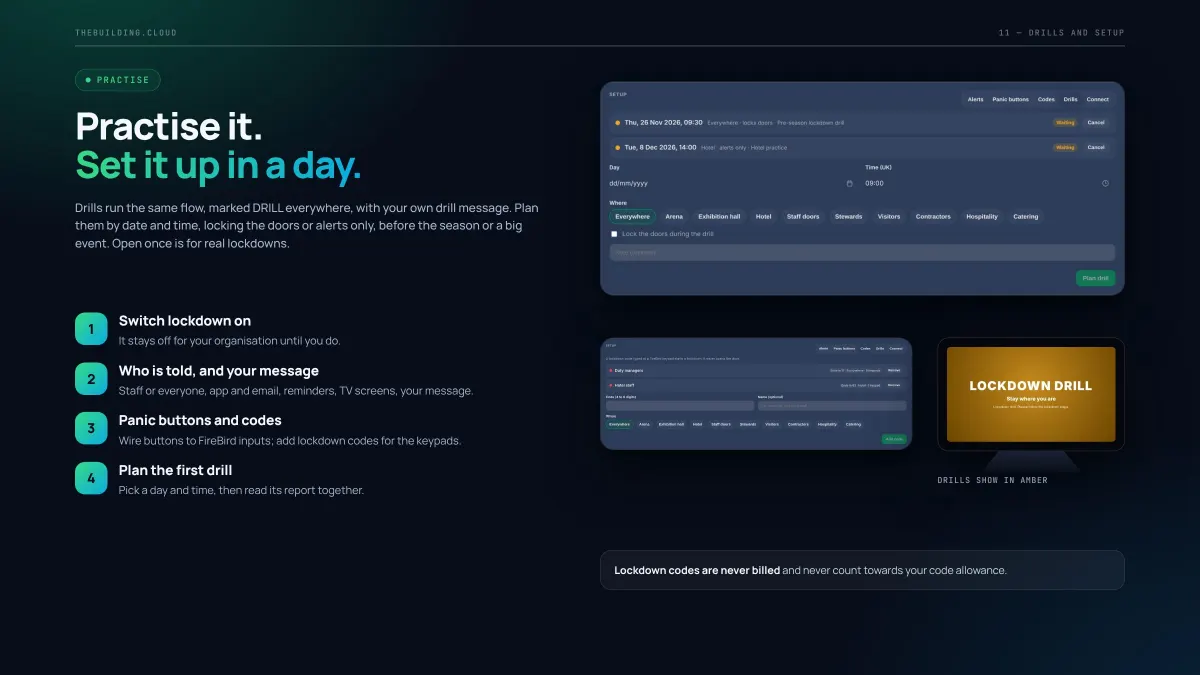
Drills follow the same flow and are marked as drills, with a choice of locking doors or sending alerts only. The setup covers switching lockdown on, choosing messages and recipients, adding buttons and codes, and planning a first drill.
Page 12
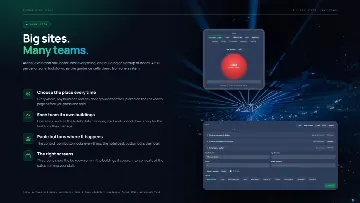
Big sites. Many teams.
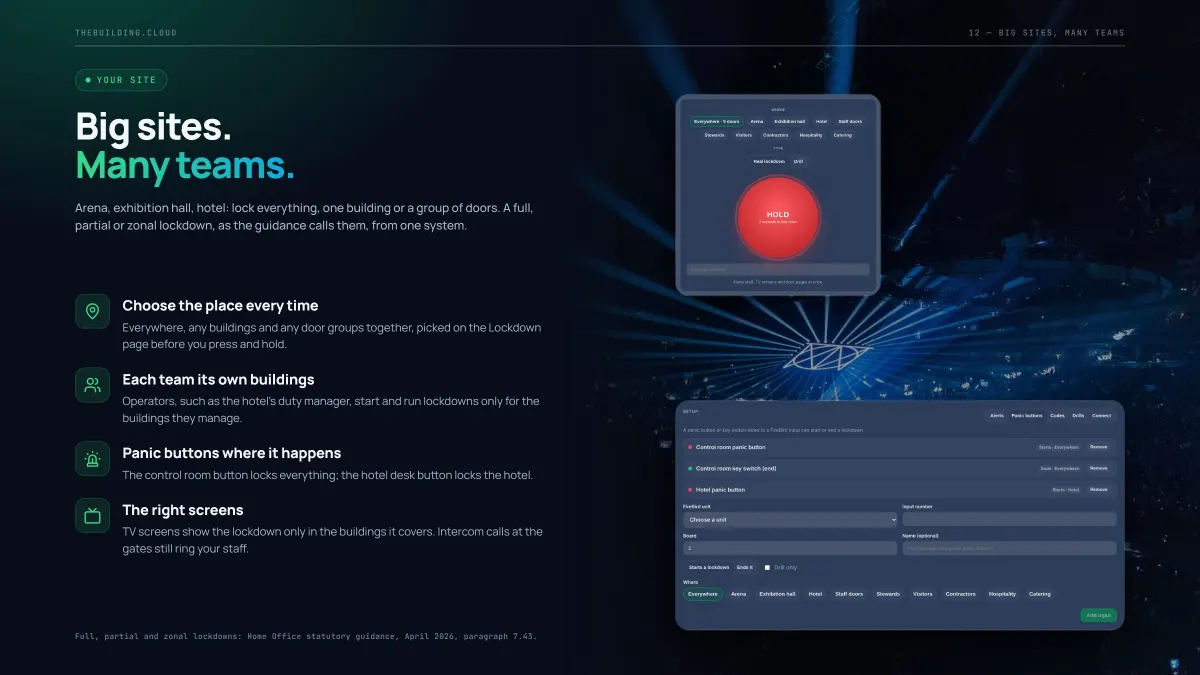
Venues can select the whole site, buildings or door groups for a full, partial or zonal lockdown. Operators manage their own buildings, and TV screens show messages only in the buildings covered.
Page 13
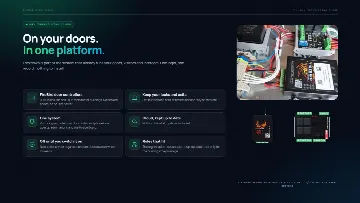
On your doors. In one platform.
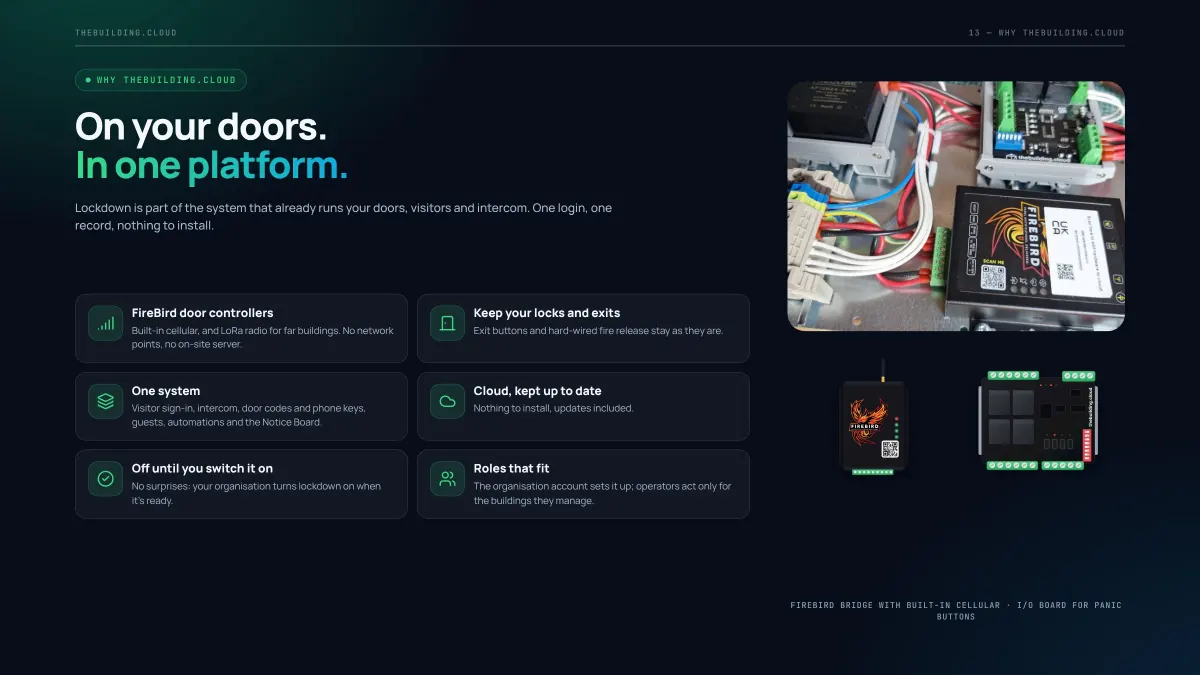
Lockdown is part of the platform for doors, visitors and intercom. FireBird controllers have built-in cellular and LoRa radio for far buildings, while existing exit buttons and hard-wired fire release remain in place.
Page 14
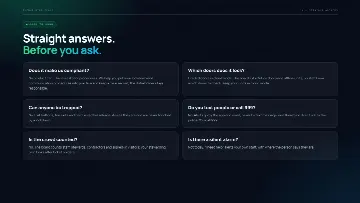
Straight answers. Before you ask.
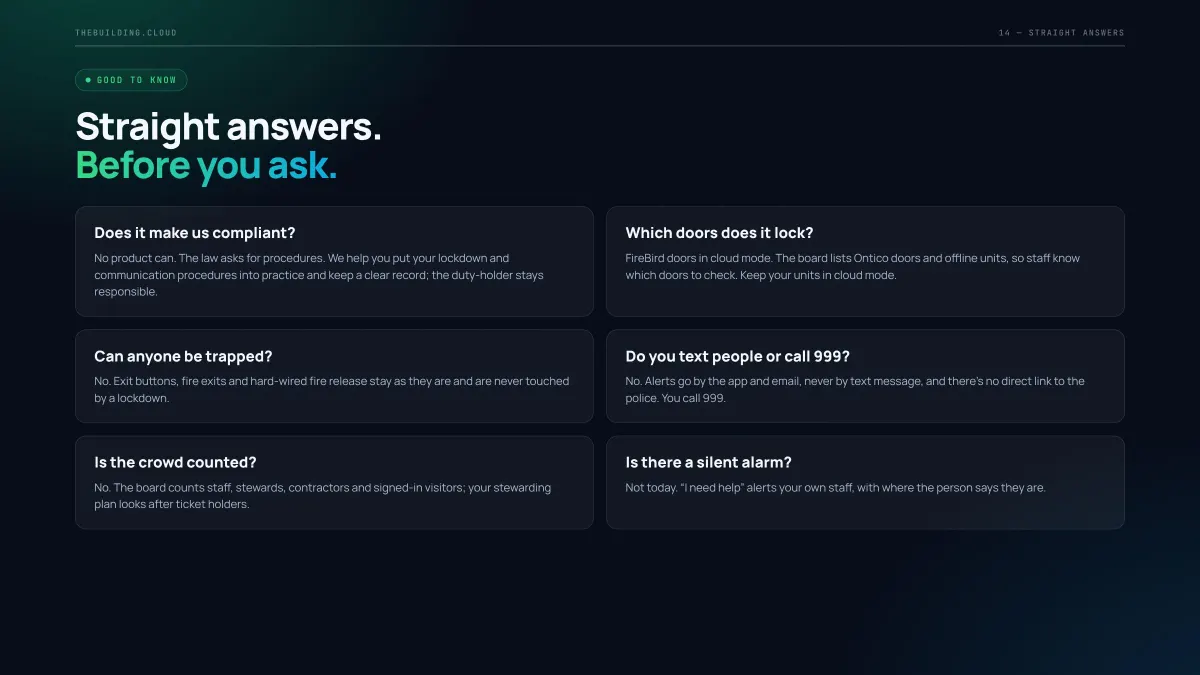
The brochure answers questions about responsibility, FireBird doors in cloud mode, exits, alerts and the roll call. It says there is no direct link to the police and no silent alarm.
Page 15
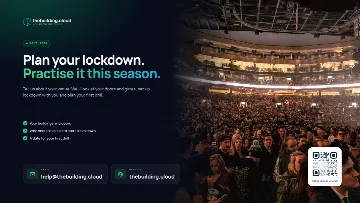
Plan your lockdown. Practise it this season.
The next step is to discuss the venue’s buildings and doors, who can start a lockdown and a date for a first drill. The brochure provides an email address and website for getting in touch.
Key points
- FireBird doors in cloud mode refuse access methods when lockdown starts.
- Alerts go by app and email, not text message.
- Ticket holders are not included in the roll call.
- Exit buttons, fire exits and hard-wired fire release are not affected.
- Drills can lock doors or send alerts only.
- A lockdown report can be downloaded as a PDF.
Who it’s for
- Arena and sports ground teams
- Theatre and conference centre operators
- Hotel duty managers
- People responsible for venue lockdown procedures
Questions people ask
Which doors does lockdown lock?
It locks FireBird doors in cloud mode. The board also lists Ontico doors and offline units so staff know which doors to check.
Can people still leave during a lockdown?
Exit buttons, fire exits and hard-wired fire release stay as they are and are not affected by lockdown.
Does the system contact the police?
No. There is no direct link to the police, so the venue must call 999.
Are ticket holders included in the roll call?
No. The venue’s stewarding plan looks after the crowd.
Can we practise without locking the doors?
Yes. Scheduled drills can either lock the doors or send alerts only.