About this brochure
This brochure explains how councils and public bodies can use TheBuilding.Cloud to put lockdown and communication procedures into practice. It follows an example lockdown from the first press through door locking, staff alerts, a roll call and a downloadable report. It also covers drills, local control across buildings and the relationship with Martyn’s Law.
The guide is for people responsible for public buildings and the teams that manage them, from town halls to libraries and leisure centres. It explains which doors the system locks, how people can report that they are safe or need help, and how staff can open a door once during a lockdown. It also notes that members of the public who walk in are not included in the roll call and that the duty-holder remains responsible for the building’s procedures.
What’s inside
The text of each page, written out so it can be read and searched.
Page 1
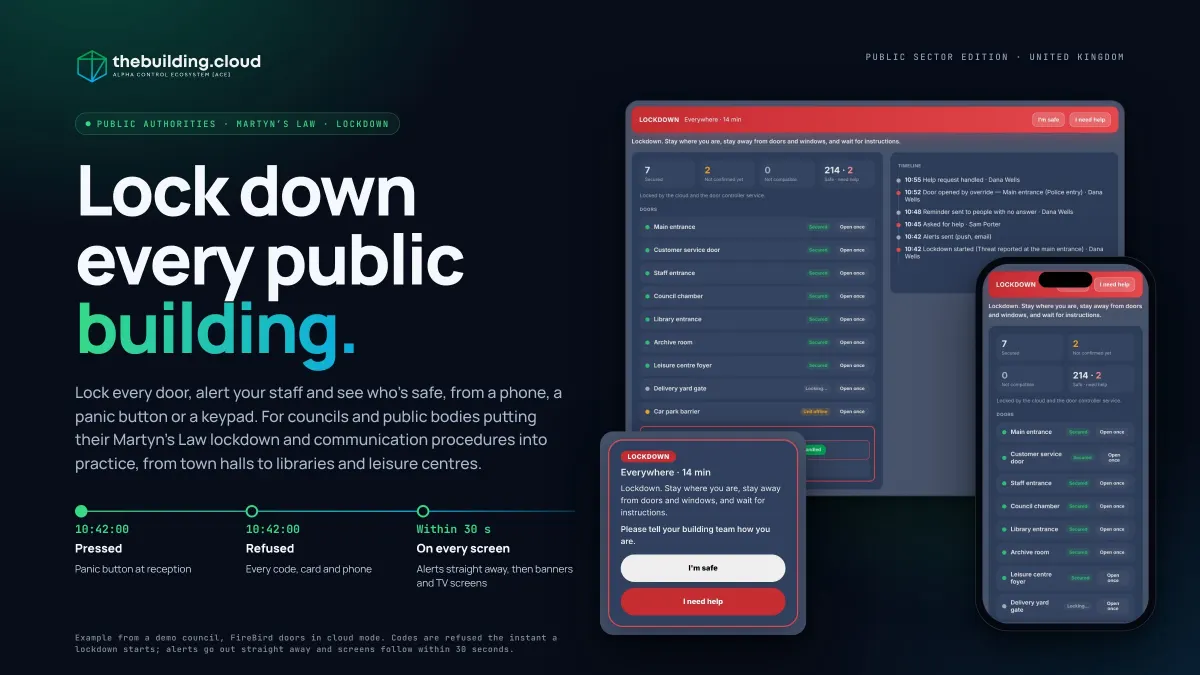
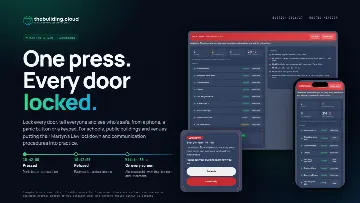
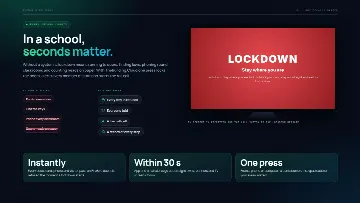
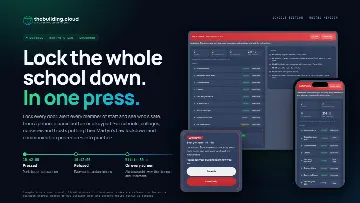
Lock down every public building.
The public sector edition introduces lockdown, staff alerts and a roll call for councils and public bodies. Its demo example uses FireBird doors in cloud mode.
Page 2
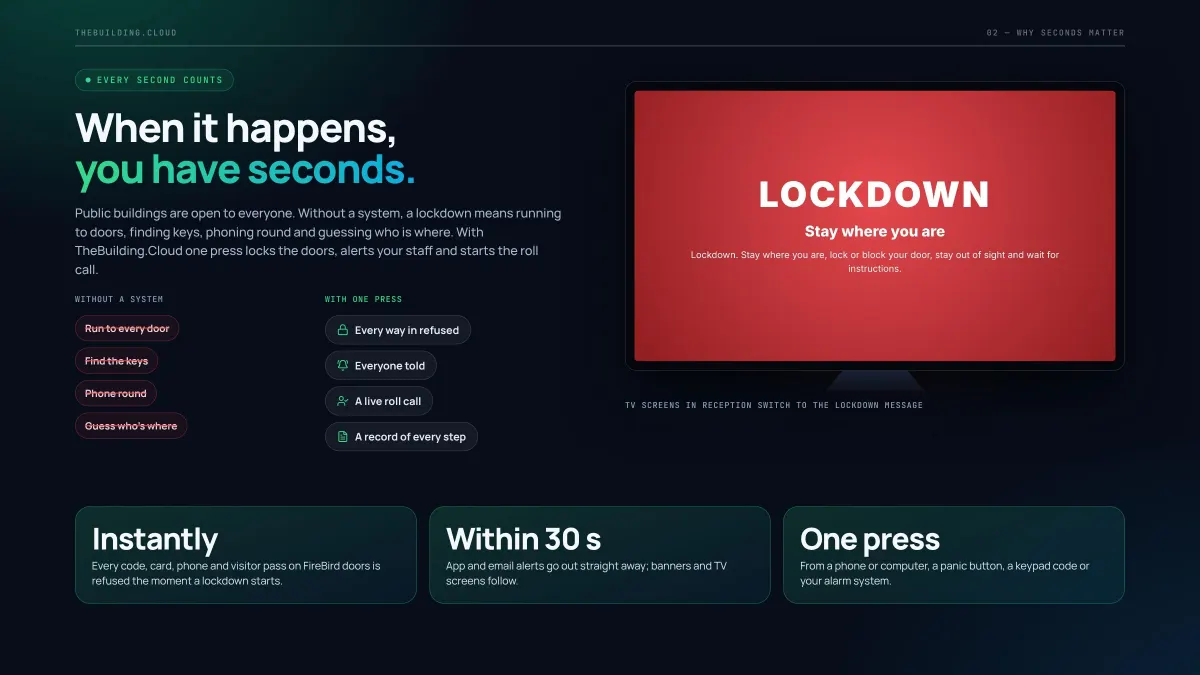
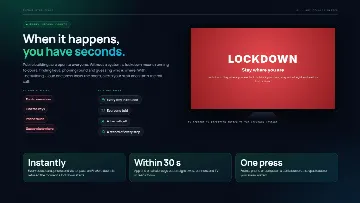
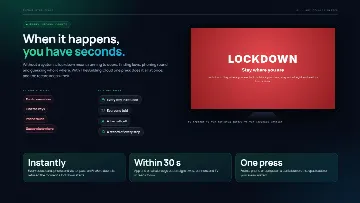
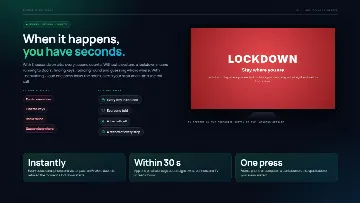
When it happens, you have seconds.
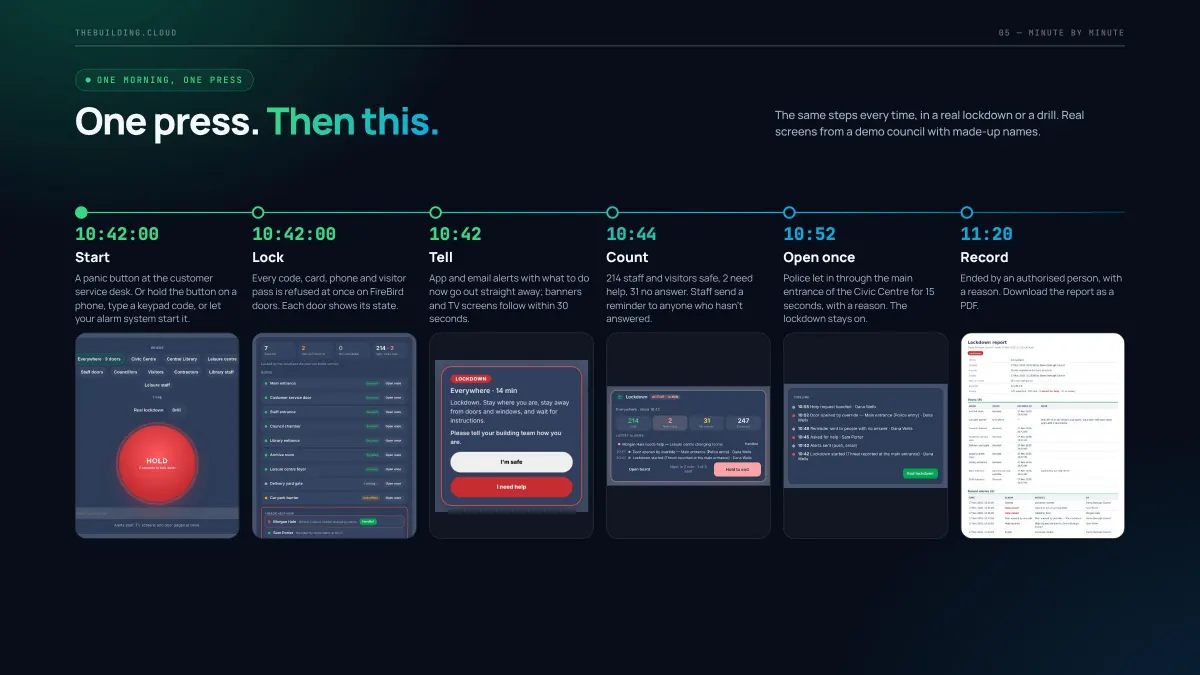
One press starts a lockdown, alerts staff and starts a live roll call. App and email alerts go out straight away, followed by banners and TV screens within 30 seconds.
Page 3
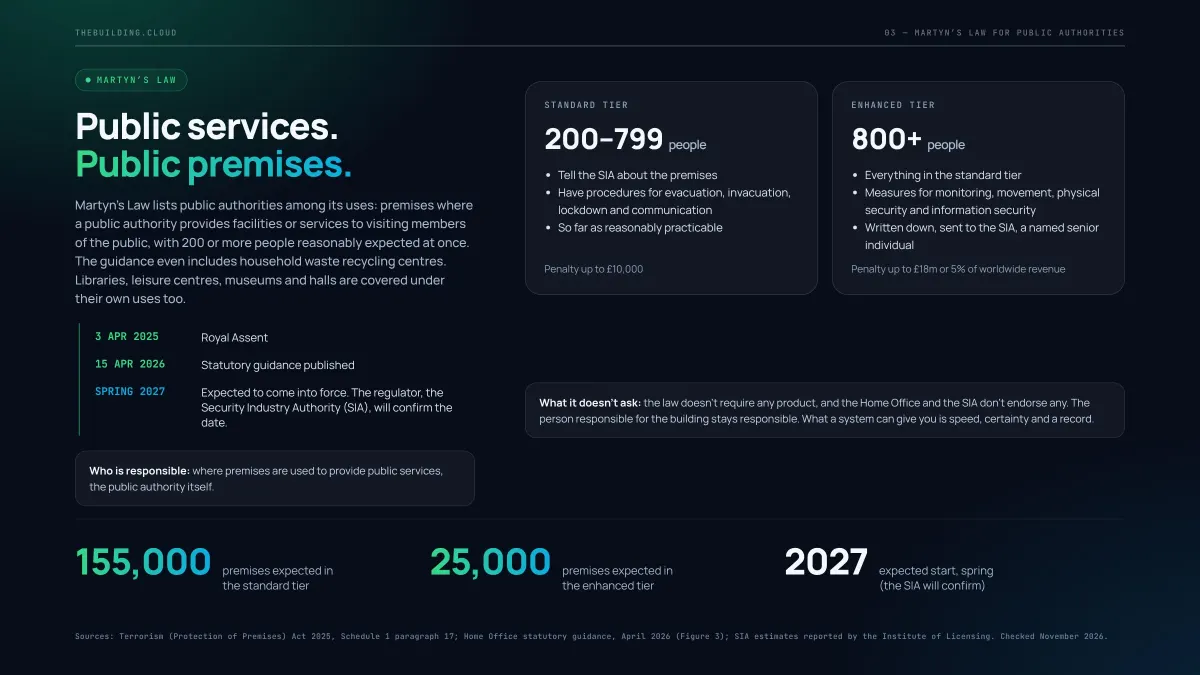
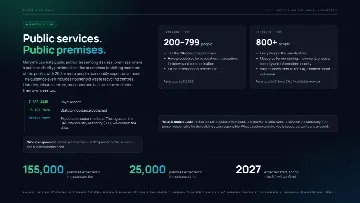
Public services. Public premises.
The brochure summarises Martyn’s Law, including its standard and enhanced tiers and the responsibilities of public authorities. It says the law does not require a product and that the person responsible for the building remains responsible.
Page 4
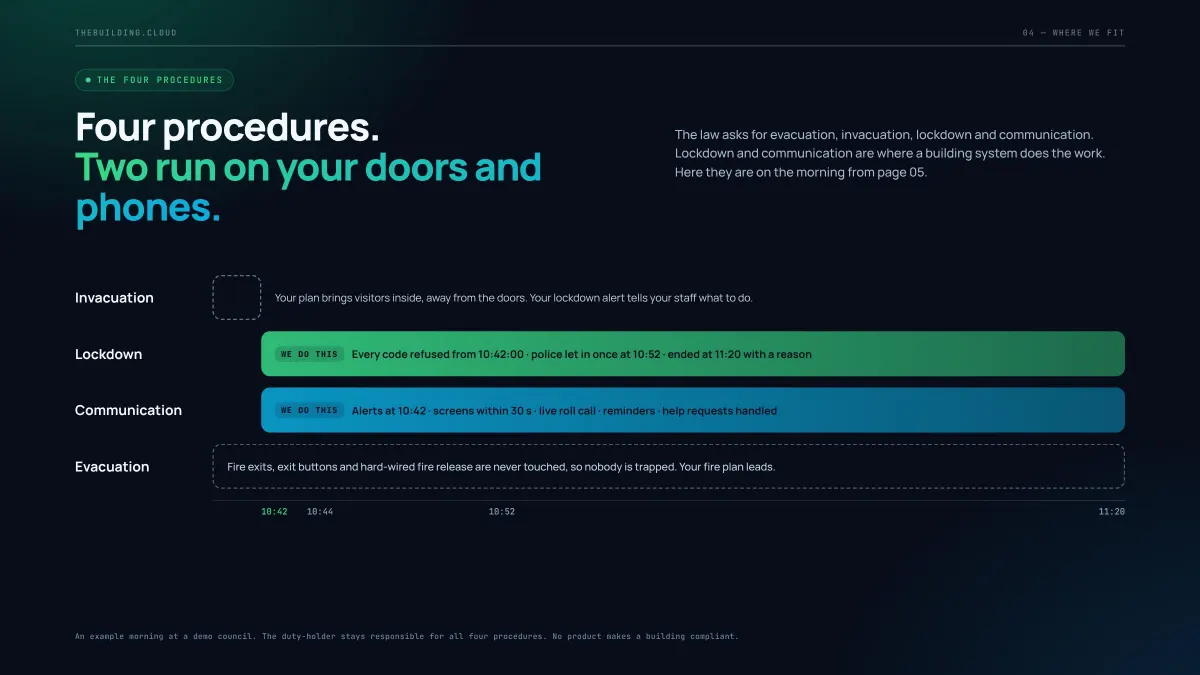
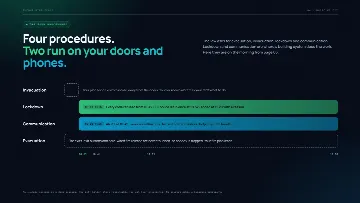
Four procedures. Two run on your doors and phones.
The four procedures are evacuation, invacuation, lockdown and communication. The system supports lockdown and communication, while the duty-holder remains responsible for all four.
Page 5
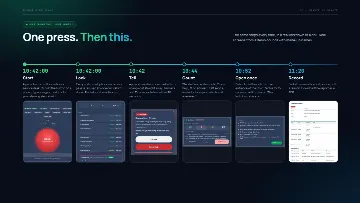
One press. Then this.
A demo council example follows a lockdown from a panic button press through door locking, alerts and a roll call. Police are let through one door, and an authorised person later ends the lockdown and downloads a report.
Page 6
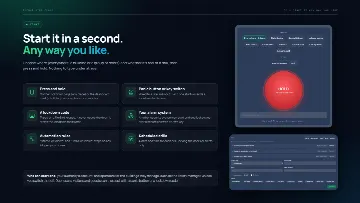
Start it in a second. Any way you like.
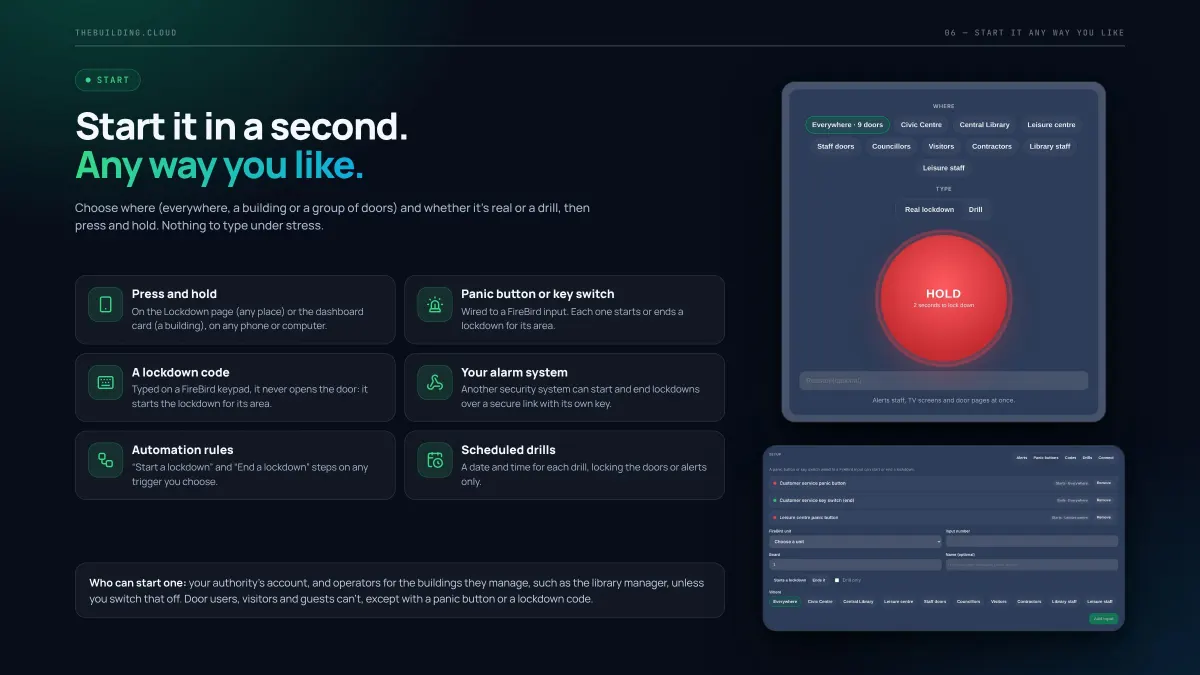
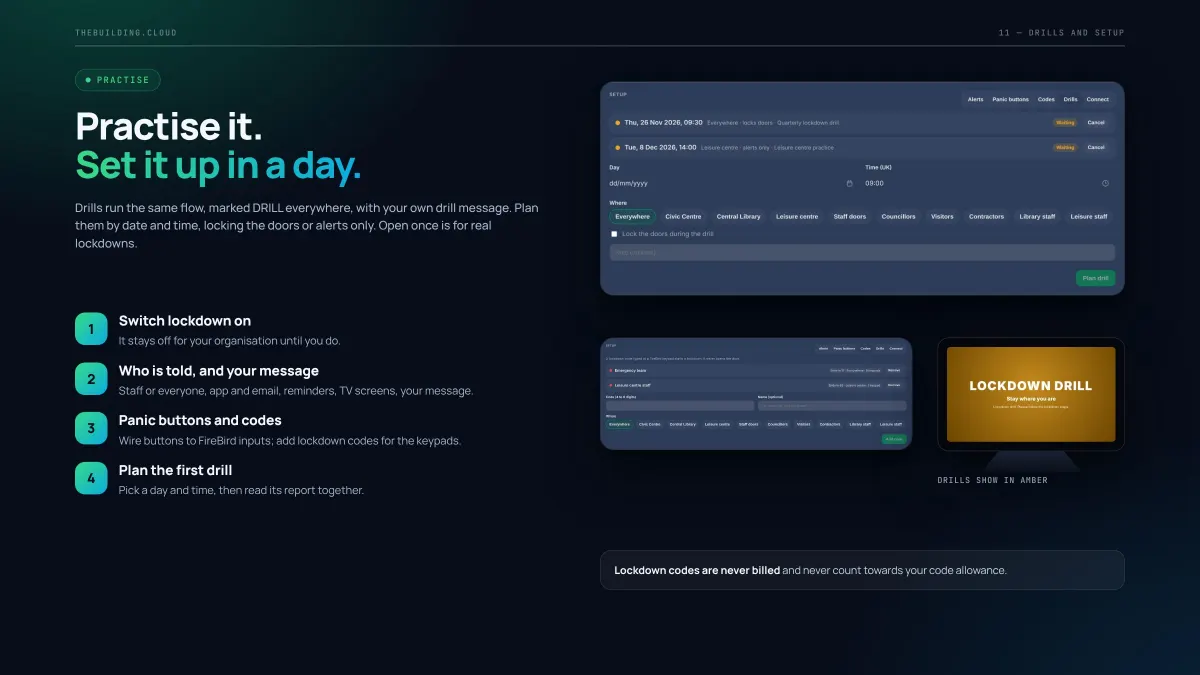
A lockdown can start from a phone or computer, a panic button, a keypad code, an alarm system or an automation rule. Drills can also be scheduled, with doors locked or alerts only.
Page 7
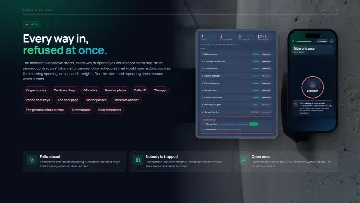
Every way in, refused at once.
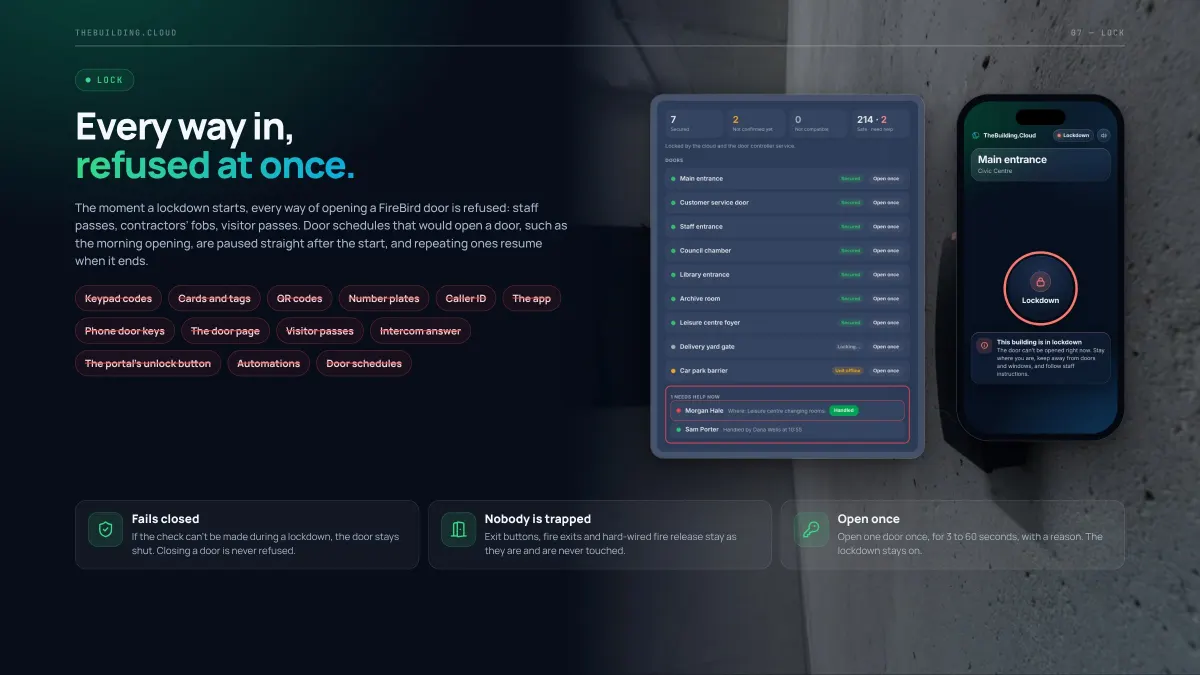
During a lockdown, FireBird doors refuse opening methods and pause door schedules. Exit buttons, fire exits and hard-wired fire release remain unchanged, and an authorised user can open one door once with a reason.
Page 8
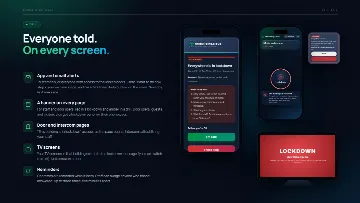
Everyone told. On every screen.
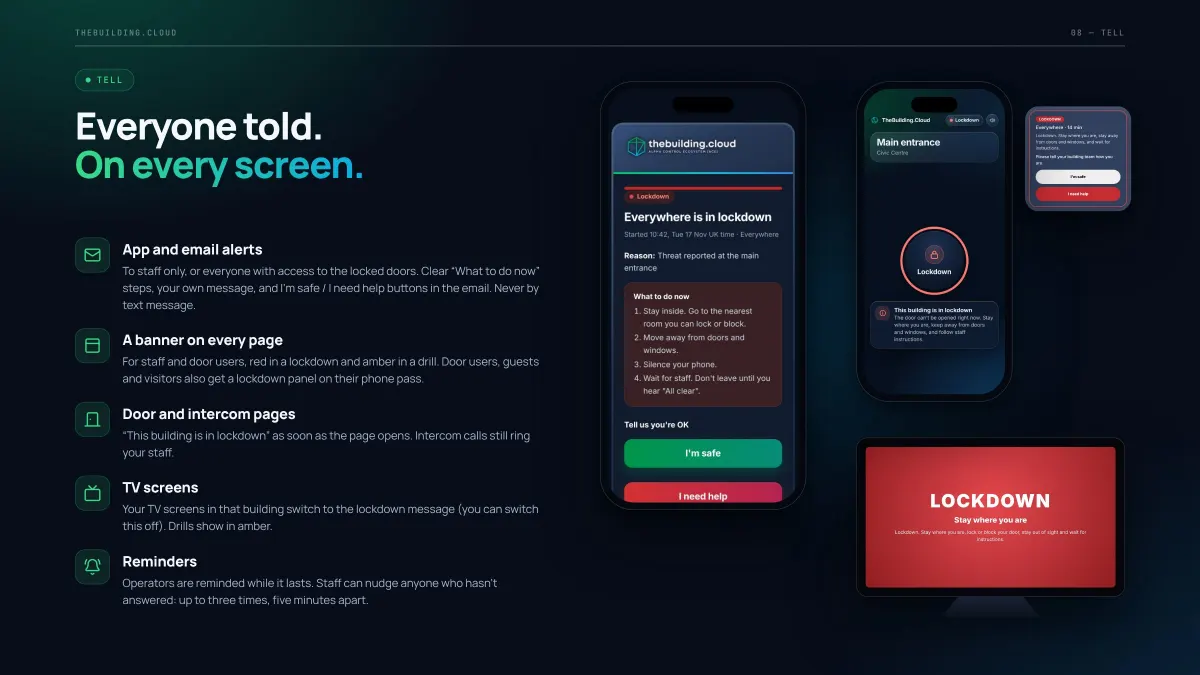
Alerts go by app and email, with banners, phone-pass panels and messages on door, intercom and TV screens. Staff can also remind people who have not answered; alerts are not sent by text message.
Page 9
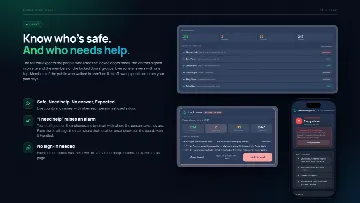
Know who’s safe. And who needs help.
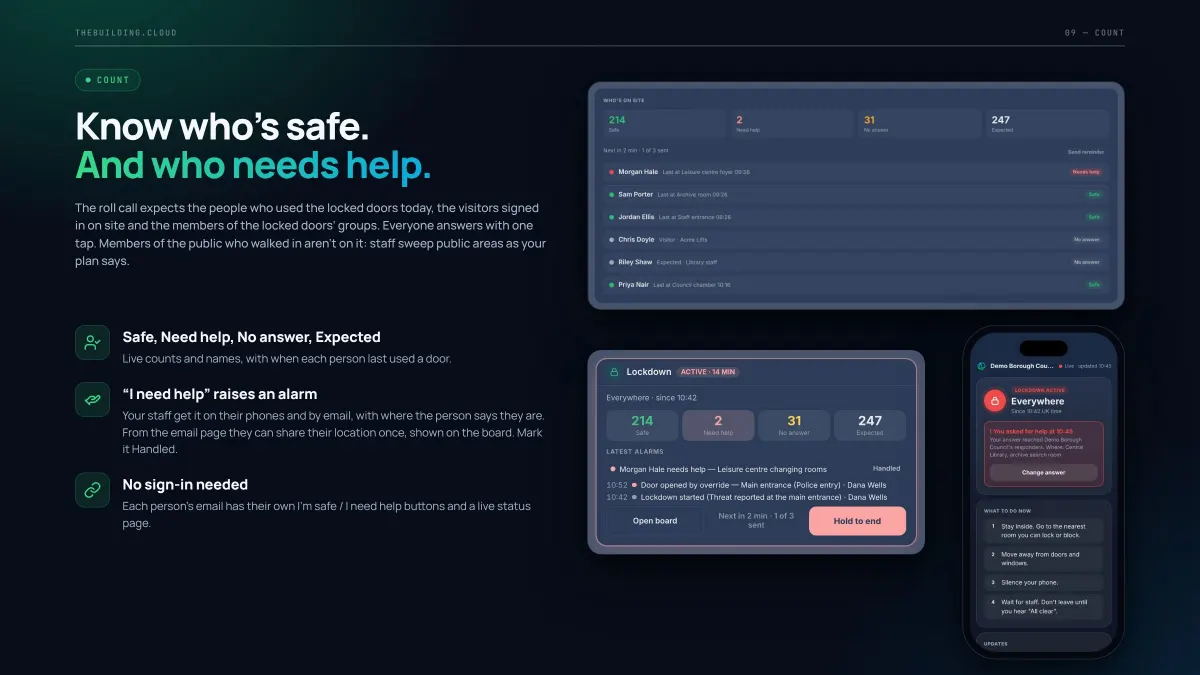
The roll call shows live responses from people expected on it, including door users and signed-in visitors. Members of the public who walked in are not included, so staff sweep public areas as their plan says.
Page 10
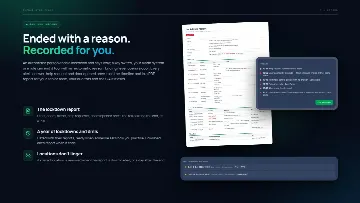
Ended with a reason. Recorded for you.
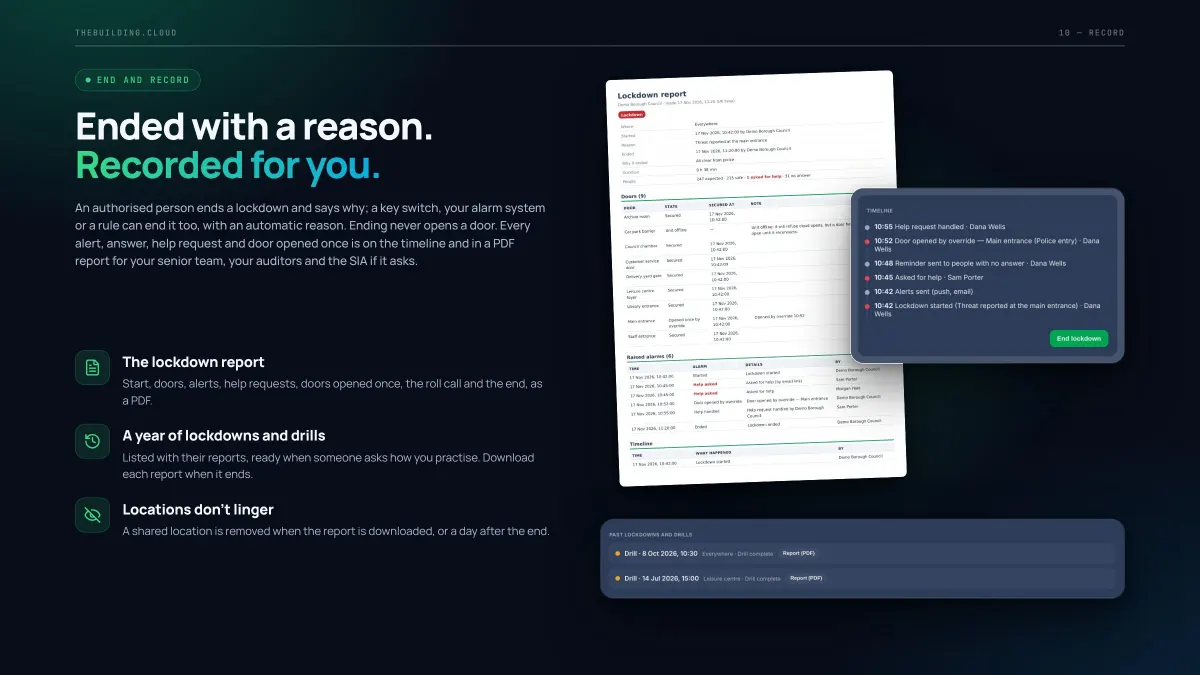
An authorised person can end a lockdown with a reason, and certain connected controls can end it with an automatic reason. The timeline and PDF report record alerts, responses, help requests and doors opened once.
Page 11
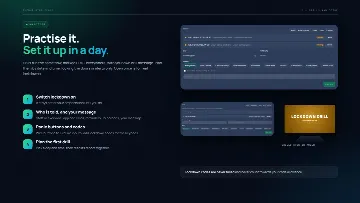
Practise it. Set it up in a day.
Drills follow the same flow and are marked as drills. The setup steps cover switching lockdown on, choosing who is told, adding panic buttons and codes, and planning a first drill.
Page 12
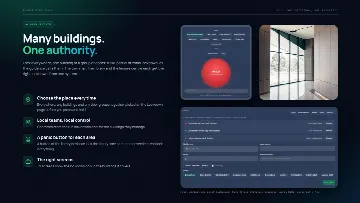
Many buildings. One authority.
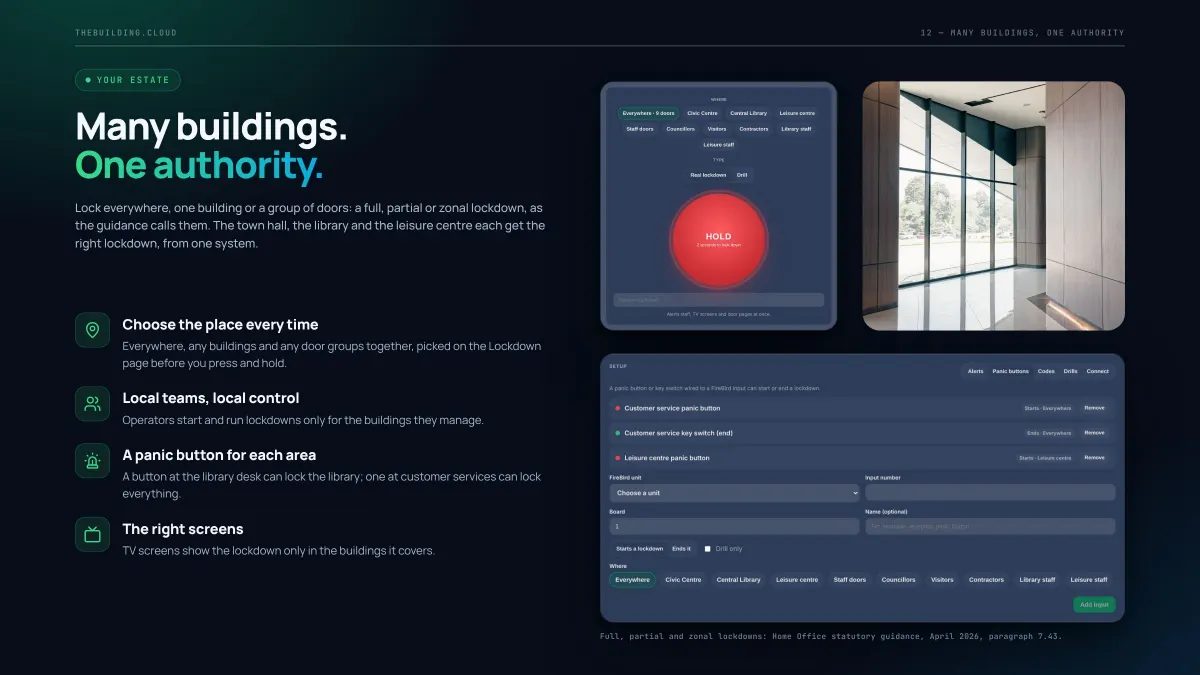
An authority can lock down everywhere, selected buildings or groups of doors. Local operators manage their own buildings, and TV screens show messages only in the buildings covered.
Page 13
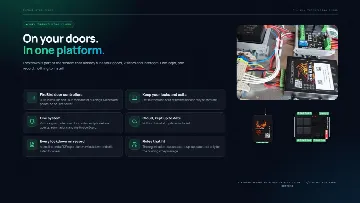
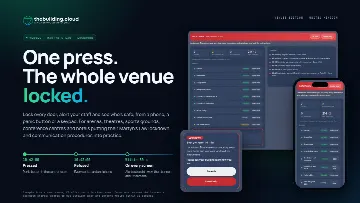
On your doors. In one platform.
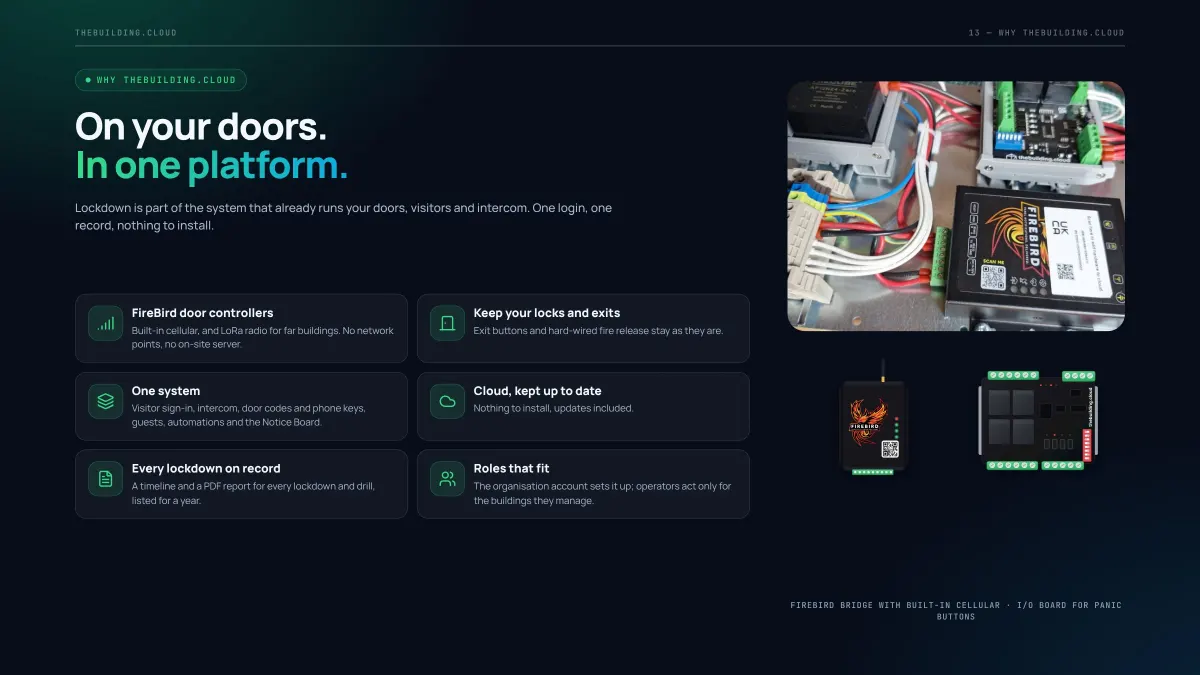
Lockdown is part of a system that also handles doors, visitors and intercom. The brochure describes FireBird controllers, connected features, operator roles and reports.
Page 14
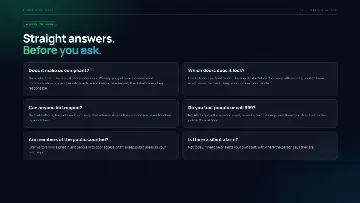
Straight answers. Before you ask.
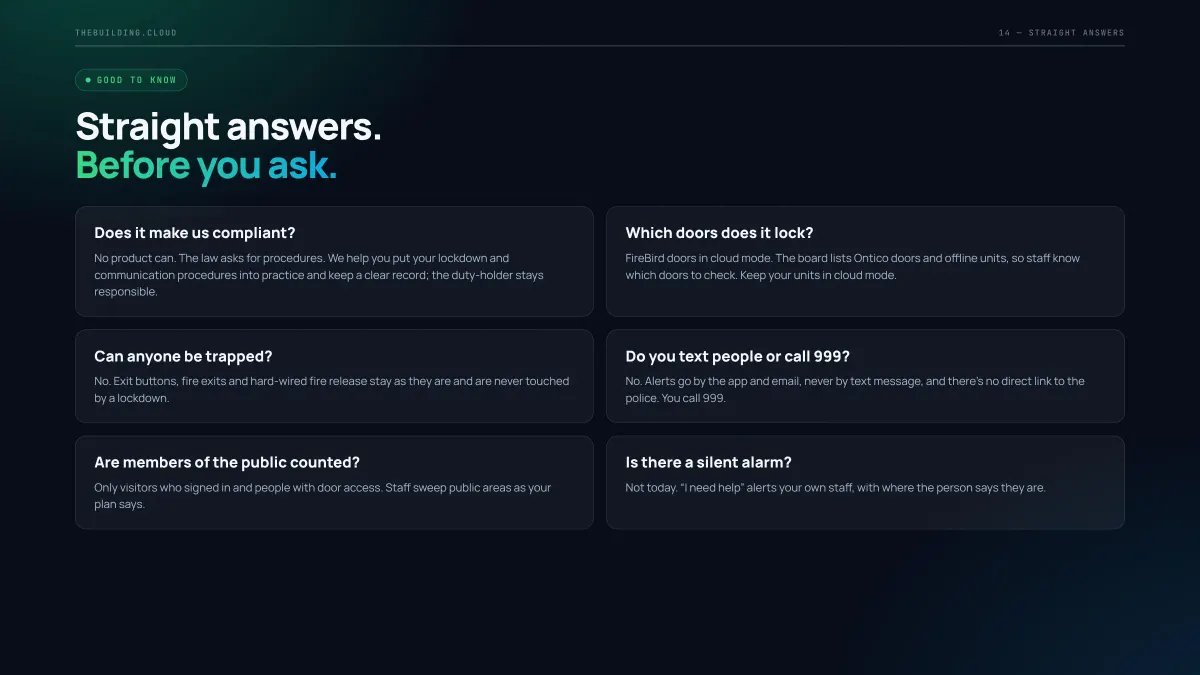
The brochure answers questions about responsibility, FireBird doors in cloud mode, exits, alerts and the roll call. It says there is no direct link to the police and no silent alarm.
Page 15
Plan your lockdown. Practise it this quarter.
The next step is to discuss the buildings and doors, who can start a lockdown and a date for a first drill. The brochure provides an email address and website for contact.
Key points
- FireBird doors in cloud mode refuse opening methods when a lockdown starts.
- App and email alerts go out straight away; banners and TV screens follow within 30 seconds.
- Exit buttons, fire exits and hard-wired fire release remain unchanged.
- Members of the public who walk in are not included in the roll call.
- Each lockdown and drill has a timeline and a PDF report.
- Alerts are not sent by text message.
Who it’s for
- Council and public authority teams
- People responsible for public buildings
- Operators managing libraries, leisure centres and town halls
- Staff planning and practising lockdown procedures
Questions people ask
Which doors does lockdown control?
It locks FireBird doors in cloud mode. The board also lists Ontico doors and offline units so staff know which doors to check.
Can people still leave during a lockdown?
Exit buttons, fire exits and hard-wired fire release stay as they are and are not touched by a lockdown.
Are members of the public included in the roll call?
The roll call includes signed-in visitors and people with door access, but not members of the public who walked in. Staff sweep public areas as their plan says.
Does the system send texts or contact the police?
No. Alerts go by app and email, not text message, and there is no direct link to the police. Staff call 999.
Can an authority practise without locking the doors?
Yes. Drills can be scheduled to lock the doors or send alerts only.