About this brochure
This brochure explains how coworking and flexible workspace operators can manage door access from one browser. It covers access based on membership hours, day passes limited by date or number of entries, visitor QR passes and groups for private offices and shared spaces. It also describes access logs, remote door opening, multi-site management and connections to a member platform. Visitor management is included on the Pro and Enterprise plans.
The guide is for workspace operators and community teams managing members, guests and doors at one or more sites. It outlines hardware and subscription costs, without listing prices, and explains the controller warranty: lifetime cover applies in cloud mode while the subscription is active, subject to exclusions. It also answers questions about phone access, meeting room booking, connections and fire signals, and suggests starting with one site.
What’s inside
The text of each page, written out so it can be read and searched.
Page 1
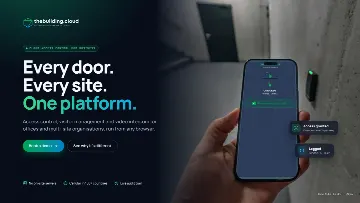
For coworking and flexible workspace
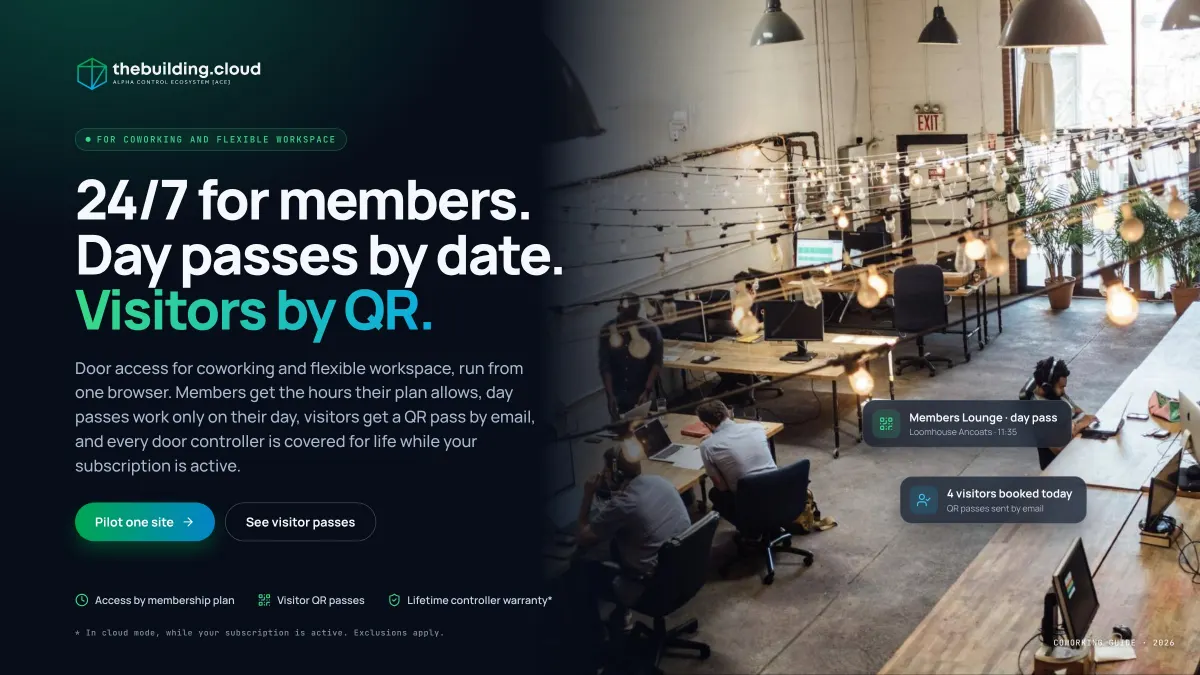
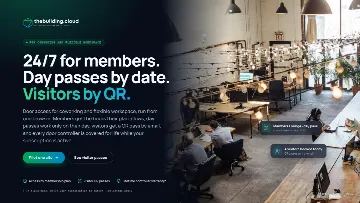
The brochure introduces door access based on membership hours, day passes by date and visitor QR passes sent by email. Door controllers have lifetime cover in cloud mode while the subscription is active, subject to exclusions.
Page 2
What operators ask for
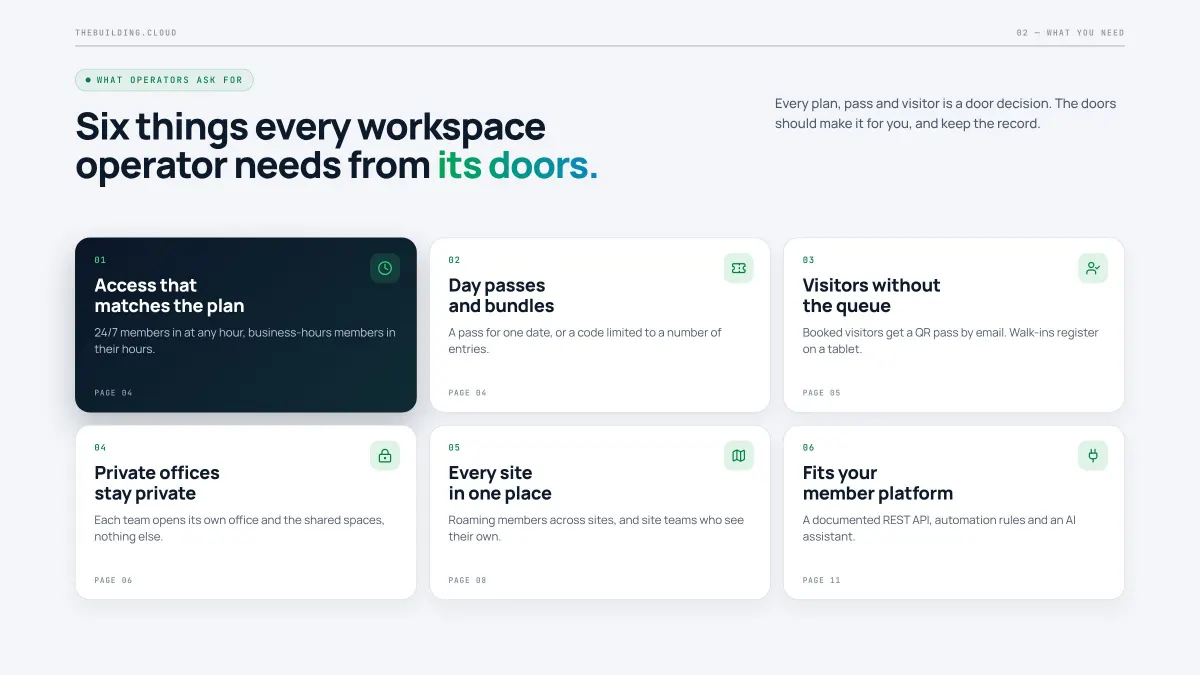
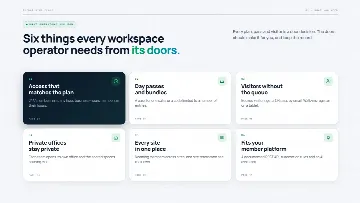
Workspace operators need access that matches plans, passes for dates or entry bundles, visitor registration and private office permissions. The brochure also covers managing multiple sites and connecting to a member platform.
Page 3
The numbers
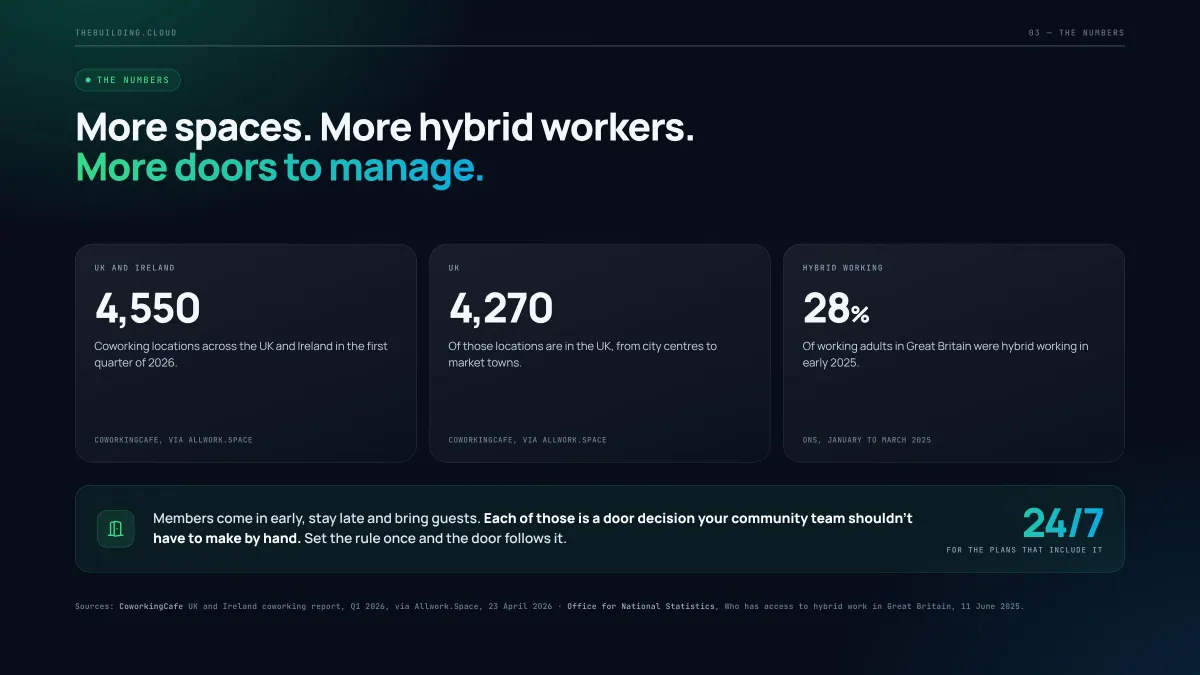
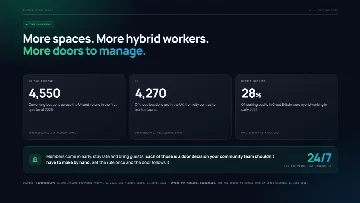
The brochure cites 4,550 coworking locations across the UK and Ireland in the first quarter of 2026, including 4,270 in the UK. It also cites an ONS figure that 28% of working adults in Great Britain were hybrid working in early 2025.
Page 4
Plans and passes
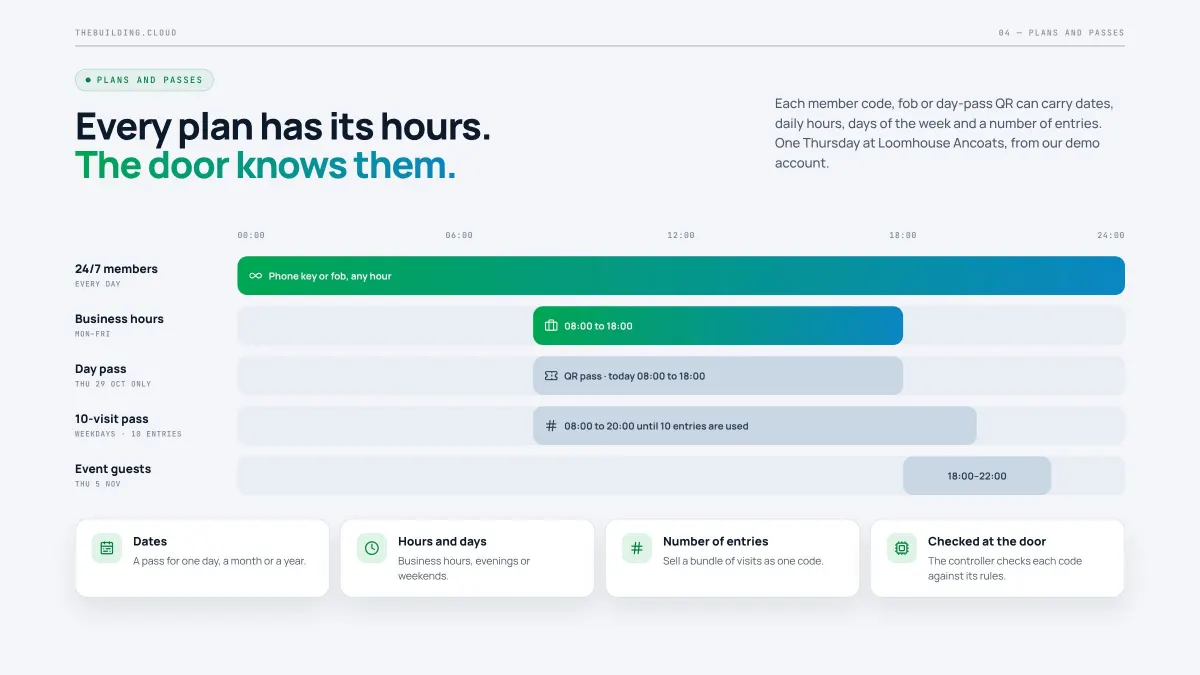
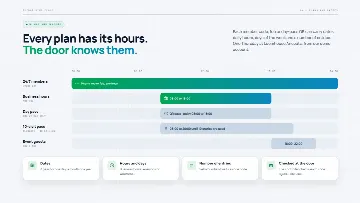
Member codes, fobs and day-pass QR codes can carry dates, daily hours, days of the week and entry limits. The door controller checks each code against its rules.
Page 5
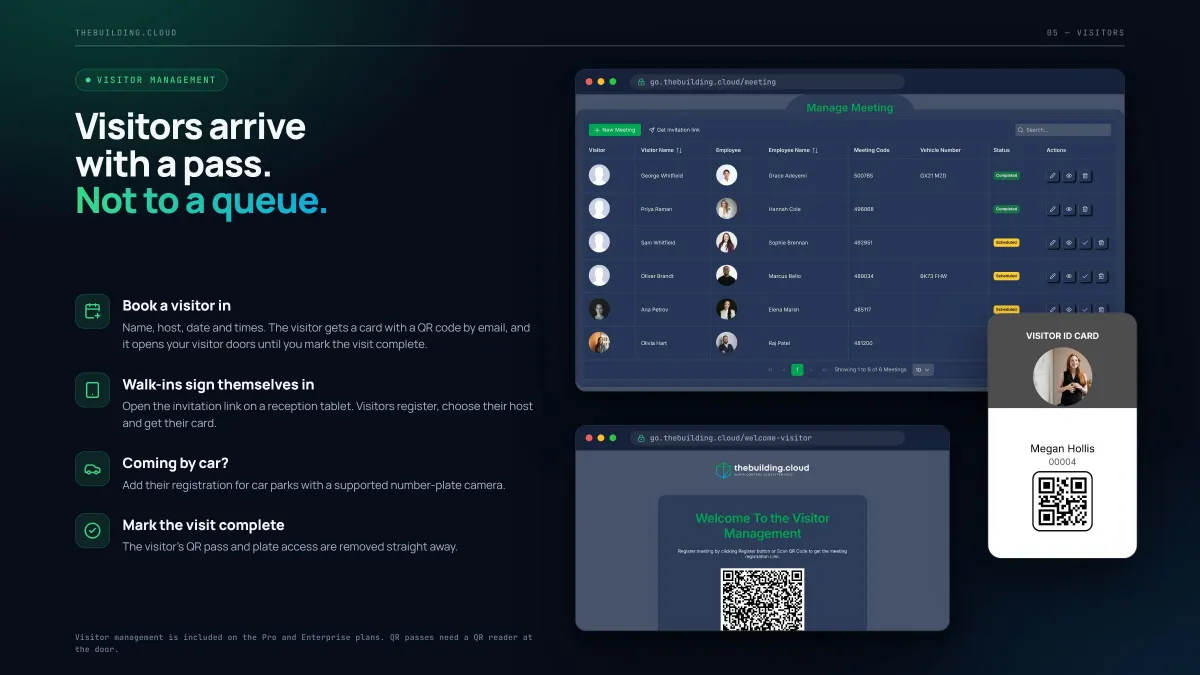
Visitor management
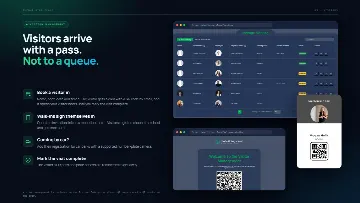
Booked visitors receive a QR card by email, while walk-ins can register on a reception tablet. Visitor management is included on Pro and Enterprise plans, and QR passes need a QR reader at the door.
Page 6
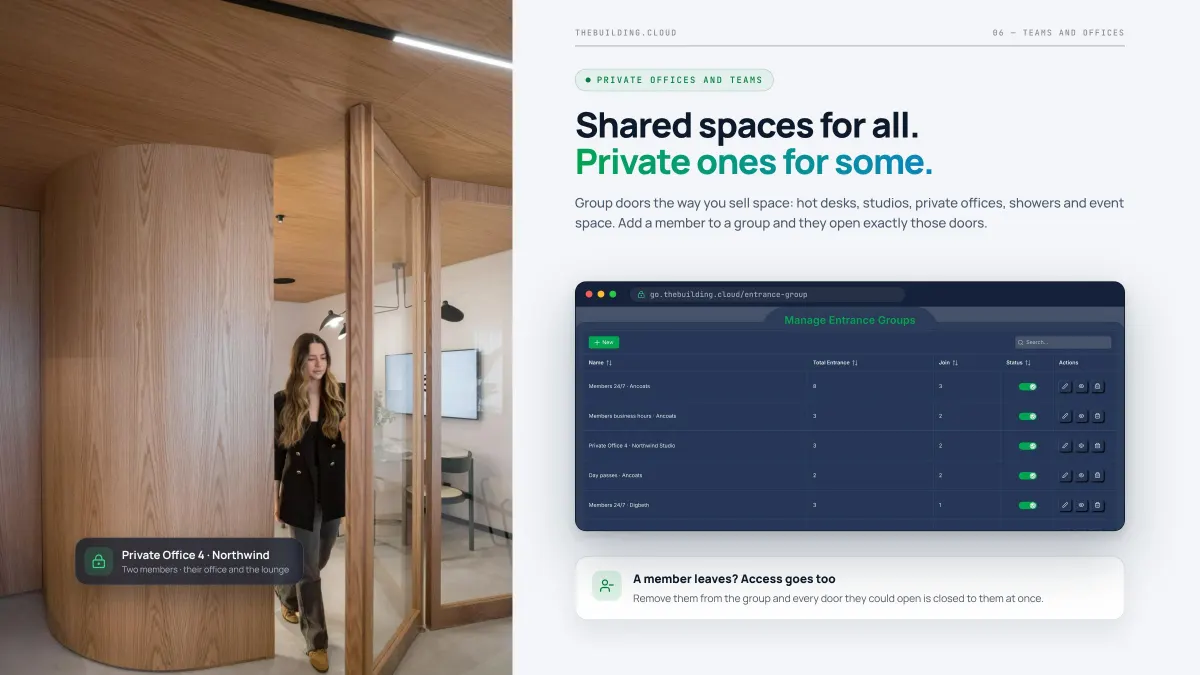
Private offices and teams
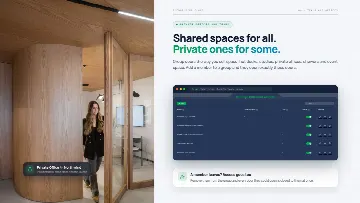
Doors can be grouped for shared spaces and private offices, with members added to the groups they need. Removing a member from a group removes their access to its doors.
Page 7
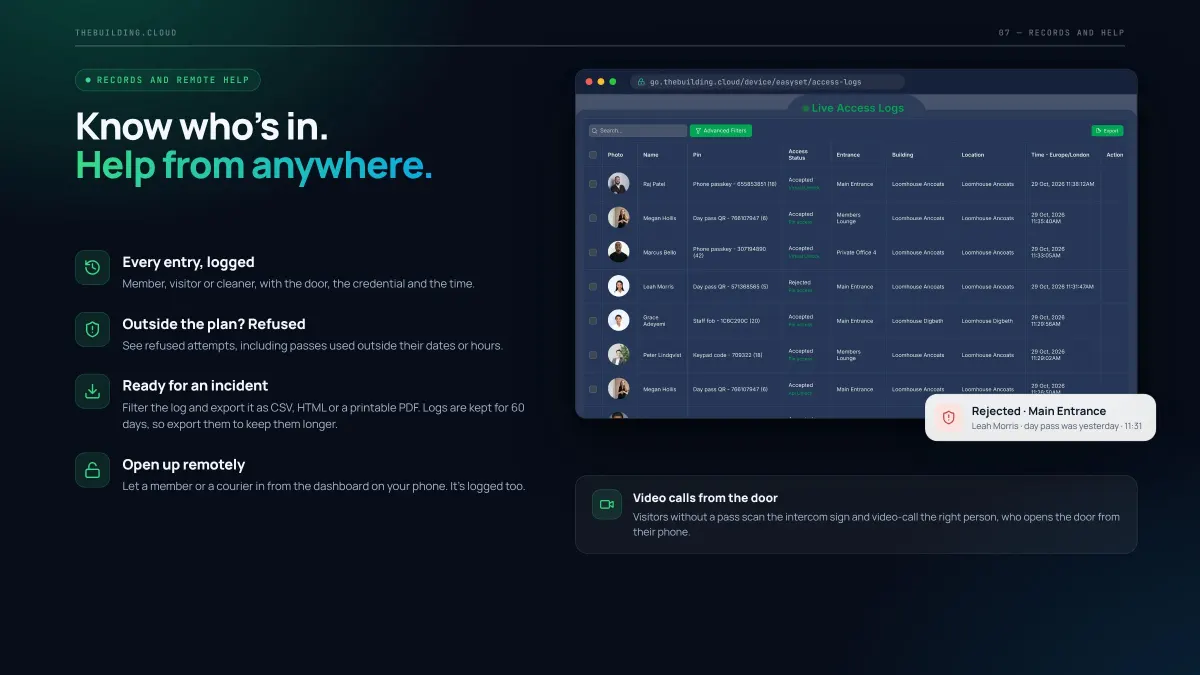
Records and remote help
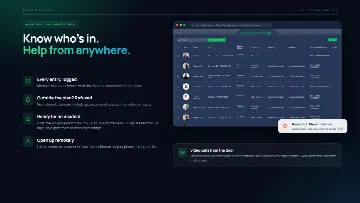
Entry and refused attempts are logged, and records can be exported as CSV, HTML or a printable PDF. Logs are kept for 60 days; staff can also open doors remotely, and visitors can use the intercom sign to start a video call.
Page 8
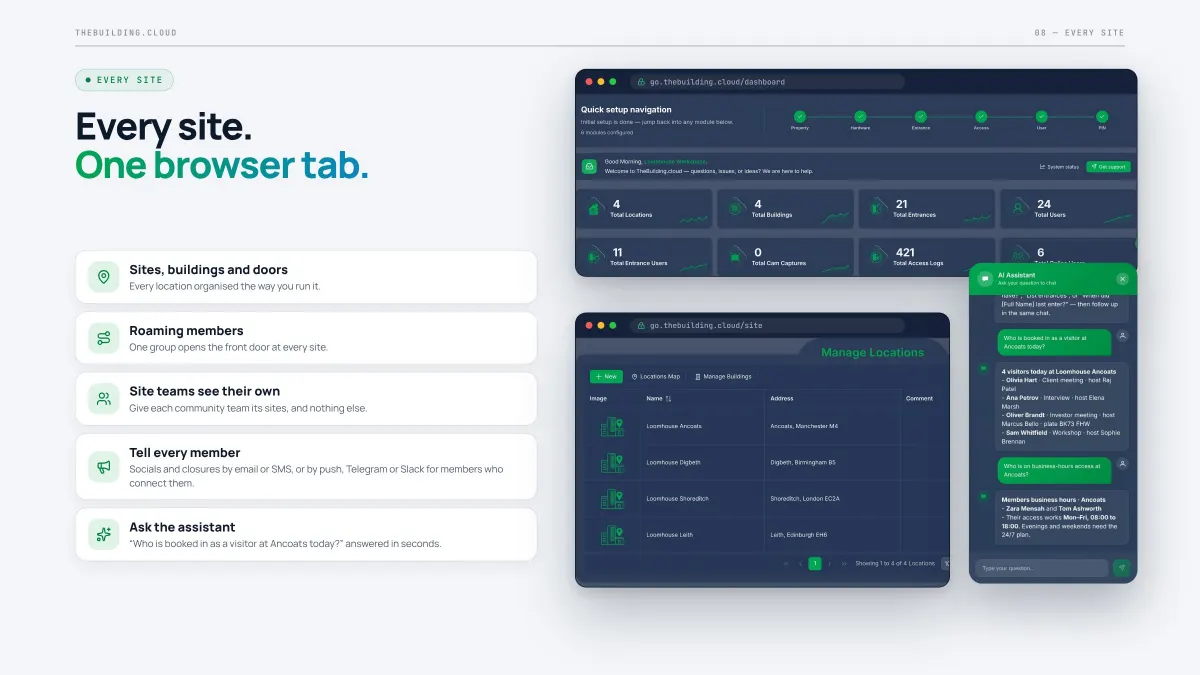
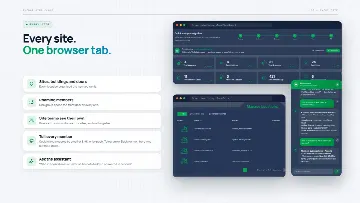
Every site
Locations, buildings and doors can be organised in one browser, with roaming access for members and site-specific access for community teams. Operators can also send messages to members and ask the assistant about visitors.
Page 9
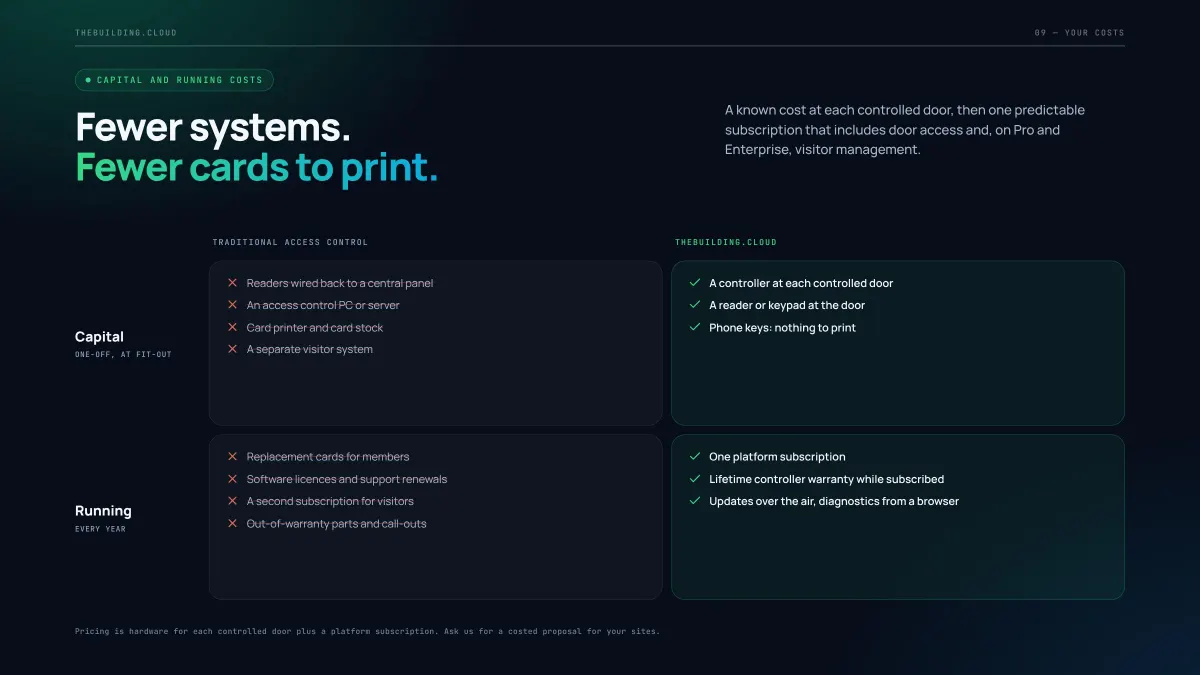
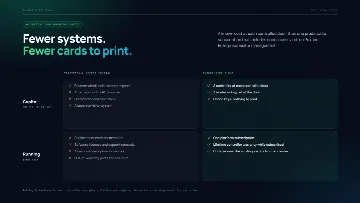
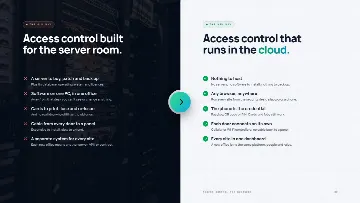
Capital and running costs
The brochure compares a traditional access control setup with a controller and reader or keypad at each controlled door. Pricing consists of hardware for each controlled door plus a platform subscription; operators can request a costed proposal.
Page 10
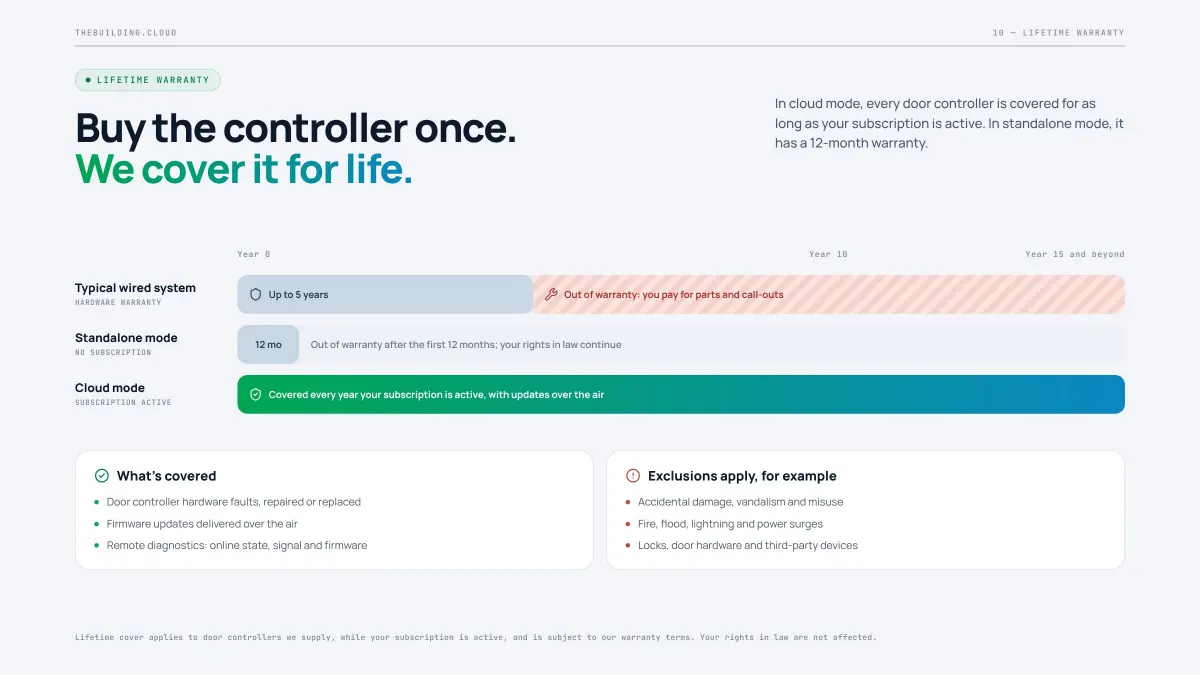
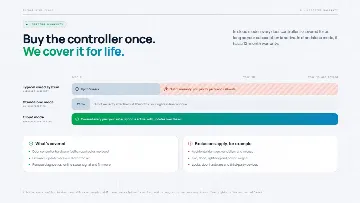
Lifetime warranty
Door controllers supplied by TheBuilding.Cloud are covered for hardware faults in cloud mode while the subscription is active, subject to warranty terms and exclusions. In standalone mode, the warranty is 12 months, and legal rights continue.
Page 11
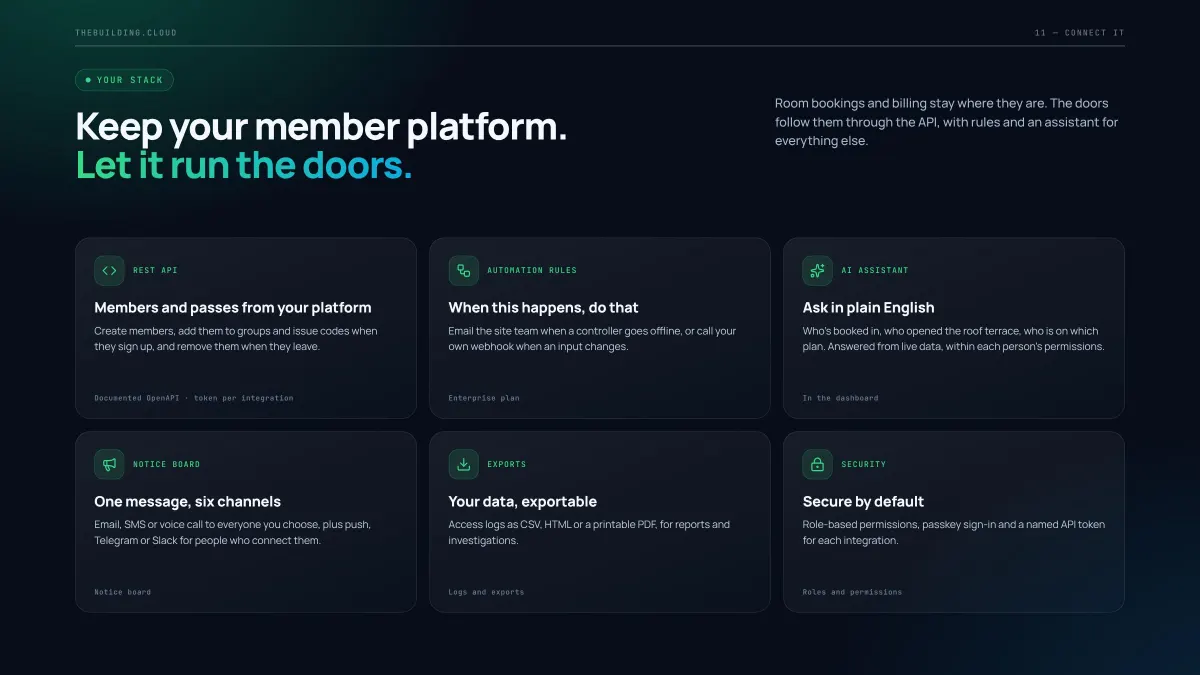
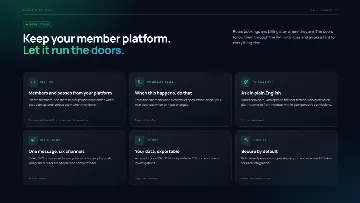
Your stack
A documented REST API can connect member platforms to door access, while Enterprise automation rules can send alerts or call a webhook. The page also covers the AI assistant, notice board, exports and permissions.
Page 12
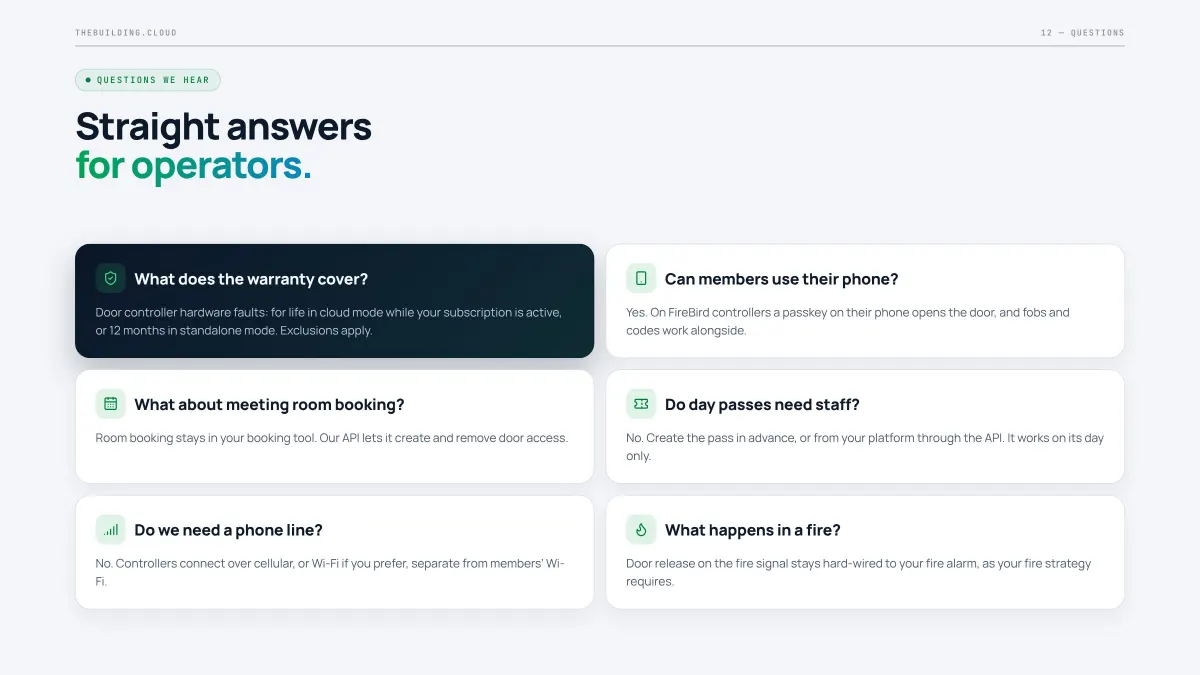
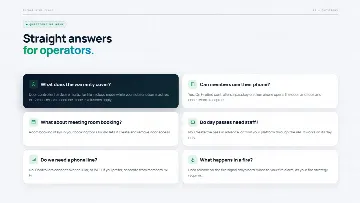
Questions we hear
The brochure answers questions about warranty cover, phone access, meeting room booking, day passes and controller connections. It says door release on a fire signal stays hard-wired to the fire alarm, as the fire strategy requires.
Page 13
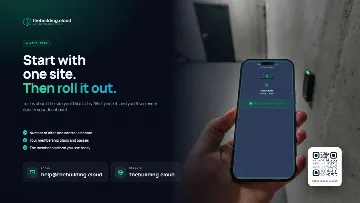
Next step
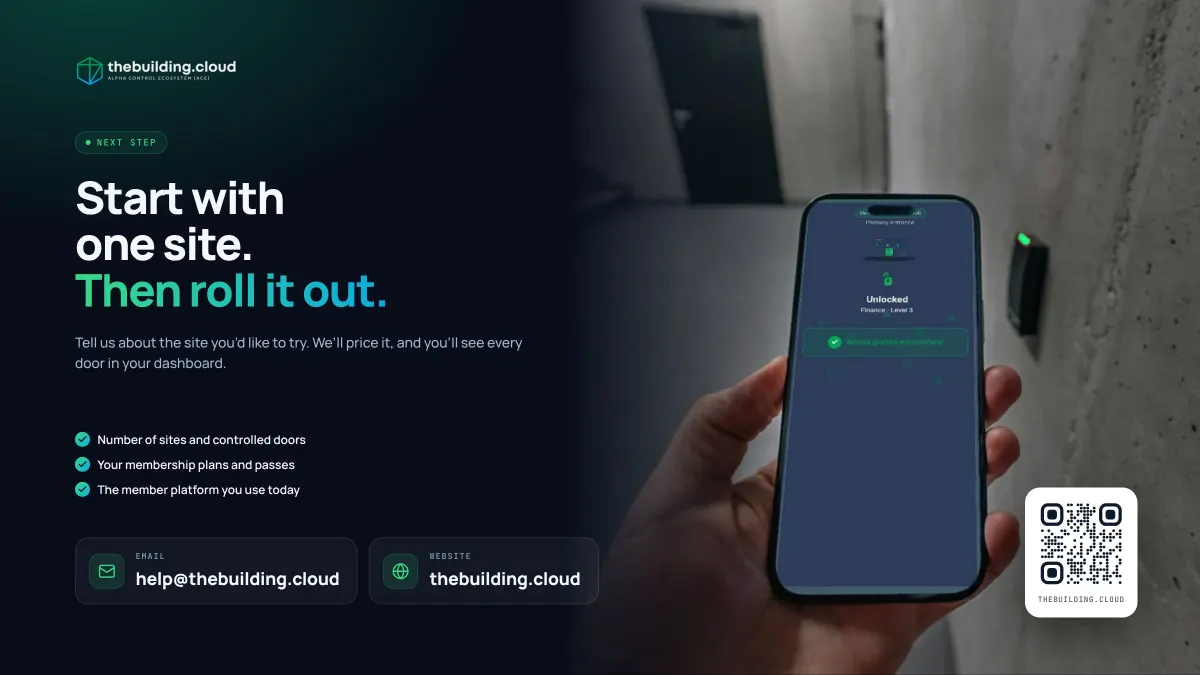
Operators can start with one site and provide details of their sites, controlled doors, membership plans, passes and current member platform for a proposal.
Key points
- Visitor management is included on Pro and Enterprise plans.
- QR visitor passes need a QR reader at the door.
- Access logs are kept for 60 days.
- Controllers can connect over cellular or Wi-Fi.
- Standalone controllers have a 12-month warranty.
- Cloud-mode controller cover lasts while the subscription is active, subject to exclusions.
Who it’s for
- Coworking and flexible workspace operators
- Community teams managing members and visitors
- Operators managing workspaces across multiple sites
- Teams connecting a member platform to door access
Questions people ask
Can members use their phone to open doors?
Yes. On FireBird controllers, a passkey on a member's phone can open the door. Fobs and codes can also be used.
How do visitor passes work?
A booked visitor receives a QR card by email. Walk-ins can register on a reception tablet. Visitor management is included on Pro and Enterprise plans, and QR passes need a QR reader.
Can day passes be created without staff at the door?
Yes. A pass can be created in advance or through a member platform using the API. It works on its specified day.
What does the controller warranty cover?
It covers door controller hardware faults for life in cloud mode while the subscription is active, or for 12 months in standalone mode. Exclusions apply.
Does meeting room booking move into this platform?
No. Room booking stays in the existing booking tool, which can use the API to create and remove door access.