About this brochure
This brochure introduces cloud access control for offices and organisations with multiple sites. It covers ways to open doors, set access rights and schedules, manage visitors, answer intercom calls and review access logs. It also describes controllers, connectivity, building integrations, automation and options for connecting other software and AI tools.
The guide is for people responsible for office buildings, security, IT and site management, as well as developers who want to connect their own systems. It explains how the platform brings sites together in one dashboard while allowing site managers to look after their assigned buildings. It also covers deployment, security features and subscription plans, and offers a demonstration using one of the organisation’s own doors.
What’s inside
The text of each page, written out so it can be read and searched.
Page 1
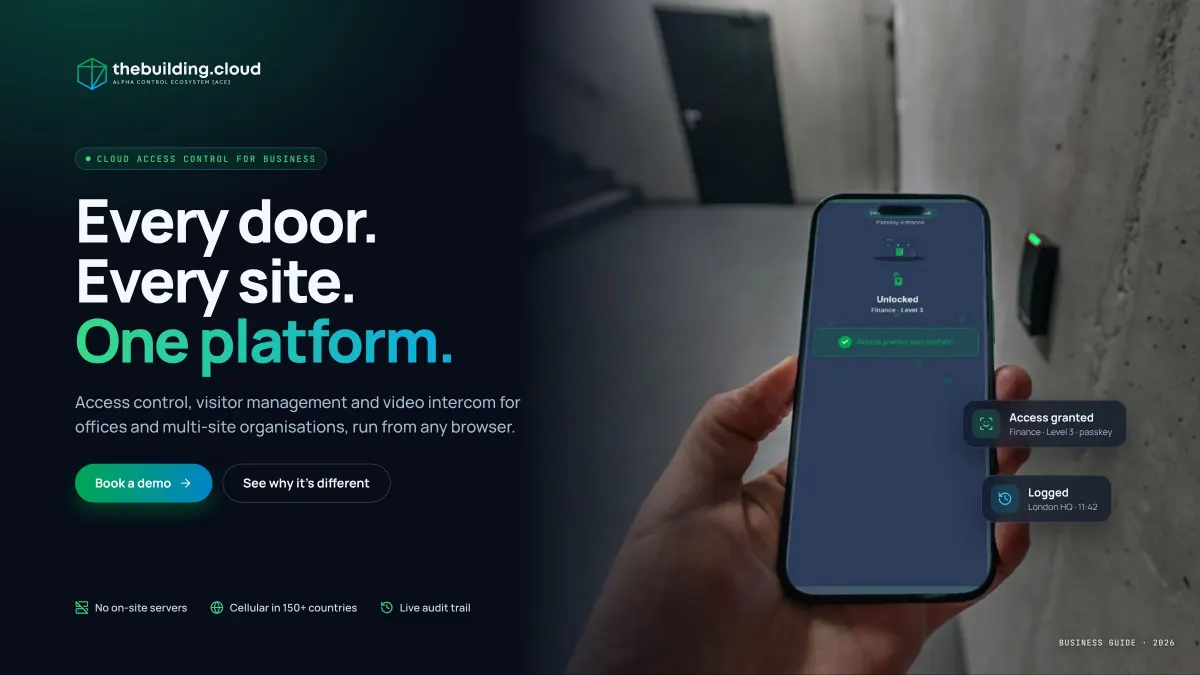
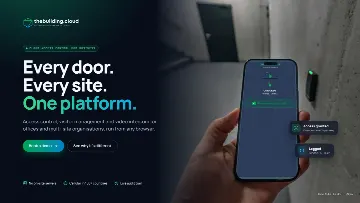
Cloud Access Control for Business
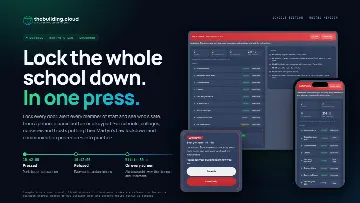
The guide introduces access control, visitor management and video intercom for offices and multi-site organisations. The platform runs from a browser, with no on-site servers, cellular coverage in more than 150 countries and a live audit trail.
Page 2
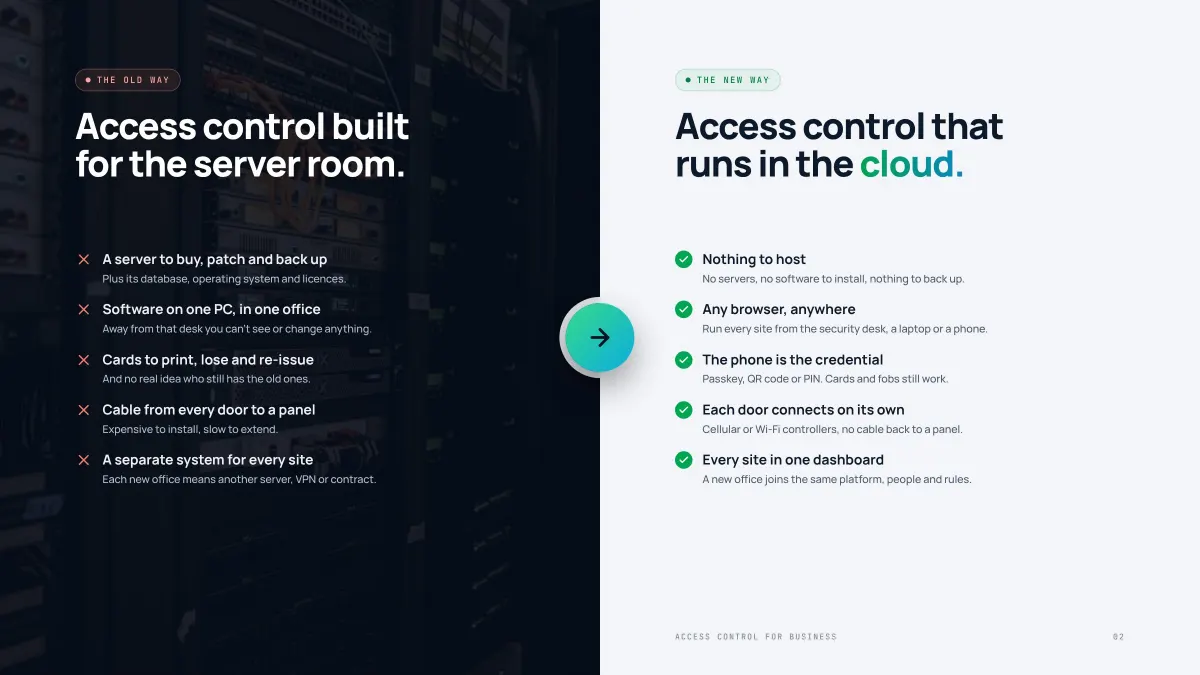
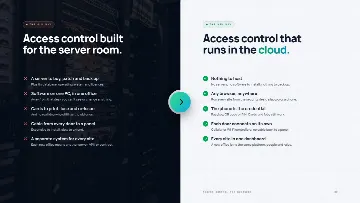
The old way / The new way
The brochure compares server-based access control with a cloud system that needs no server or installed software. Sites can be managed from a browser, doors connect individually, and phones, cards and fobs can be used as credentials.
Page 3
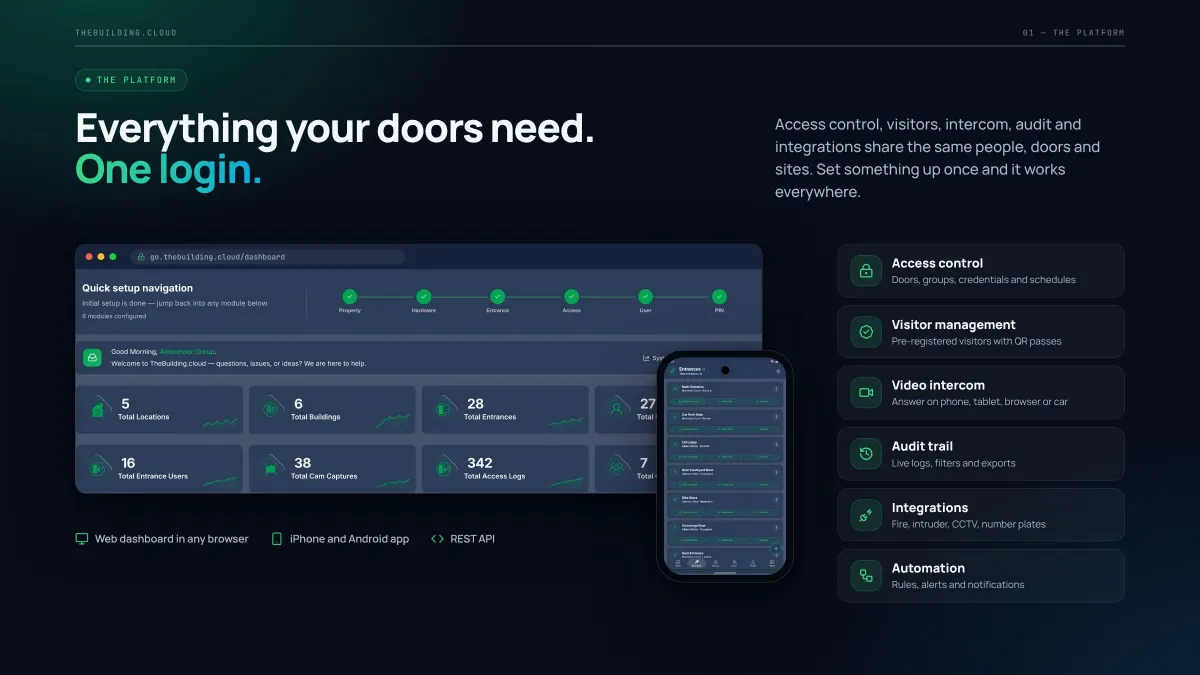
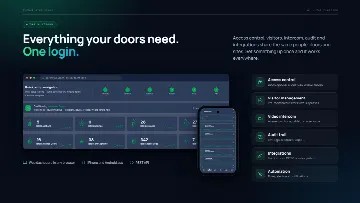
Everything your doors need. One login.
Access control, visitors, intercom, audit and integrations share the same people, doors and sites. The platform includes a browser dashboard, an iPhone and Android app, and a REST API.
Page 4
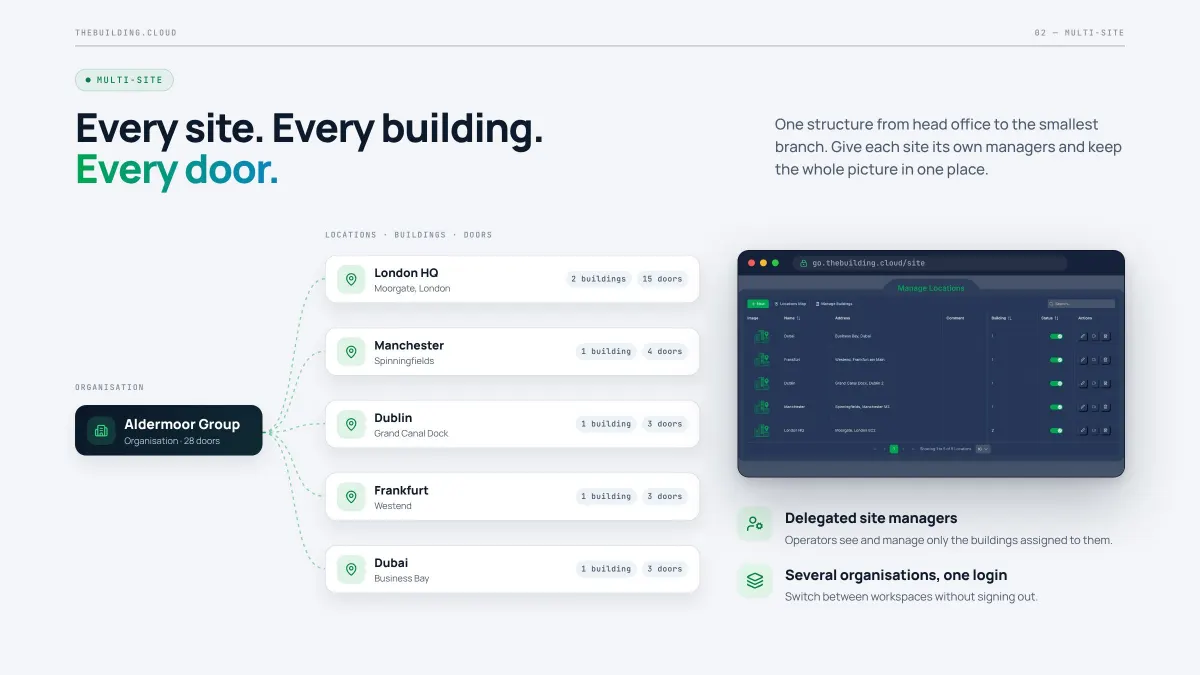
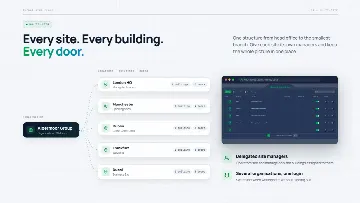
Every site. Every building. Every door.
Locations, buildings and doors can be managed within one organisation. Site managers see only the buildings assigned to them, and users can switch between organisations without signing out.
Page 5
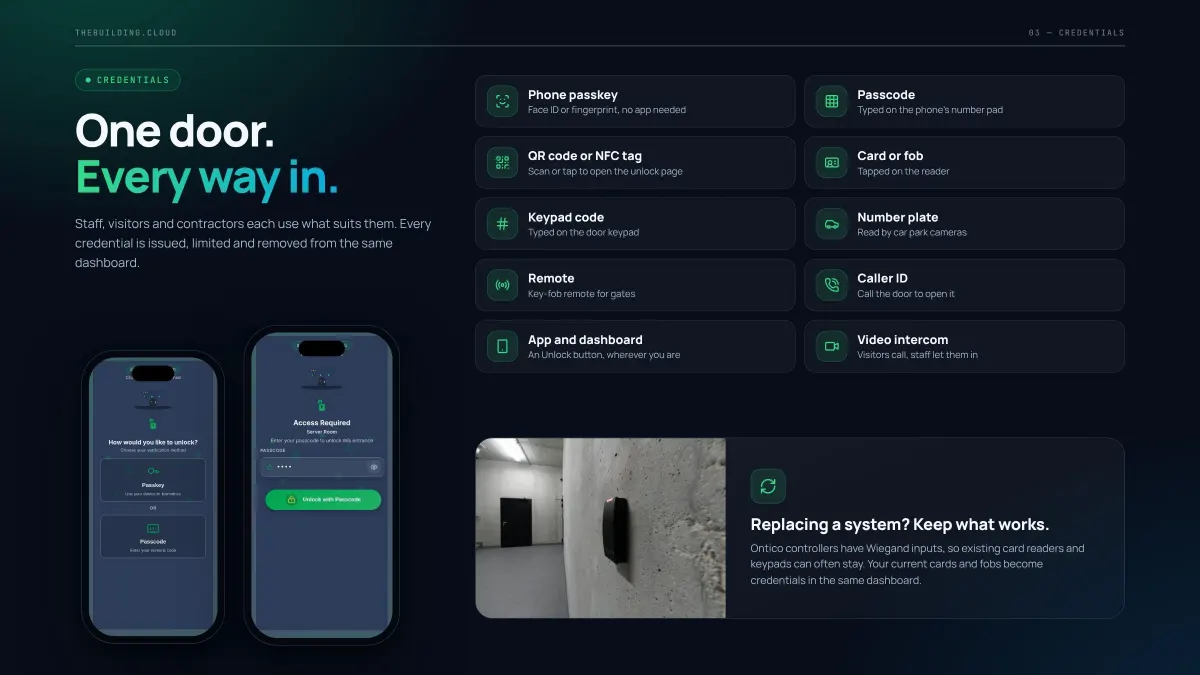
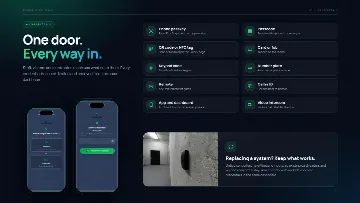
One door. Every way in.
Credentials include phone passkeys, passcodes, QR codes, cards, fobs, keypad codes and number plates, alongside other ways to open a door. Existing card readers and keypads can often stay when replacing a system.
Page 6
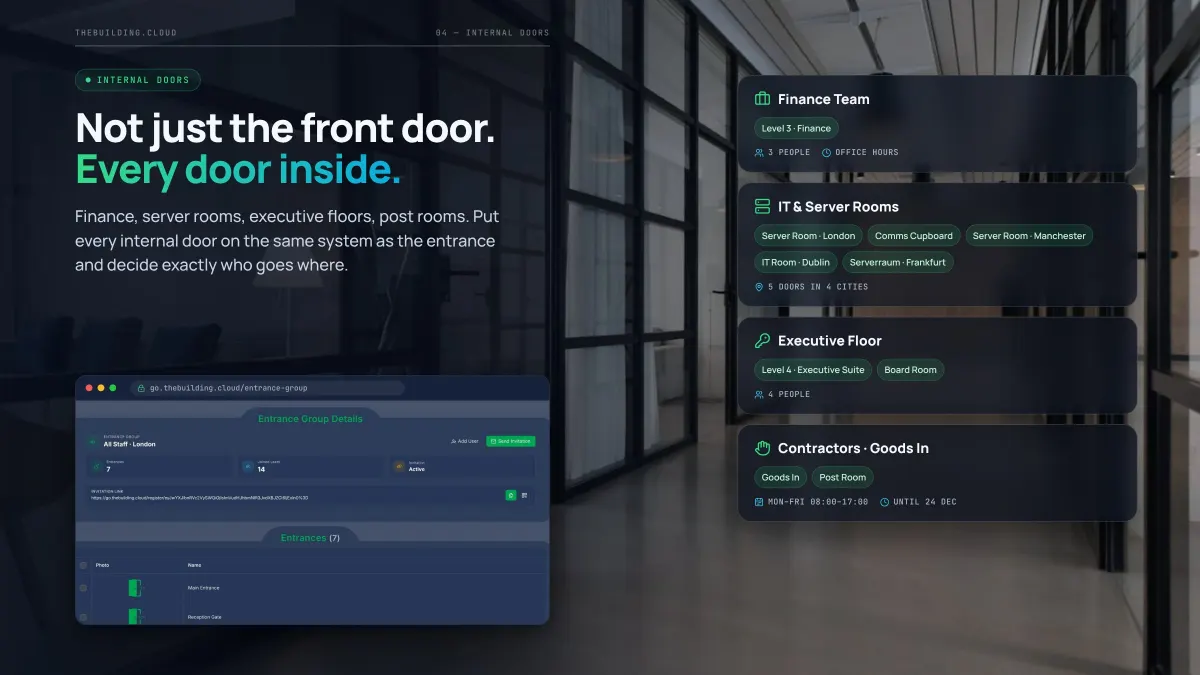
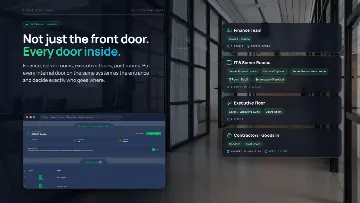
Not just the front door. Every door inside.
Internal doors, including finance, server and post rooms, can be managed on the same system as the entrance. Access can be set for different teams and contractors.
Page 7
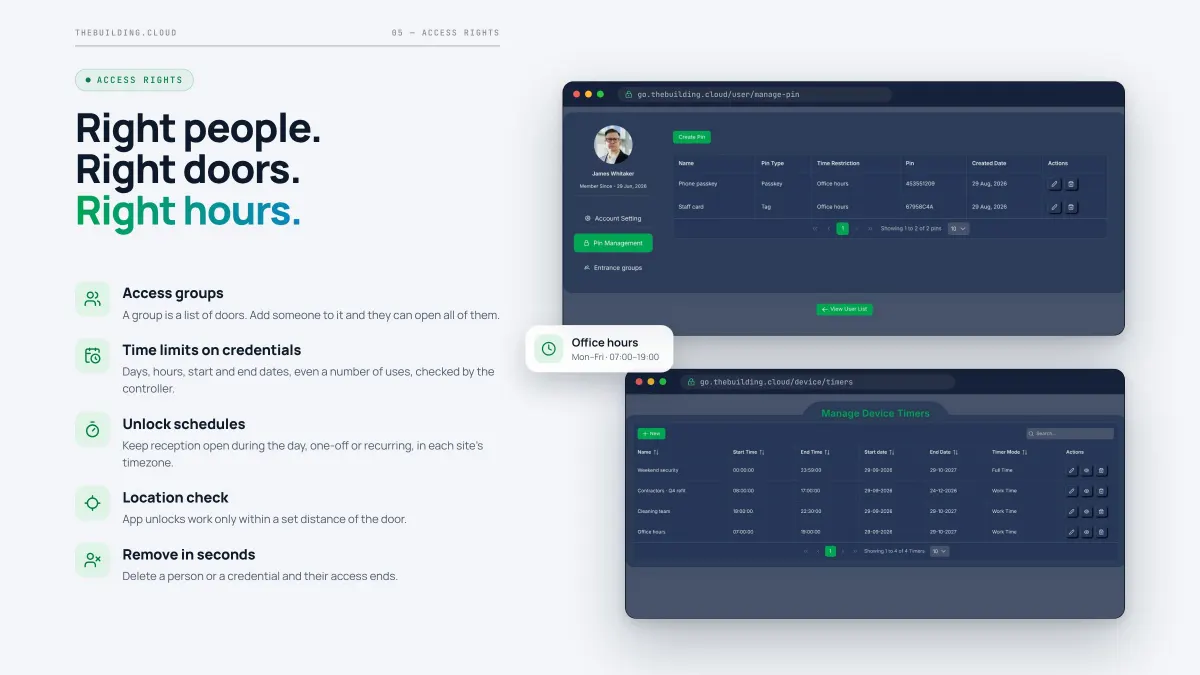
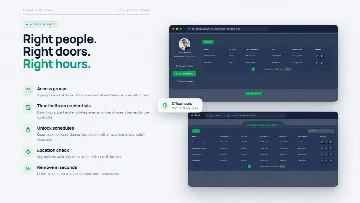
Right people. Right doors. Right hours.
Access groups bring doors together, while credentials can be limited by days, hours, dates or number of uses. The brochure also describes door schedules, location checks for app unlocks and removing access.
Page 8
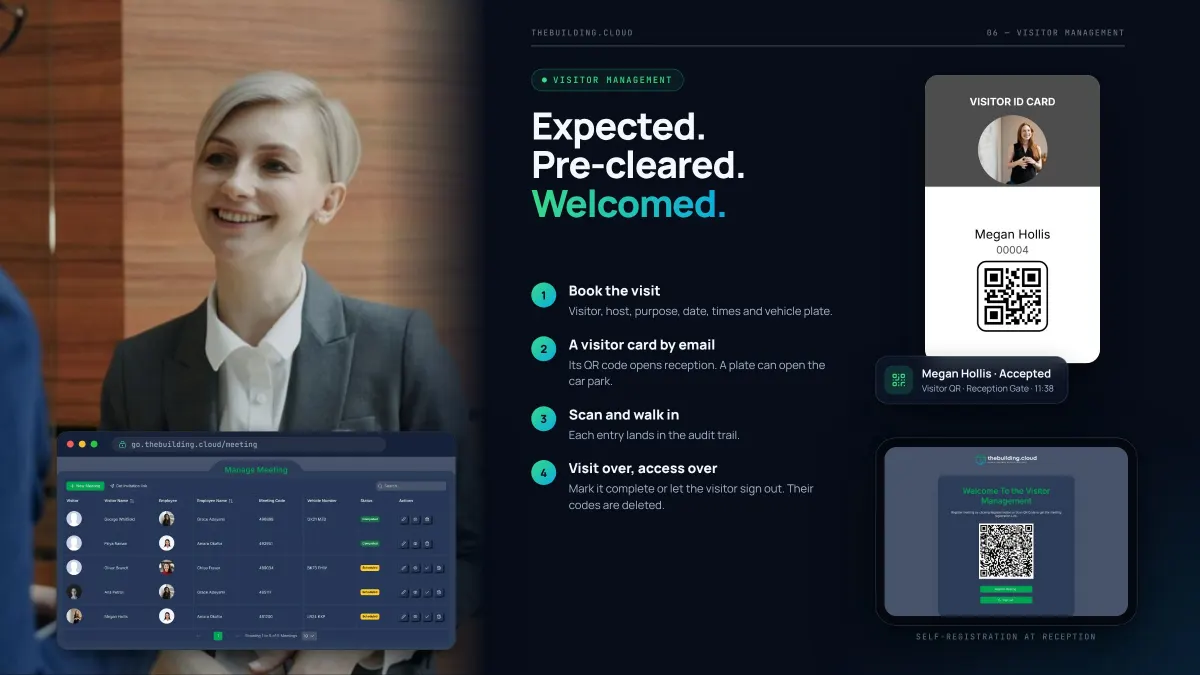
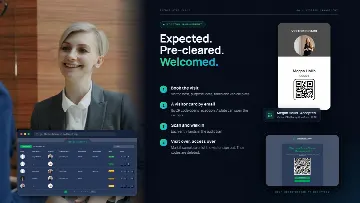
Expected. Pre-cleared. Welcomed.
A visit can be booked with the visitor, host, purpose, times and vehicle plate. Visitors receive a card by email with a QR code, entries appear in the audit trail, and codes are deleted when the visit ends.
Page 9
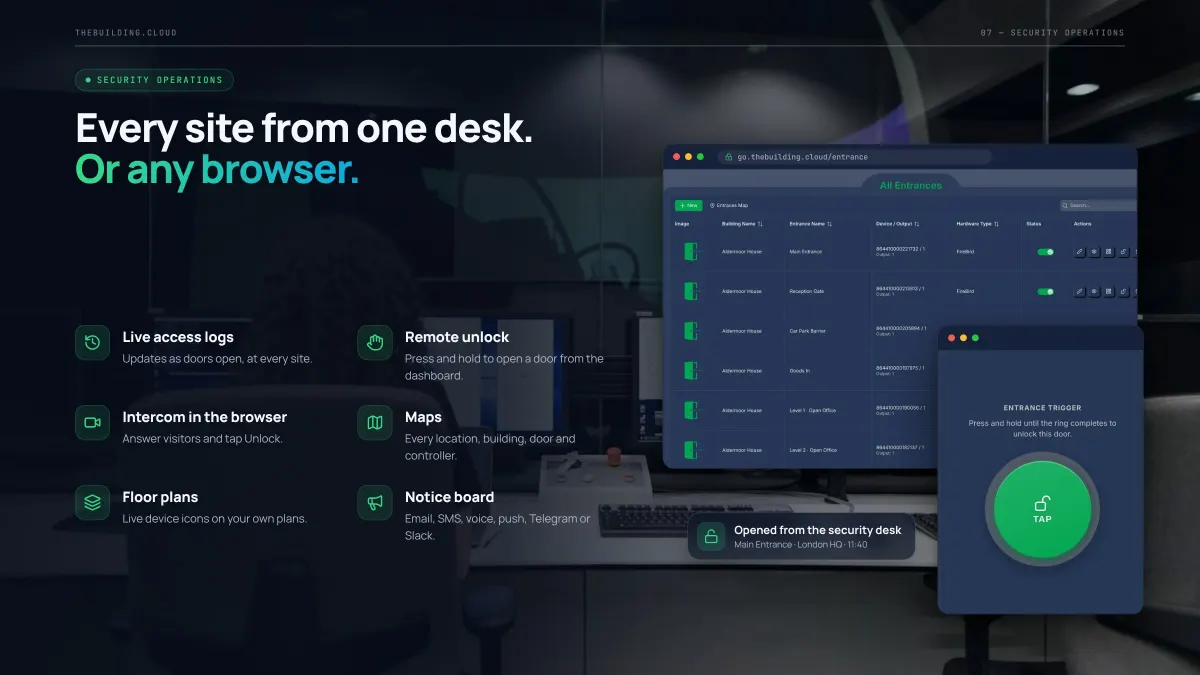
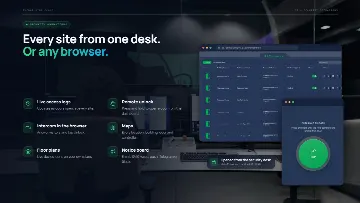
Every site from one desk. Or any browser.
Security teams can view live access logs, unlock doors remotely and answer intercom calls in the browser. Maps, floor plans and a notice board are also available.
Page 10
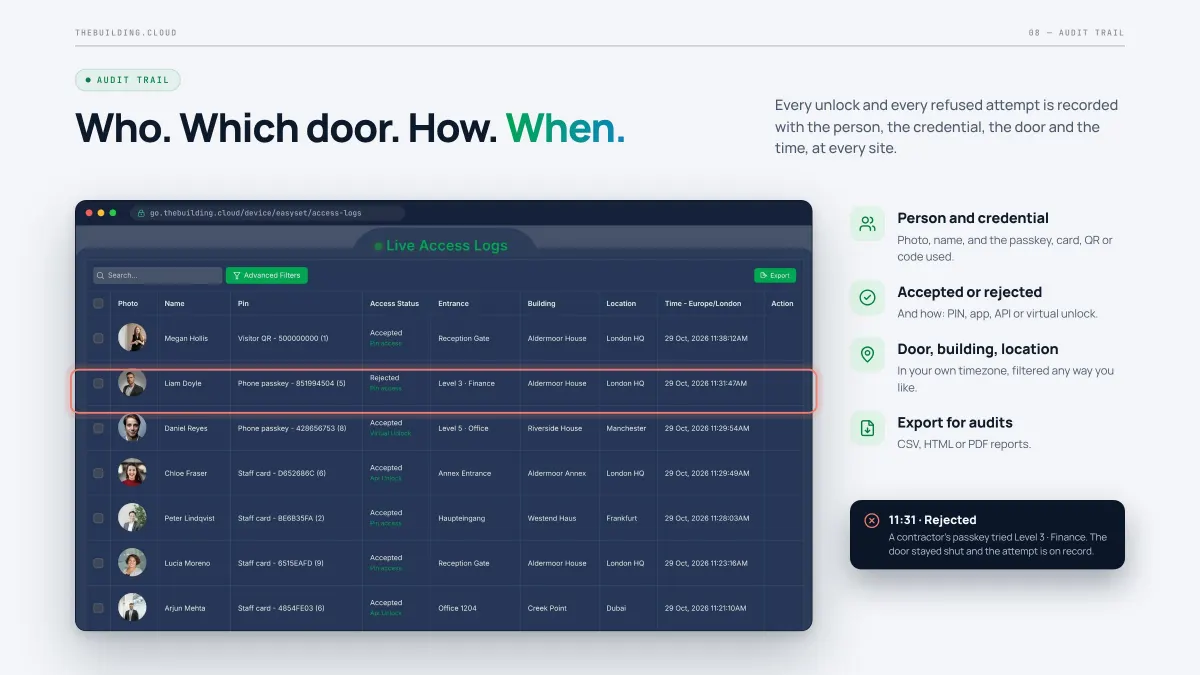
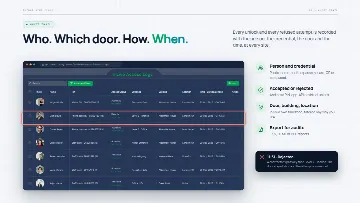
Who. Which door. How. When.
The audit trail records unlocks and refused attempts with the person, credential, door and time. Records can be filtered and exported as CSV, HTML or PDF reports.
Page 11
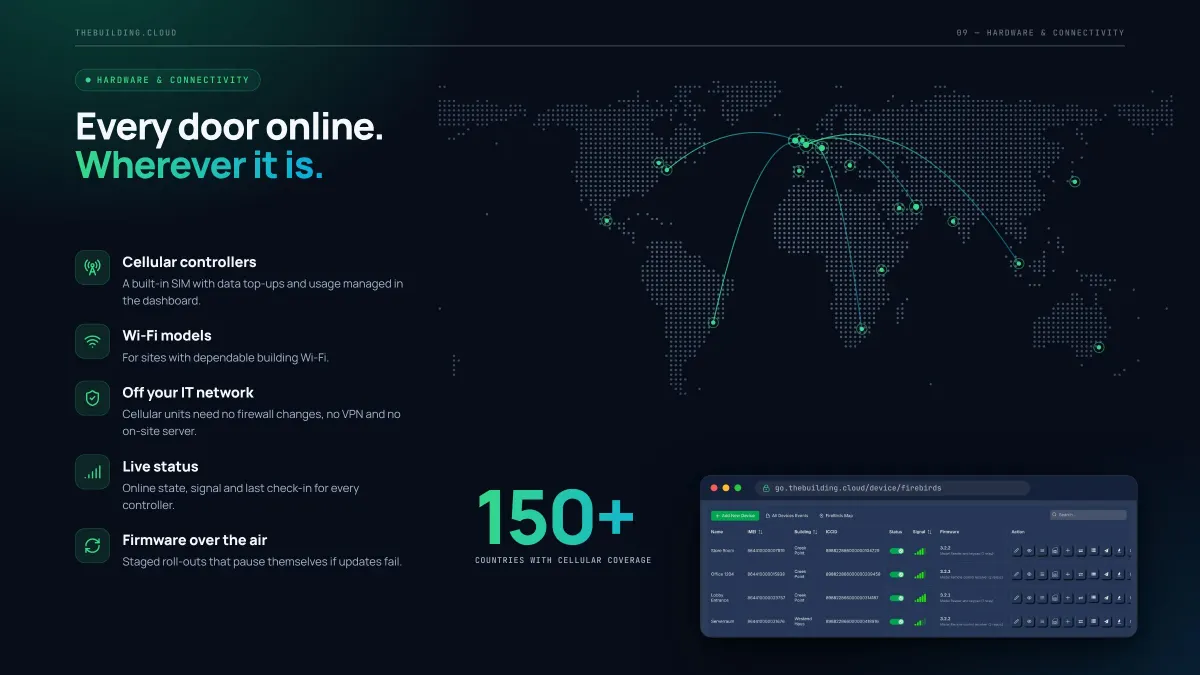
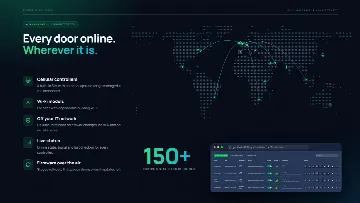
Every door online. Wherever it is.
Controllers connect over cellular or Wi-Fi, with cellular units using a built-in SIM. The dashboard shows controller status, signal and last check-in, and firmware updates are rolled out in stages.
Page 12
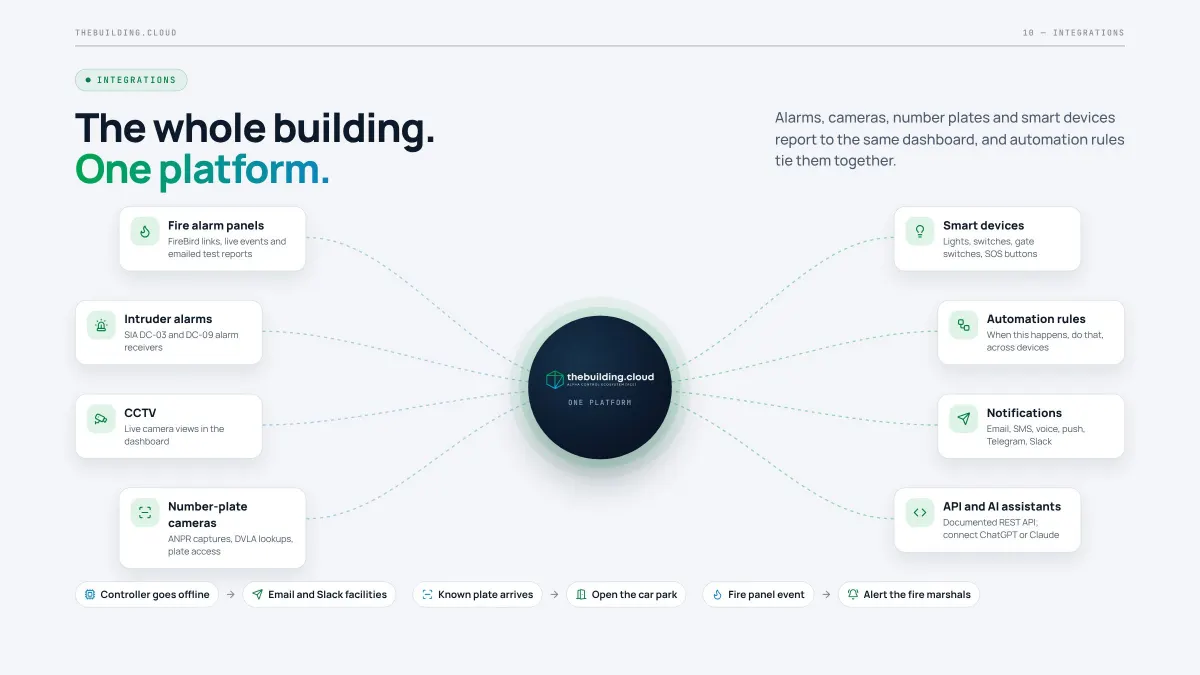
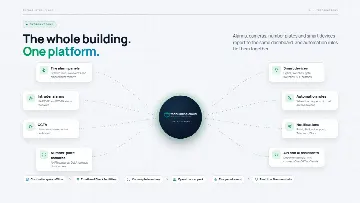
The whole building. One platform.
Alarms, cameras, number-plate cameras and smart devices can report to the same dashboard. Automation rules can connect events with actions and notifications, and the brochure also describes an API and AI assistants.
Page 13
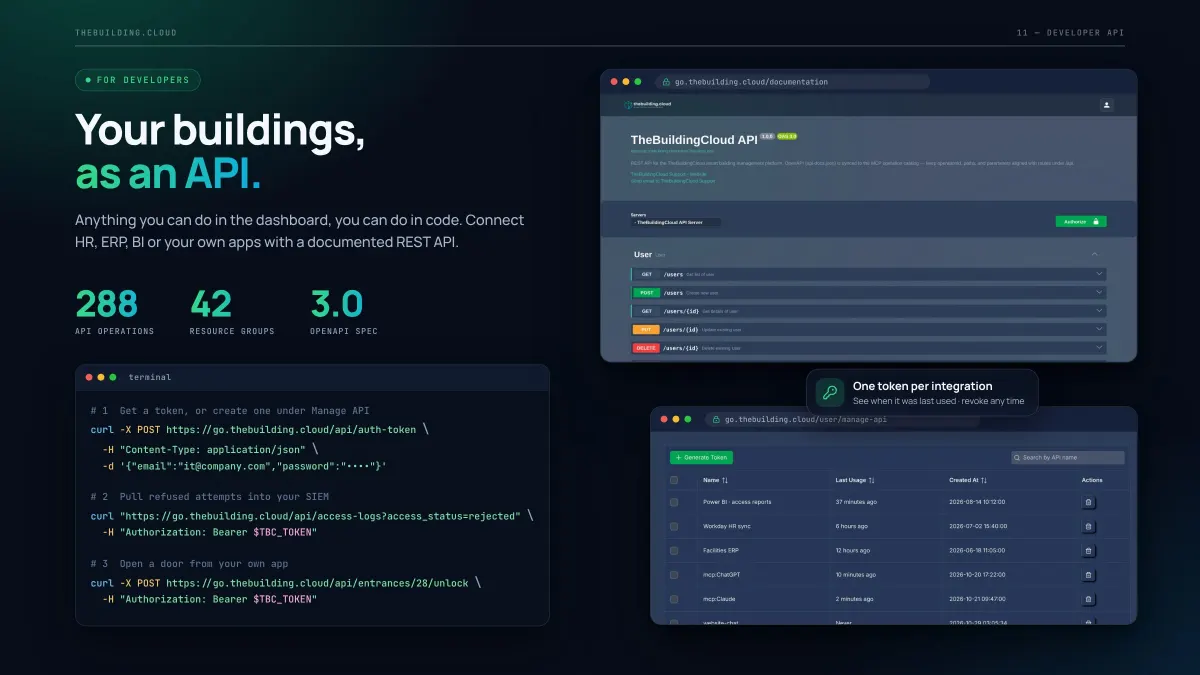
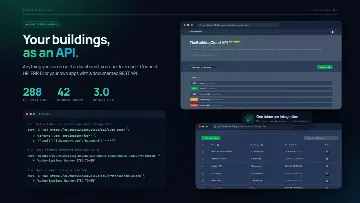
Your buildings, as an API.
Developers can use the documented REST API to connect business systems or their own apps. The brochure lists 288 API operations and 42 resource groups, and shows examples for retrieving refused attempts and opening a door.
Page 14
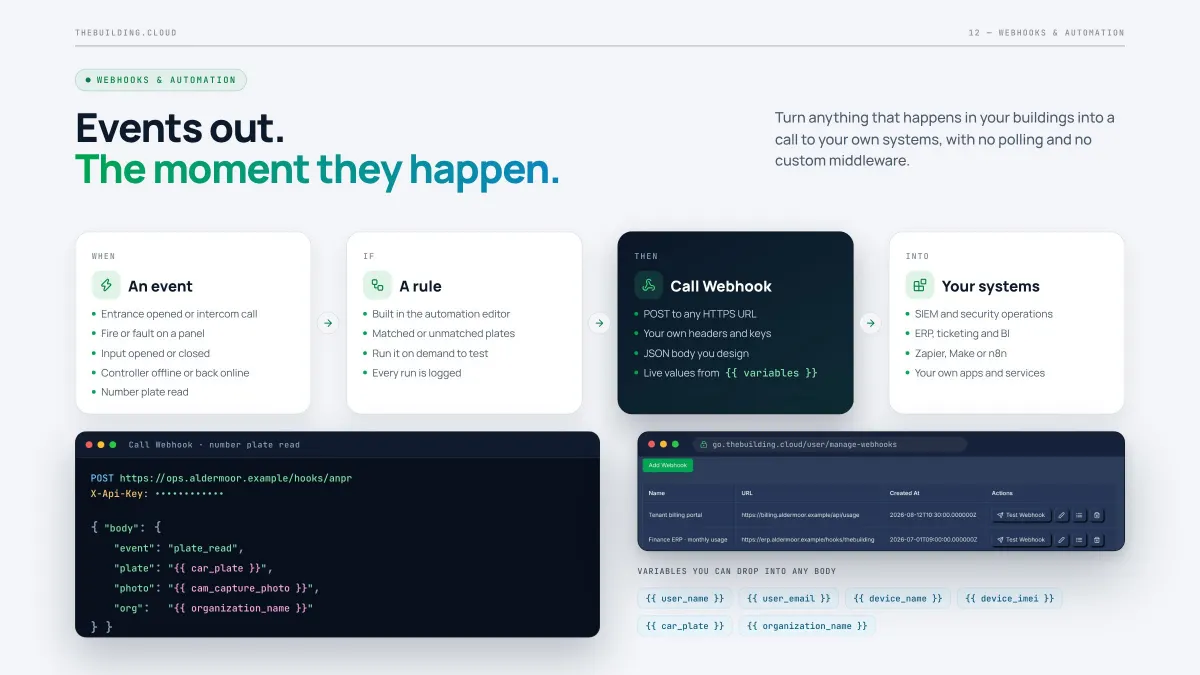
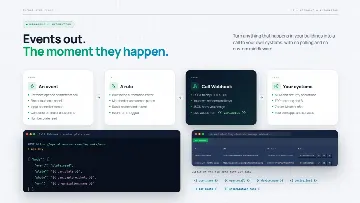
Events out. The moment they happen.
Automation rules can send building events to other systems using webhooks. Rules can be tested on demand, and each run is logged.
Page 15
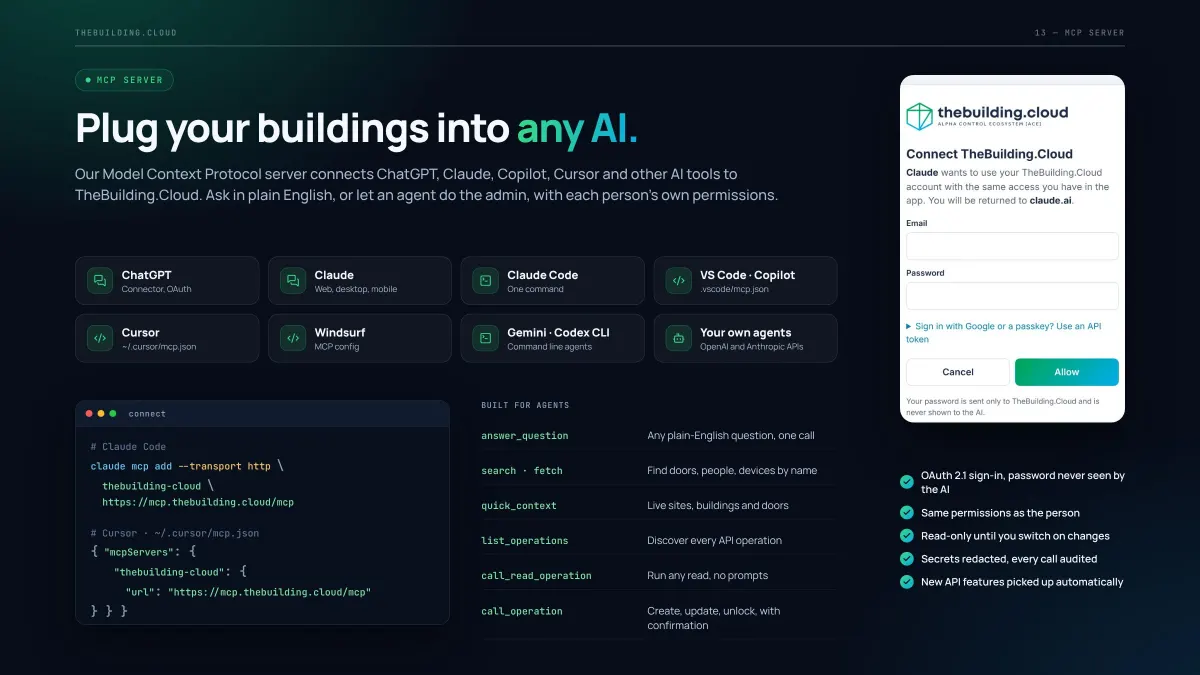
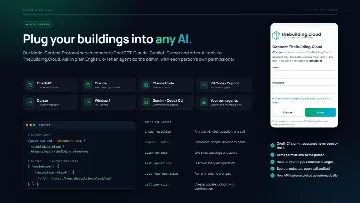
Plug your buildings into any AI.
The Model Context Protocol server connects supported AI tools to TheBuilding.Cloud so people can ask questions or carry out administration using their own permissions. Changes must be switched on, and calls are audited.
Page 16
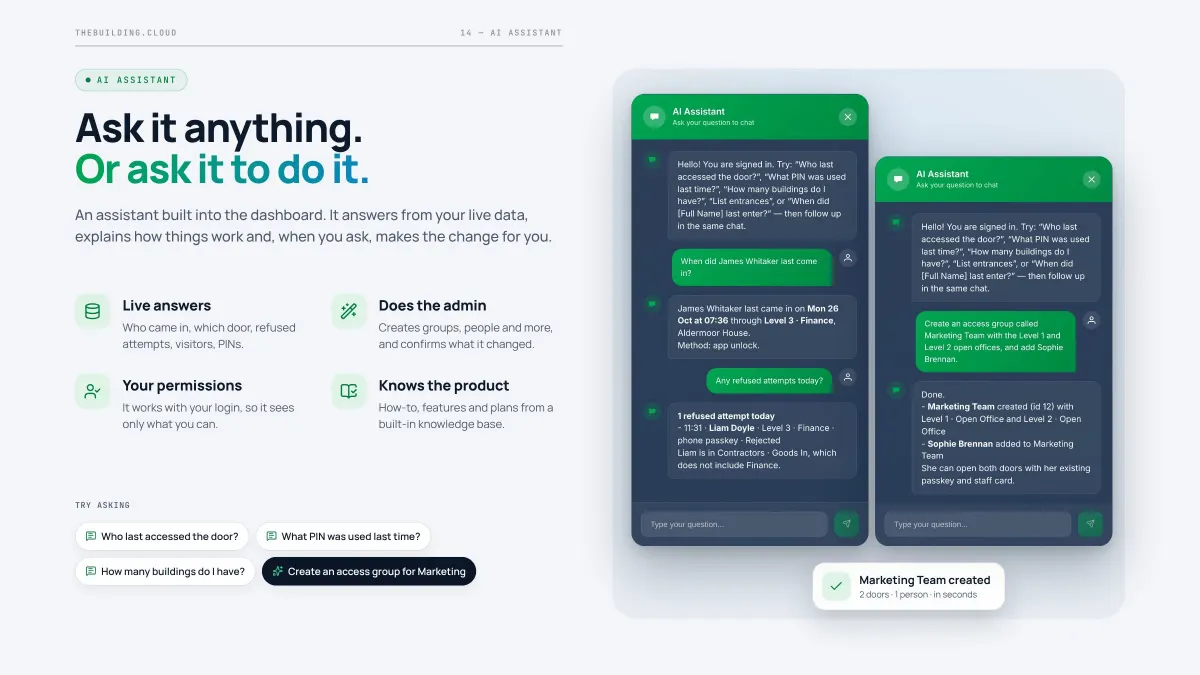
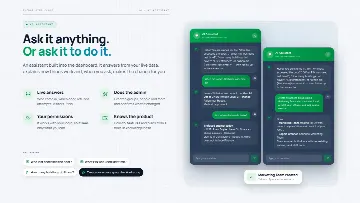
Ask it anything. Or ask it to do it.
The dashboard’s AI assistant can answer questions from live data, explain the product and make requested changes. It works with the user’s login and confirms what it has changed.
Page 17
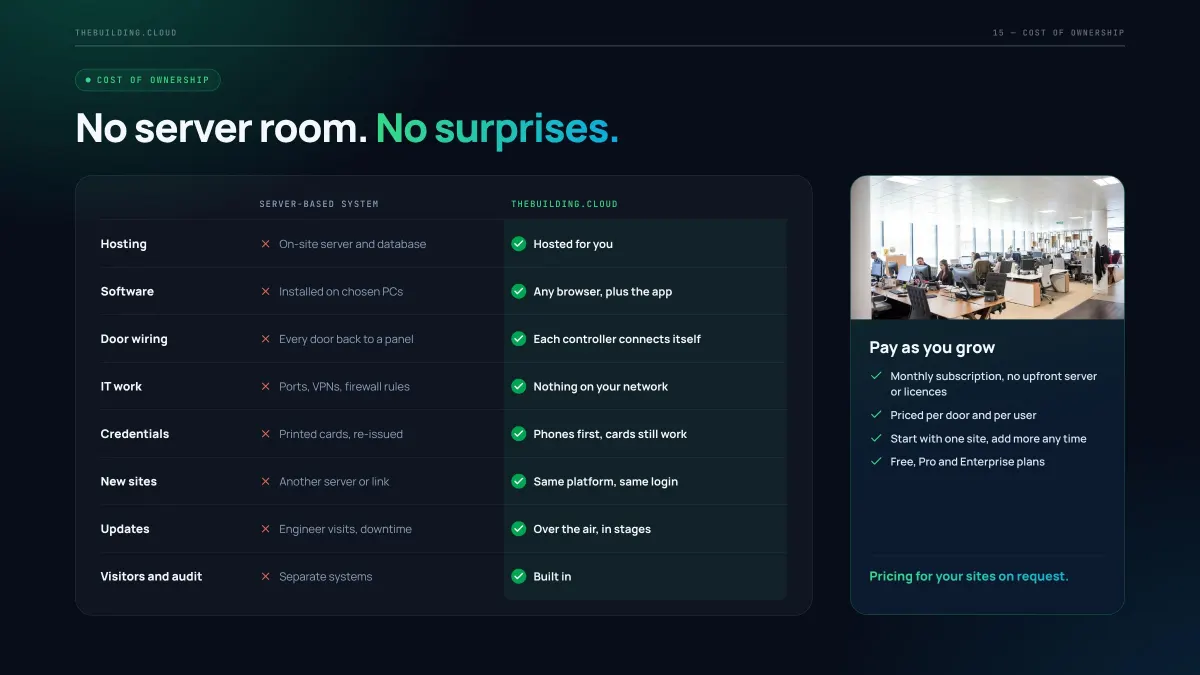
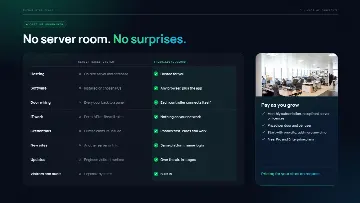
No server room. No surprises.
The brochure compares hosting, wiring, credentials, updates and other costs with a server-based system. It describes monthly subscriptions priced per door and per user, with Free, Pro and Enterprise plans.
Page 18
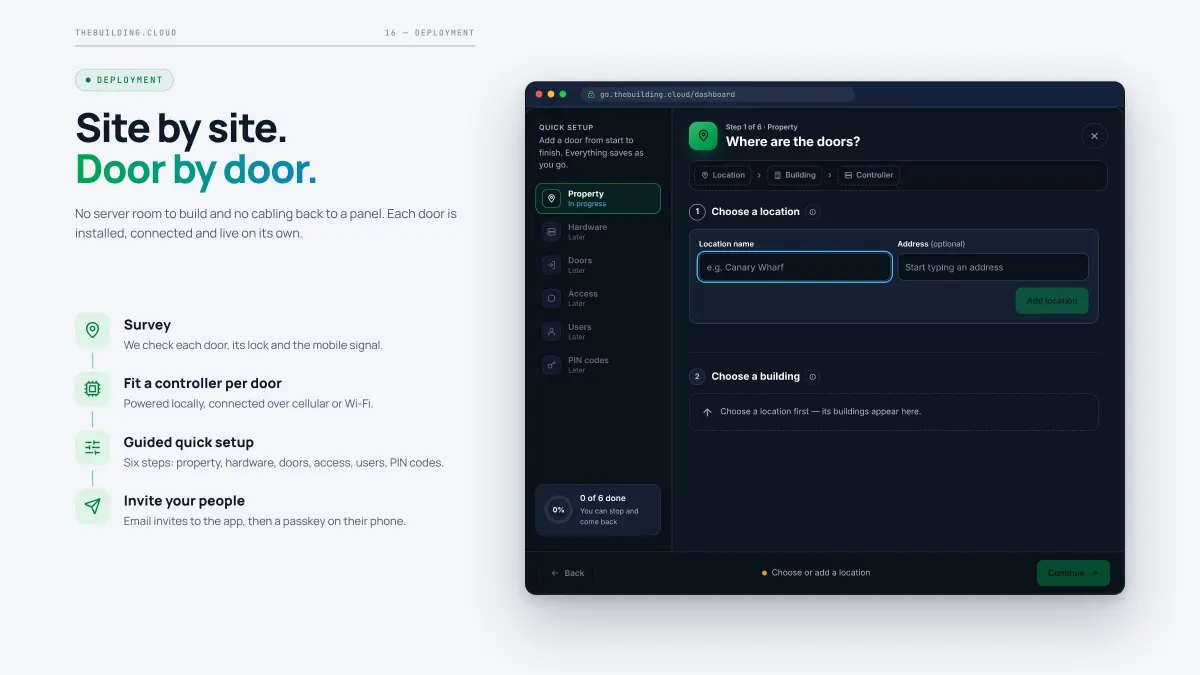
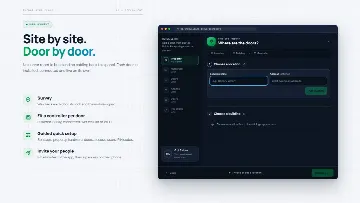
Site by site. Door by door.
Deployment starts with a survey of each door, its lock and mobile signal, followed by fitting a locally powered controller. Guided setup covers the property, hardware, doors, access, users and PIN codes.
Page 19
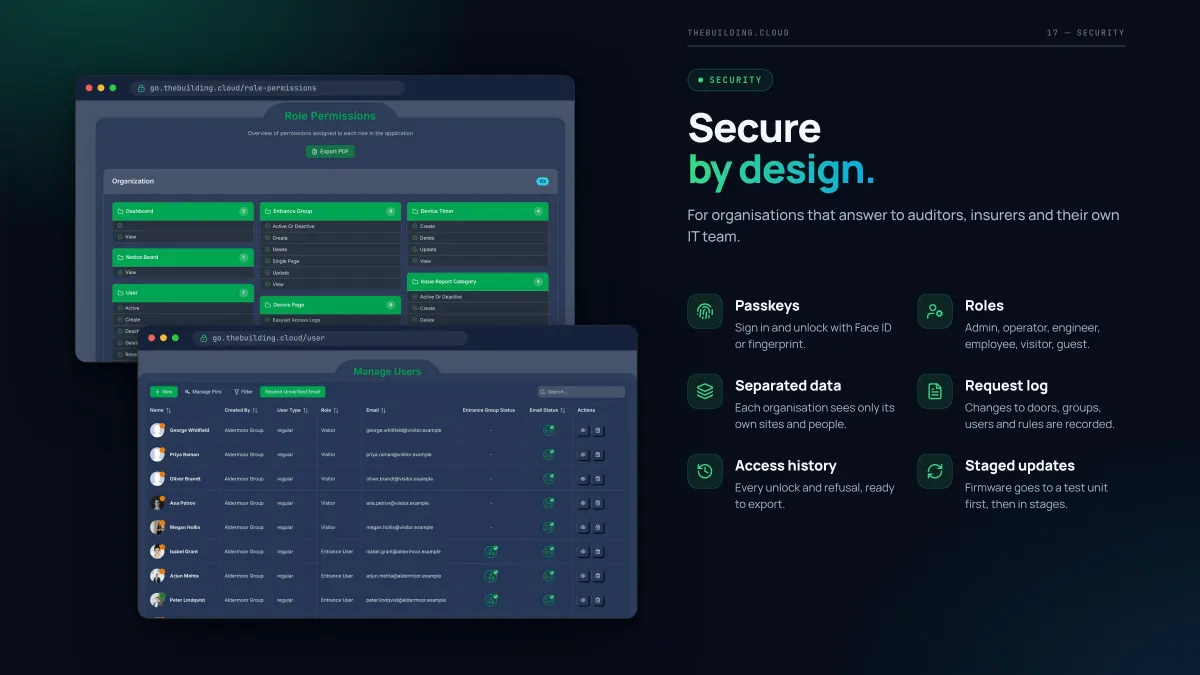
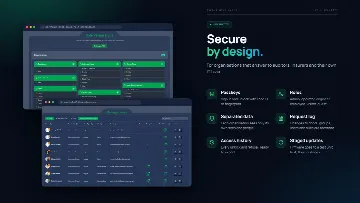
Secure by design.
The brochure describes passkeys, user roles, separated organisation data and a request log for changes. Access history can be exported, and firmware updates are tested before staged rollout.
Page 20
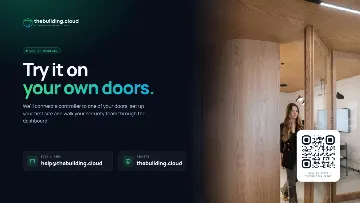
Try it on your own doors.
The brochure offers a demonstration using a controller connected to one of the organisation’s doors. It includes setup of a first site and a dashboard walkthrough for the security team.
Key points
- Cellular coverage is available in more than 150 countries.
- Access reports can be exported as CSV, HTML or PDF.
- The documented REST API has 288 operations and 42 resource groups.
- Subscriptions are priced per door and per user.
- Free, Pro and Enterprise plans are listed.
Who it’s for
- Office and multi-site organisations
- Security teams
- Site and facilities managers
- IT teams
- Developers connecting business systems
Questions people ask
Can several office sites be managed in one place?
Yes. Locations, buildings and doors can be managed in one dashboard, with site managers limited to their assigned buildings.
Can staff use existing cards and fobs?
Cards and fobs can be used as credentials. The brochure says existing card readers and keypads can often stay when replacing a system.
How do visitors get access?
A visit can be booked in advance and a visitor card sent by email. Its QR code can open reception, and a vehicle plate can open the car park.
What does the audit trail record?
It records unlocks and refused attempts with the person, credential, door and time. Reports can be filtered and exported.
Does each site need an on-site server?
No. The brochure describes a cloud platform with no on-site server, and controllers that connect over cellular or Wi-Fi.