About this brochure
This brochure describes door access for care homes and supported living. It covers family visits at times agreed with residents, access for staff shifts and agency workers, and emailed passes for visiting professionals. It also explains entry logs, access to medication and treatment rooms, family notices and repair reports. The doors can help care teams put their visiting procedures into practice; decisions about restrictions remain with the care team.
The guide is for care teams, home managers and organisations running homes or supported living schemes. It explains how managers can see their own buildings in one browser, how access can be set for specific dates and hours, and how door controllers are covered while a cloud subscription is active. It also outlines the costs to consider and the information needed for a proposal.
What’s inside
The text of each page, written out so it can be read and searched.
Page 1
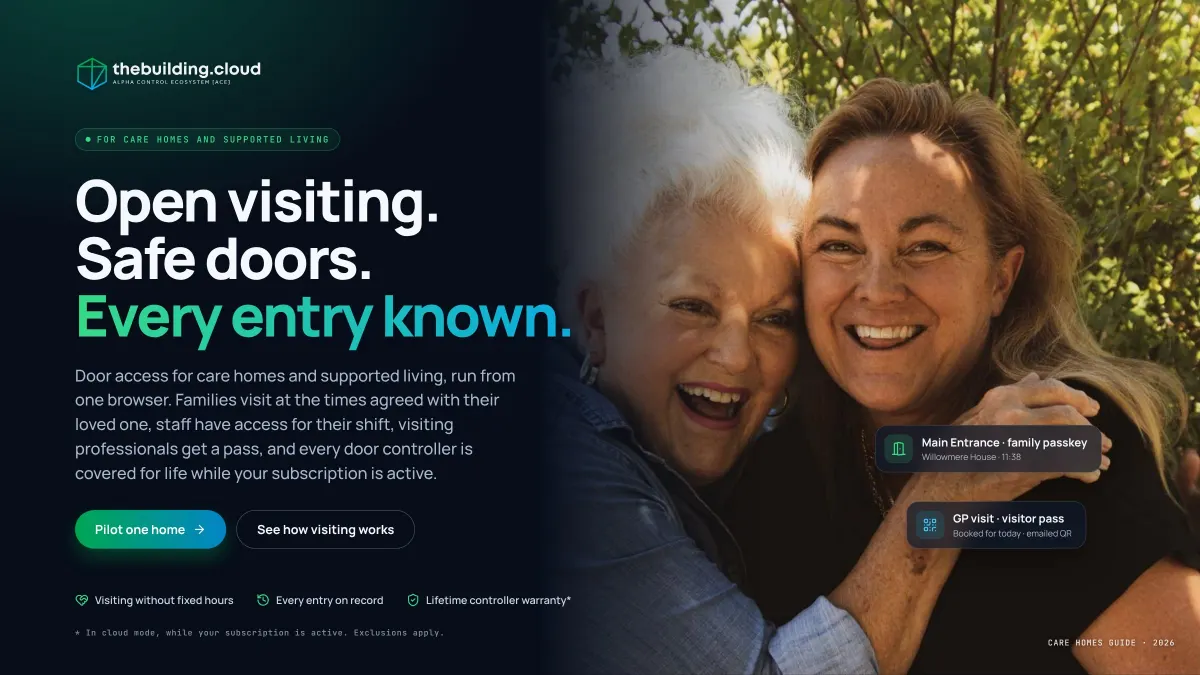
Open visiting. Safe doors. Every entry known.
Door access for care homes and supported living is managed from one browser. Families, staff and visiting professionals can be given access, and door controllers are covered for life in cloud mode while the subscription is active, subject to exclusions.
Page 2
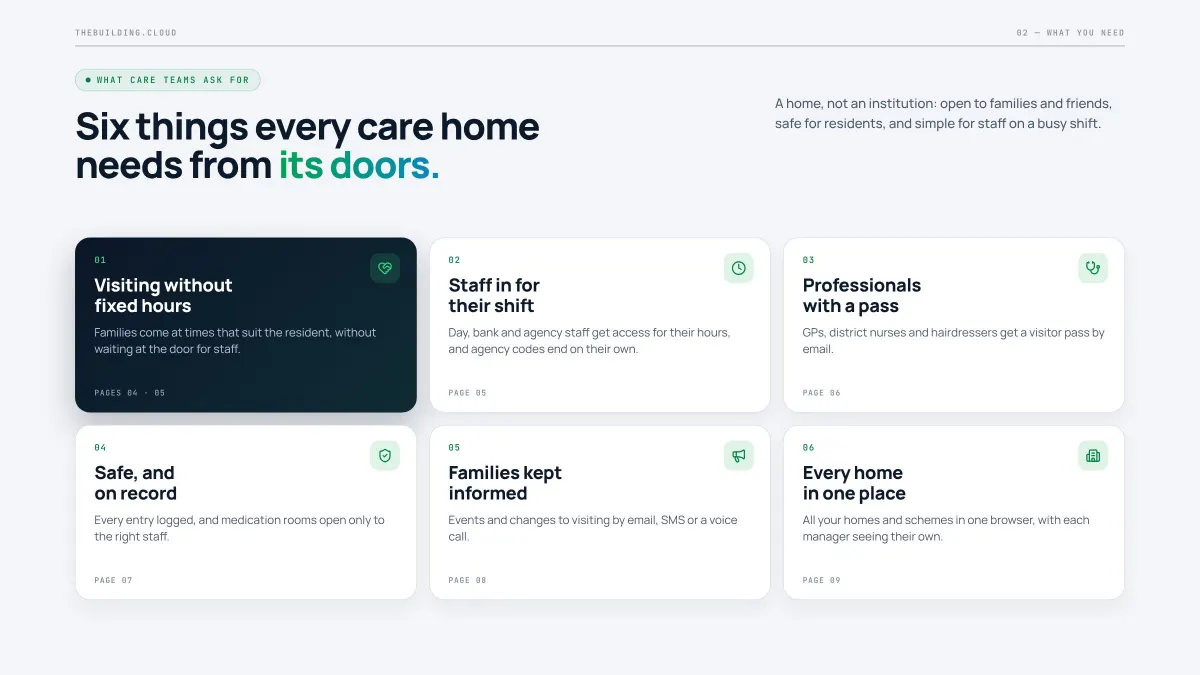
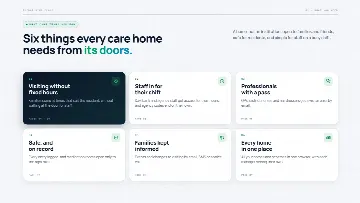
Six things every care home needs from its doors.
Care teams need flexible visiting, shift-based staff access, passes for professionals and entry records. The brochure also covers family updates and managing homes from one browser.
Page 3
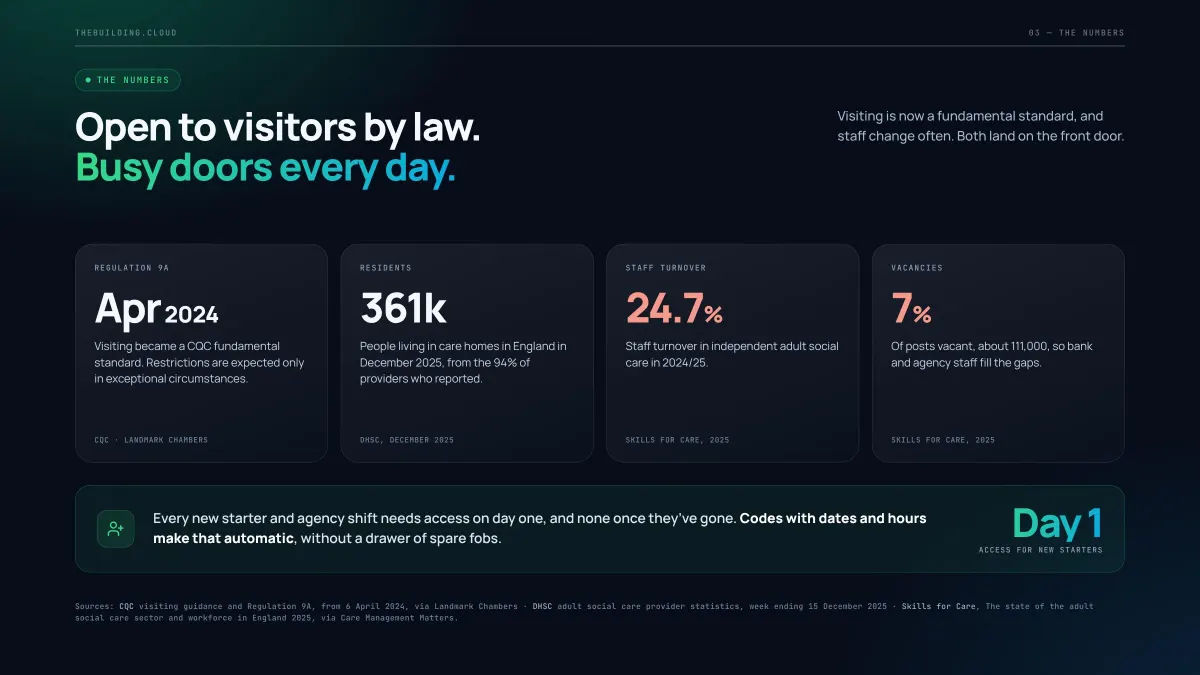
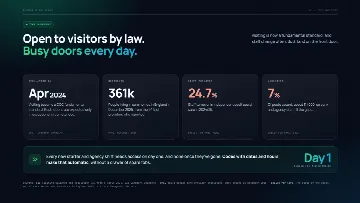
Open to visitors by law. Busy doors every day.
Visiting became a CQC fundamental standard in April 2024, with restrictions expected only in exceptional circumstances. The brochure also cites care home resident, staff turnover and vacancy figures, and describes codes with dates and hours for new starters and agency shifts.
Page 4
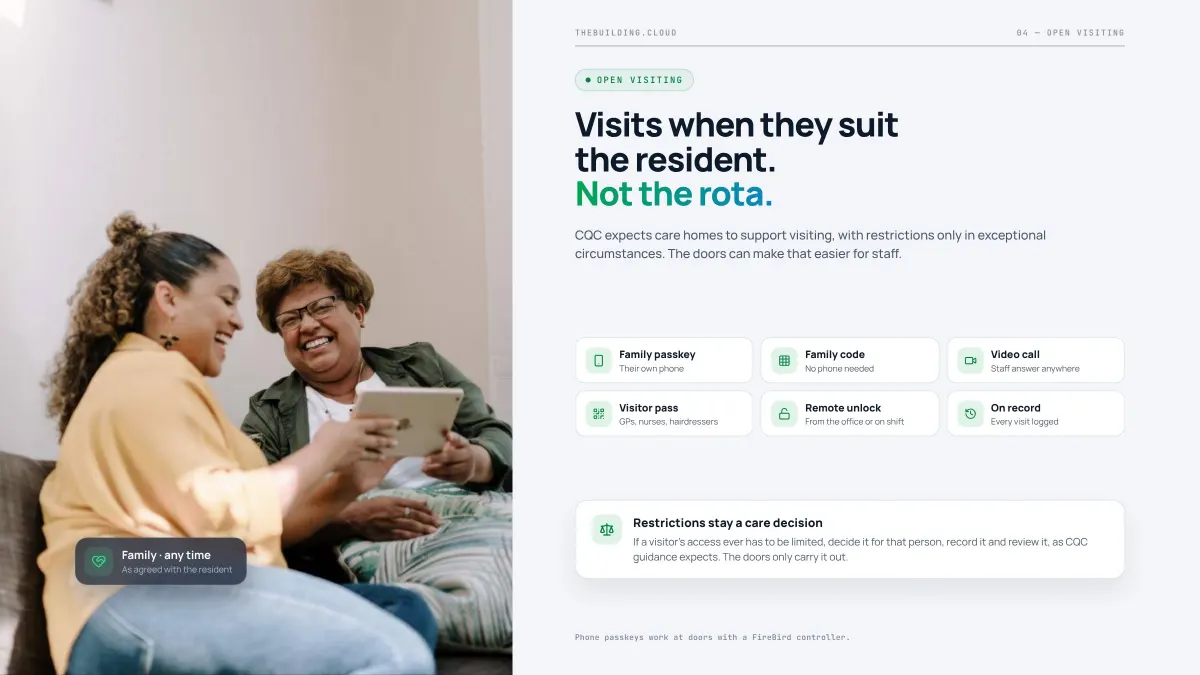
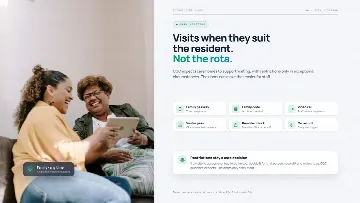
Visits when they suit the resident. Not the rota.
Families can use a phone passkey or code, while staff can answer a video call or unlock a door remotely. Restrictions on a visitor remain a care decision; phone passkeys work at doors with a FireBird controller.
Page 5
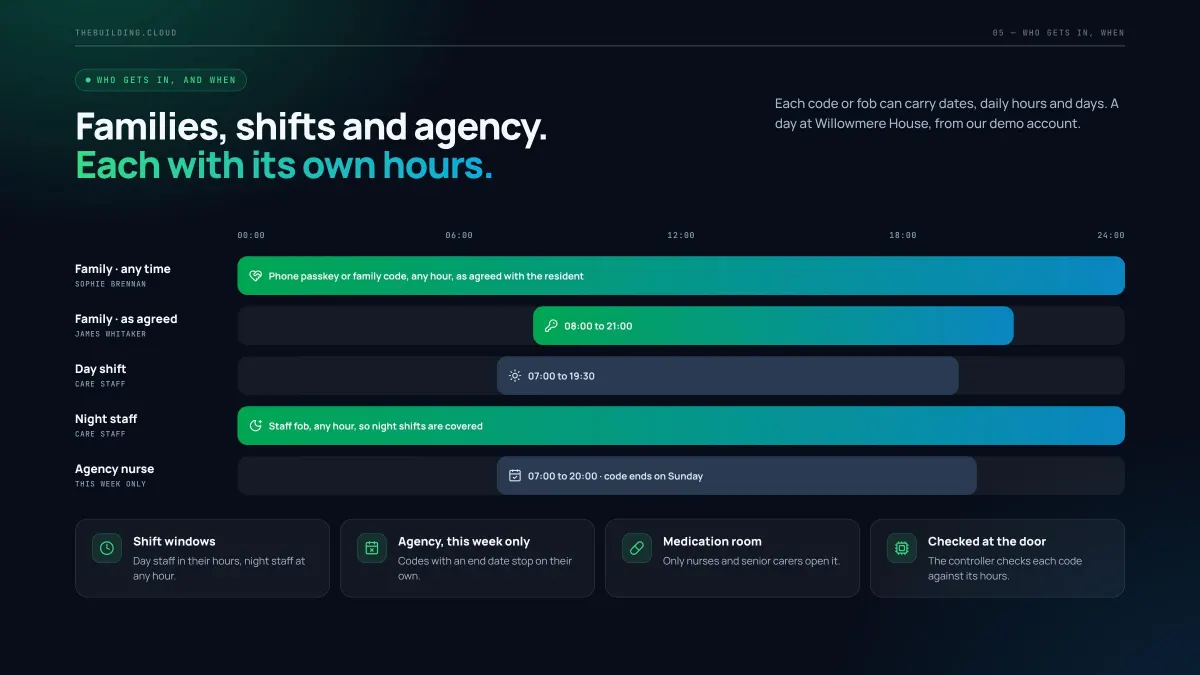
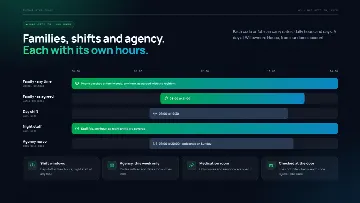
Families, shifts and agency. Each with its own hours.
Codes and fobs can have dates, daily hours and days, so access can reflect family arrangements and staff shifts. Agency codes can end automatically, and medication rooms can be limited to selected staff.
Page 6
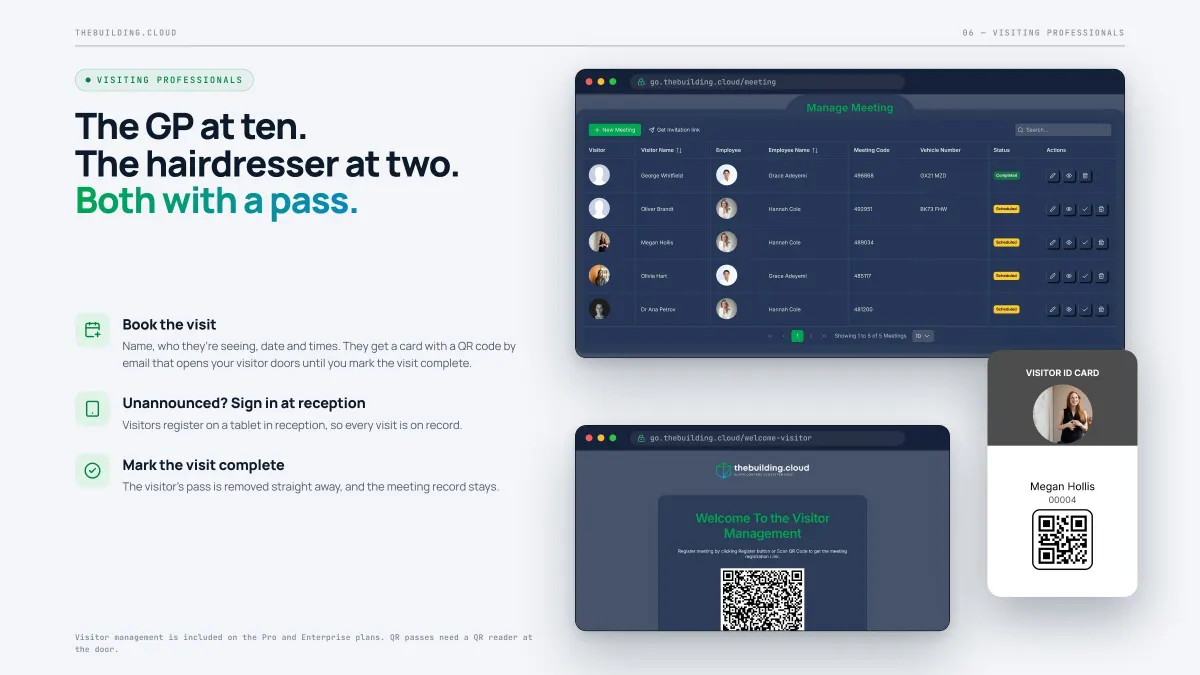
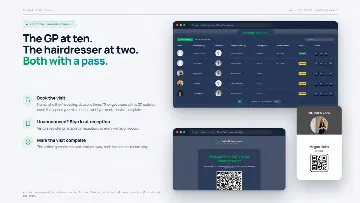
The GP at ten. The hairdresser at two. Both with a pass.
Visiting professionals can receive a QR pass by email, while unannounced visitors can register on a reception tablet. Visitor management is included on Pro and Enterprise plans, and QR passes need a QR reader at the door.
Page 7
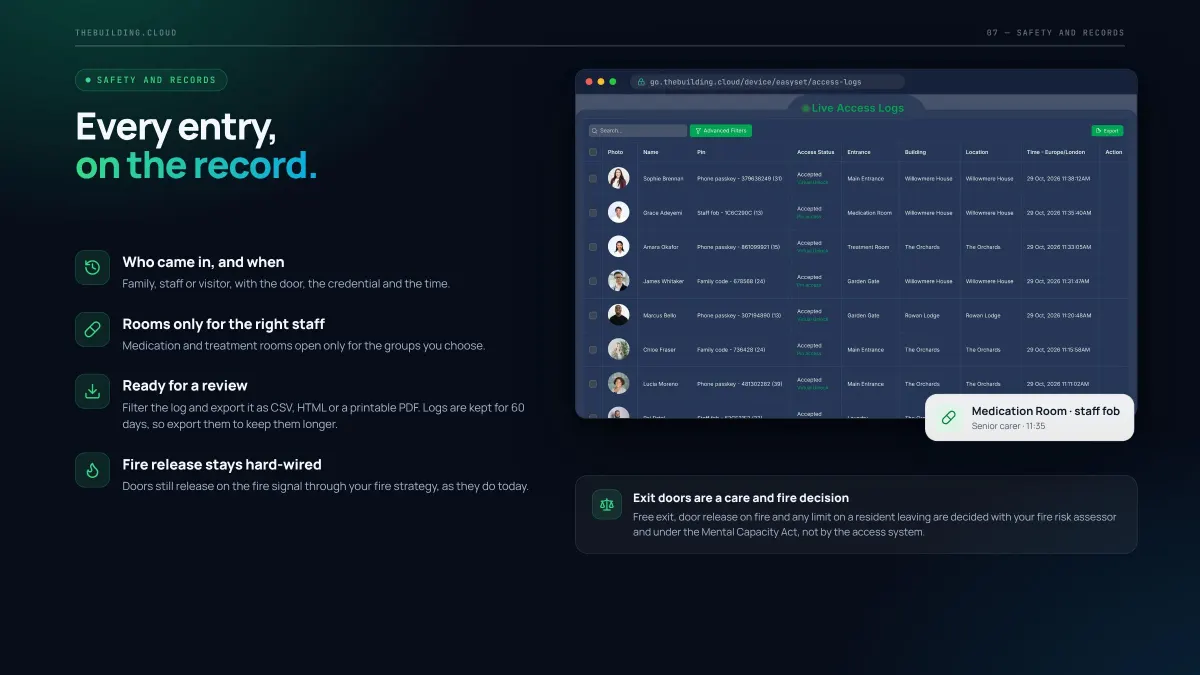
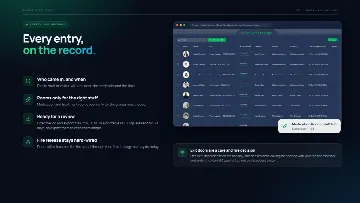
Every entry, on the record.
Entry logs show the person, door, credential and time, and can be filtered and exported; logs are kept for 60 days. Fire release stays hard-wired, while exit arrangements and any limits on a resident leaving remain care and fire decisions.
Page 8
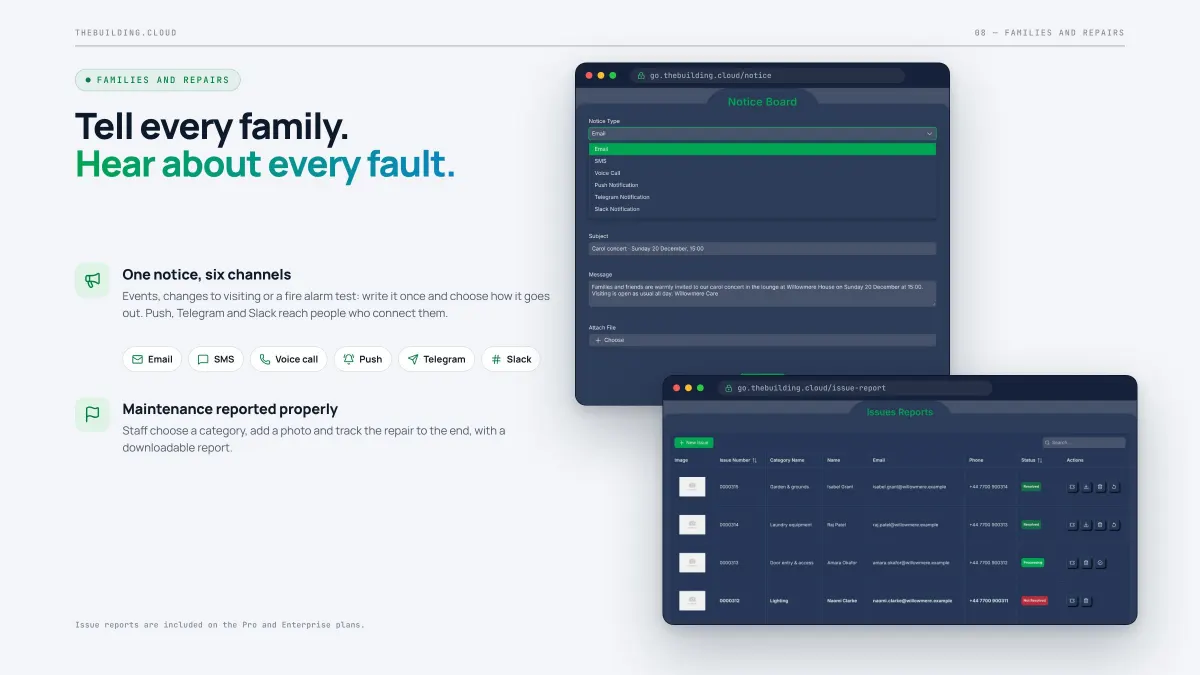
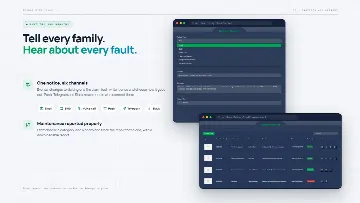
Tell every family. Hear about every fault.
Notices can be sent by email, SMS, voice call, push, Telegram or Slack, with some channels requiring people to connect them. Staff can report and track repairs, and issue reports are included on Pro and Enterprise plans.
Page 9
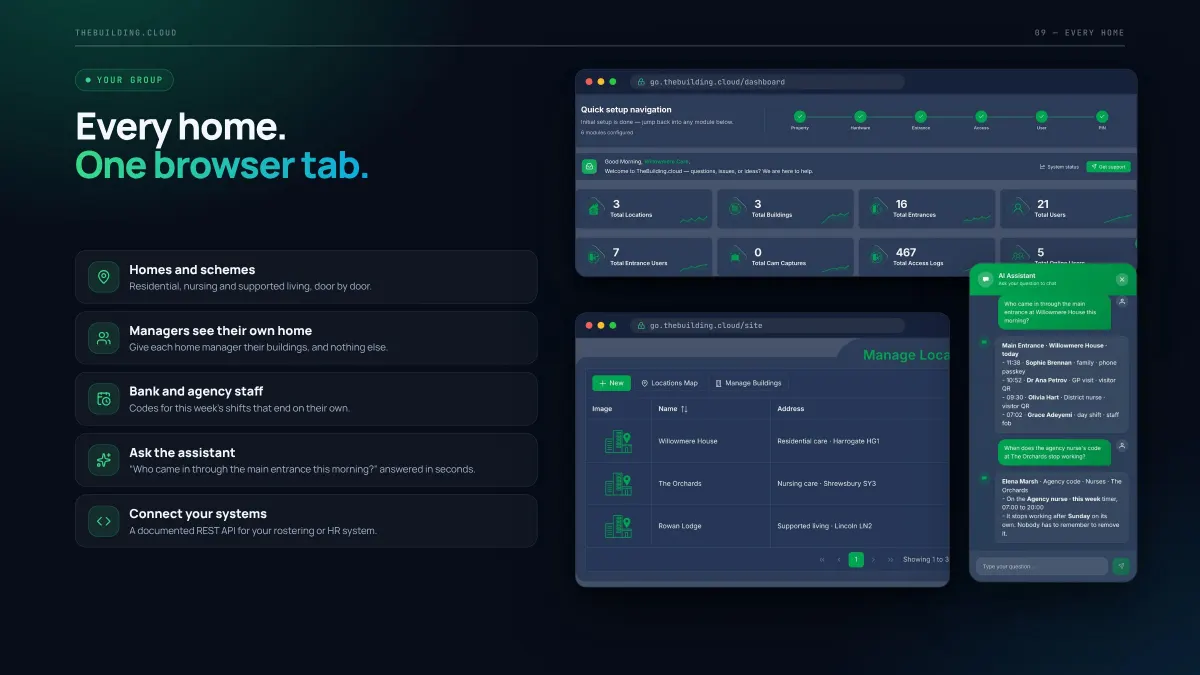
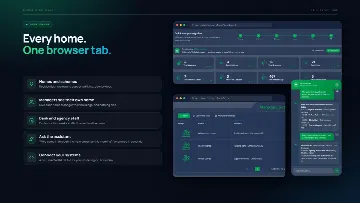
Every home. One browser tab.
Organisations can manage homes and schemes in one browser and give managers access to their own buildings. The brochure also describes an assistant for entry questions and a documented REST API for rostering or HR systems.
Page 10
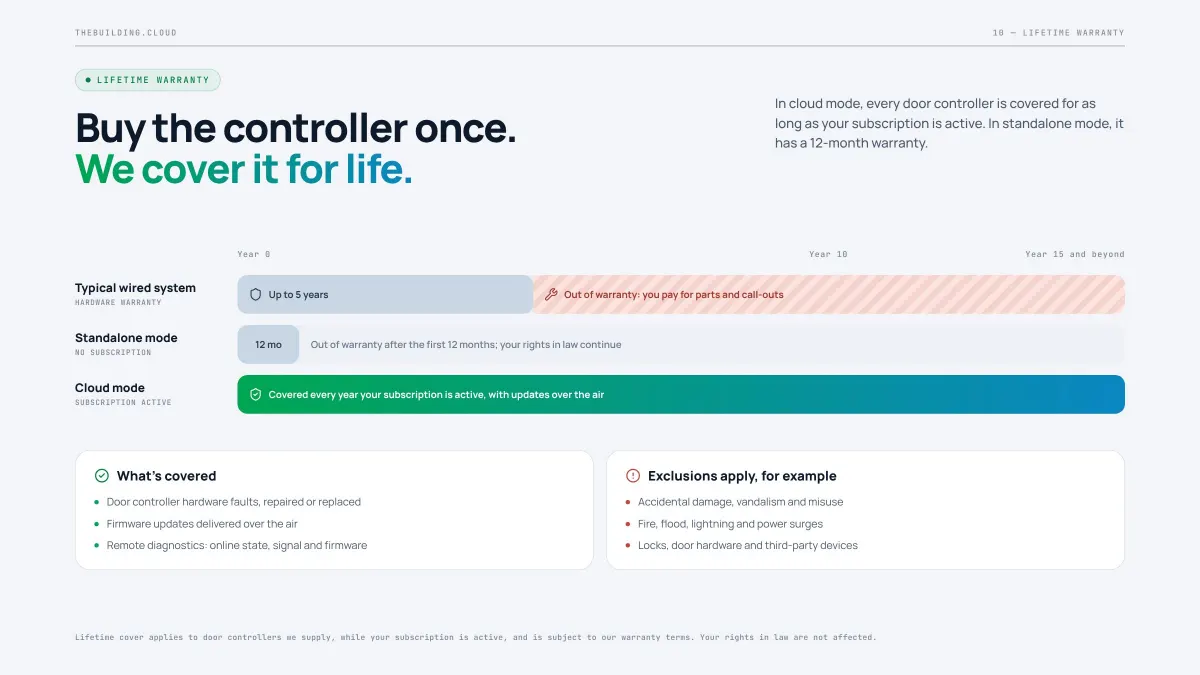
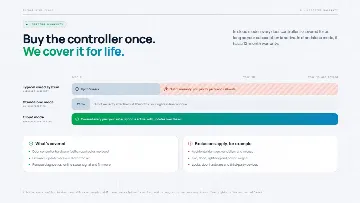
Buy the controller once. We cover it for life.
Supplied door controllers are covered for hardware faults in cloud mode while the subscription is active; standalone mode has a 12-month warranty. Exclusions apply, including accidental damage and third-party devices.
Page 11
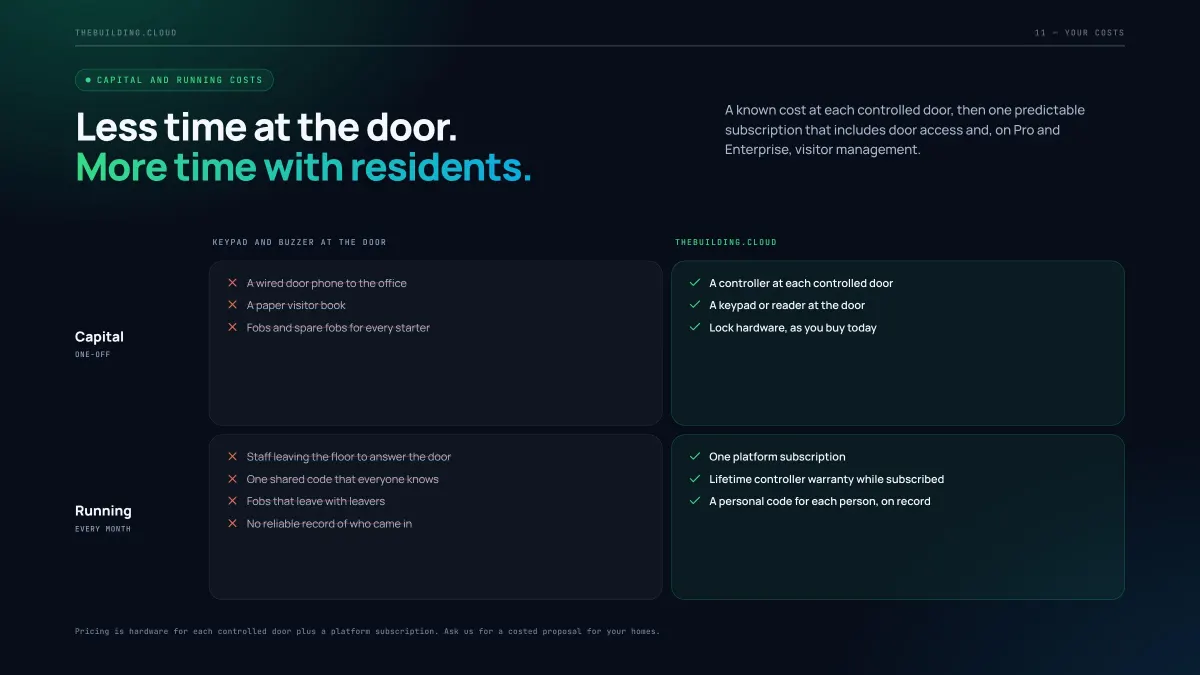
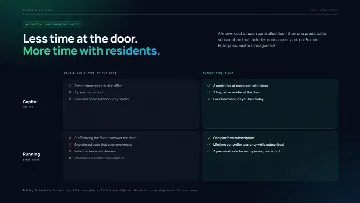
Less time at the door. More time with residents.
The brochure compares door hardware and running costs with a keypad and buzzer arrangement. Pricing consists of hardware for each controlled door plus a platform subscription, and visitor management is included on Pro and Enterprise.
Page 12
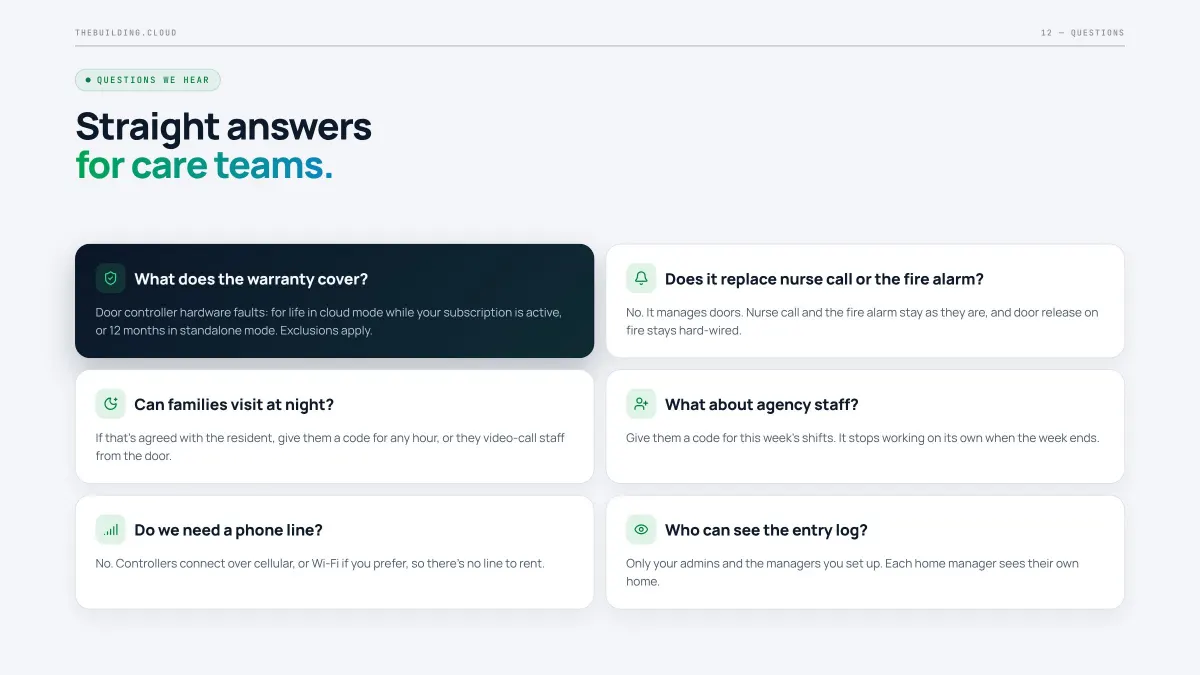
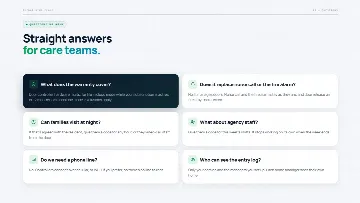
Straight answers for care teams.
The questions cover controller warranty, family visits, agency access and who can see entry logs. The system manages doors rather than replacing nurse call or fire alarms, and controllers connect over cellular or Wi-Fi.
Page 13
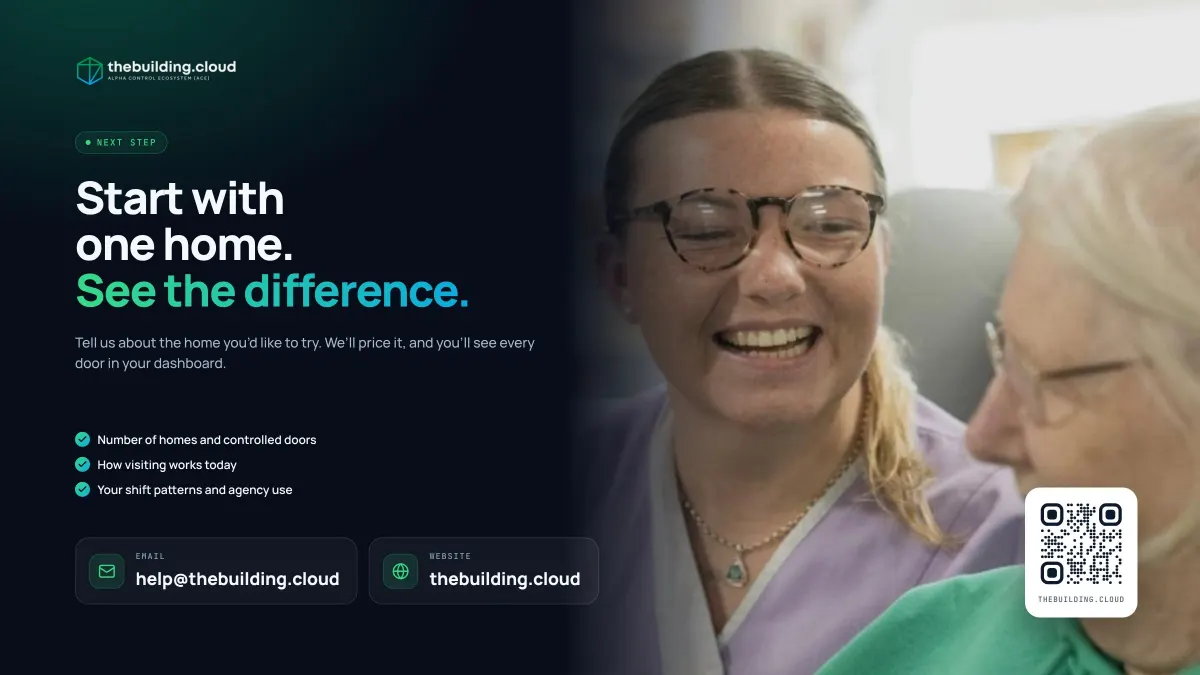
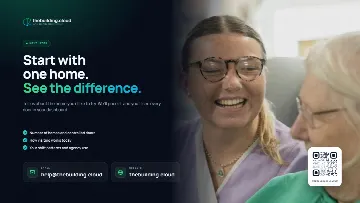
Start with one home. See the difference.
The brochure invites care teams to discuss a home they would like to try. It asks about the number of homes and controlled doors, current visiting arrangements, and shift patterns and agency use.
Key points
- Entry logs are kept for 60 days.
- Visitor management and issue reports are included on Pro and Enterprise plans.
- QR visitor passes need a QR reader at the door.
- Phone passkeys work at doors with a FireBird controller.
- Standalone controllers have a 12-month warranty.
- Controllers connect over cellular or Wi-Fi.
Who it’s for
- Care home teams
- Home managers
- Care home groups
- Supported living providers
Questions people ask
Can families visit at night?
If agreed with the resident, families can be given a code for any hour, or they can video-call staff from the door.
How do visiting professionals get access?
A booked visitor can receive a QR pass by email. Unannounced visitors can register on a tablet at reception. QR passes need a QR reader at the door.
What happens when an agency shift ends?
An agency worker can be given a code with dates and hours. The code stops working on its own at its end date.
Does the system replace nurse call or the fire alarm?
No. It manages doors; nurse call and the fire alarm stay as they are, and door release on fire stays hard-wired.
What does the controller warranty cover?
It covers supplied door controller hardware faults for life in cloud mode while the subscription is active, or for 12 months in standalone mode. Exclusions apply.