About this brochure
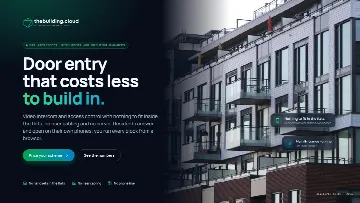
This brochure explains how residents can use their phones as an intercom, doorbell and key. Visitors scan a plaque, choose a home and make a video call without downloading an app. Residents can see and speak to visitors, then open the door remotely. The guide also covers keyless entry, guest access, calls in the car and an entrance plaque with a trades button.
The brochure is for residents and managers of residential buildings. It describes how managers can handle residents, entrances, PINs and logs from an app or web dashboard, and how calls and unlocks are recorded. It also answers questions about privacy, forgotten phones and existing intercoms. Finally, it sets out the steps from a demo and survey to fitting equipment at the entrance, inviting residents and handing over the system.
What’s inside
The text of each page, written out so it can be read and searched.
Page 1
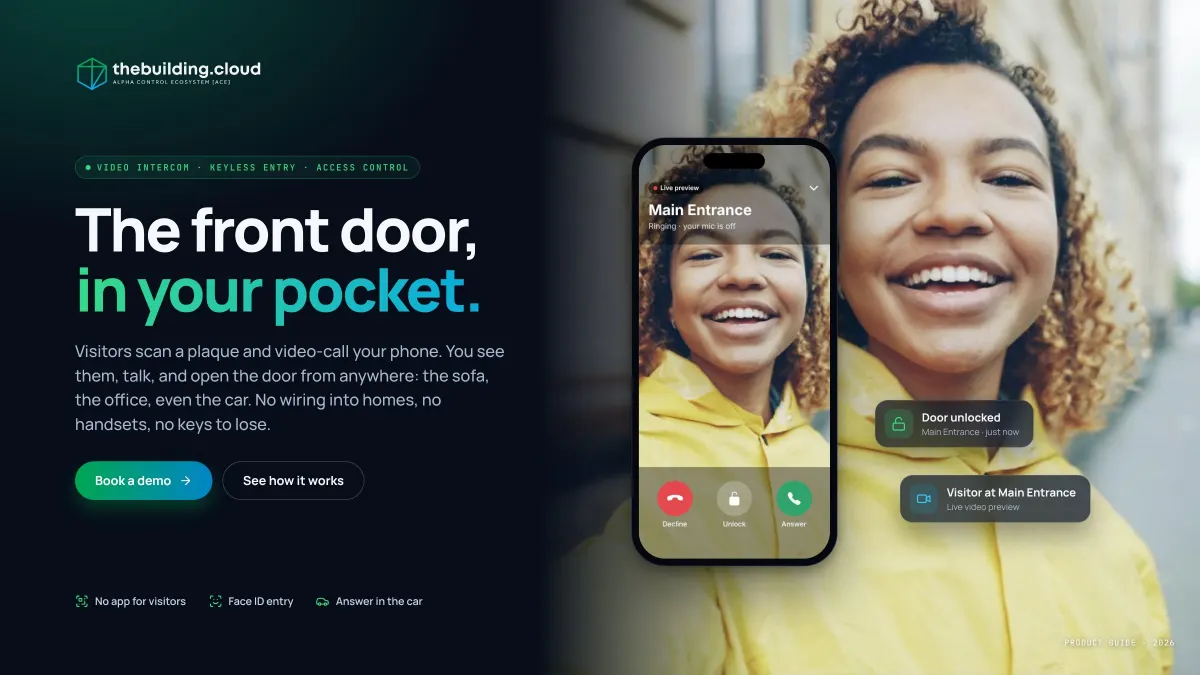
The front door, in your pocket.
Visitors scan a plaque to video-call a resident’s phone. Residents can see and speak to them and open the door remotely, without wiring into homes or installing handsets.
Page 2
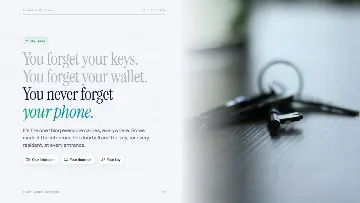
You forget your keys. You forget your wallet. You never forget your phone.
The brochure presents the phone as an intercom, doorbell and key for residents at every entrance.
Page 3
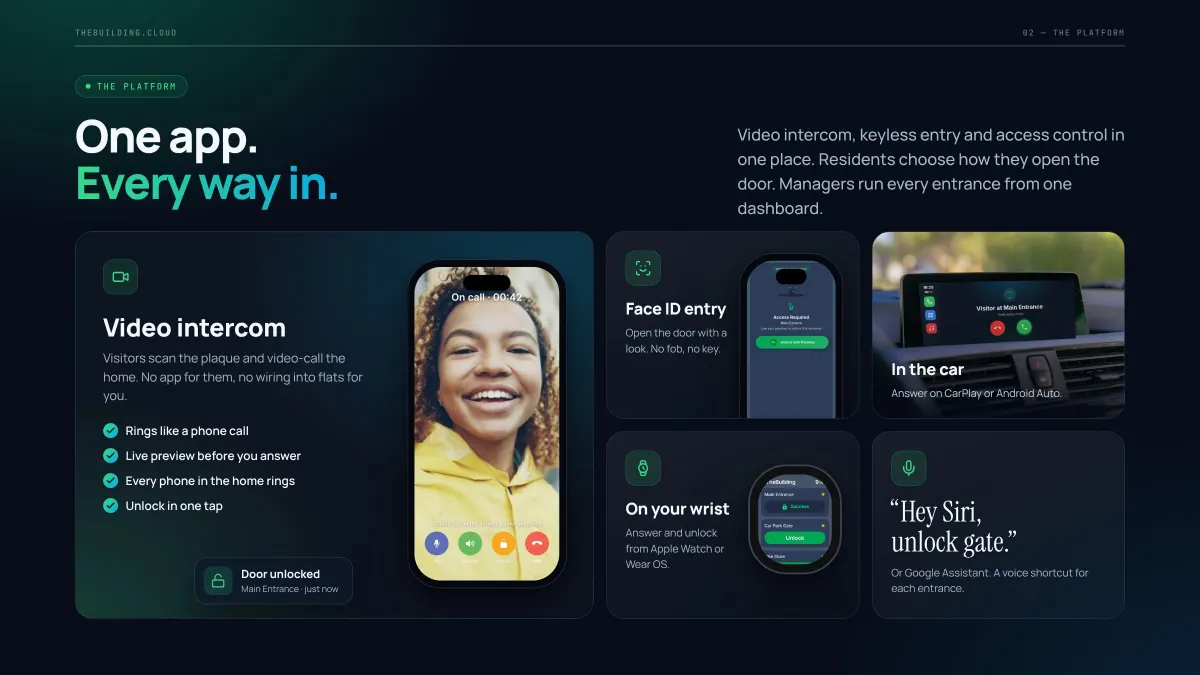
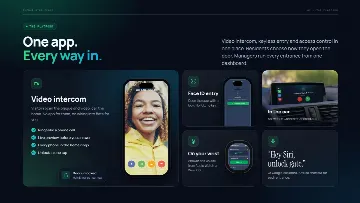
One app. Every way in.
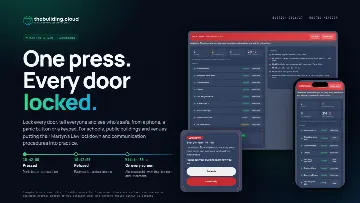
Video intercom, keyless entry and access control sit together, while managers can run entrances from one dashboard. Residents can also answer in the car or on a watch, and use voice shortcuts for entrances.
Page 4
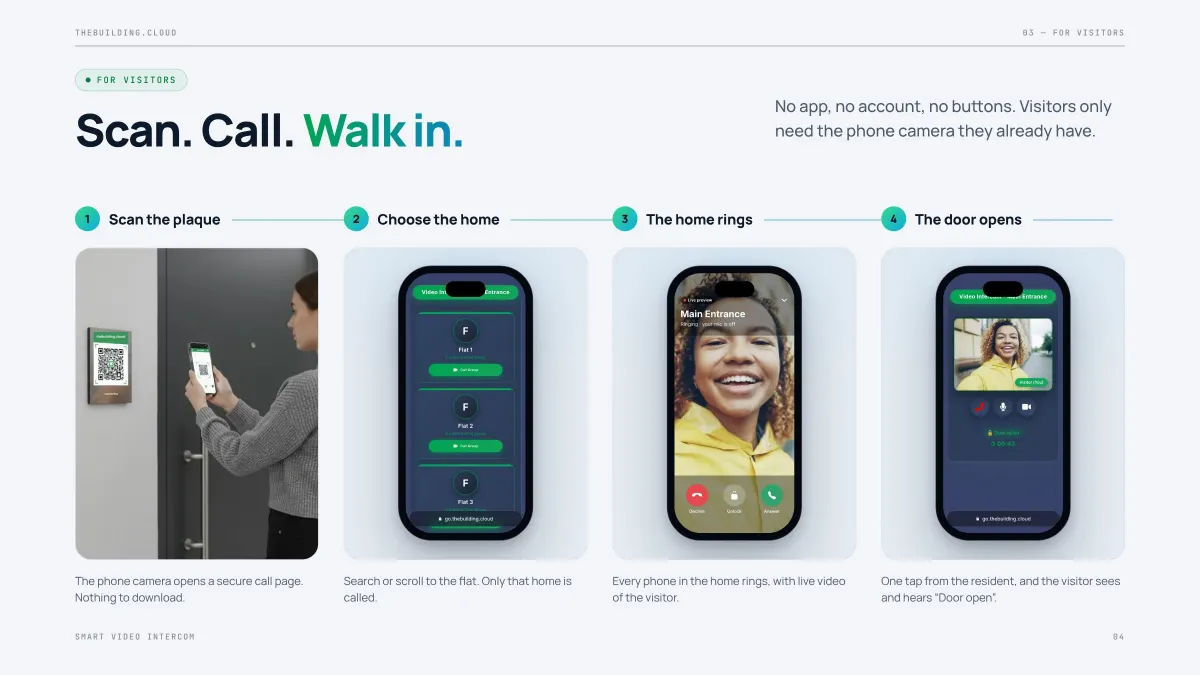
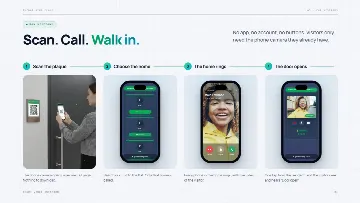
Scan. Call. Walk in.
Visitors scan the plaque with a phone camera and choose the home they want to call. Every phone in that home rings, and the visitor sees and hears when the resident opens the door.
Page 5
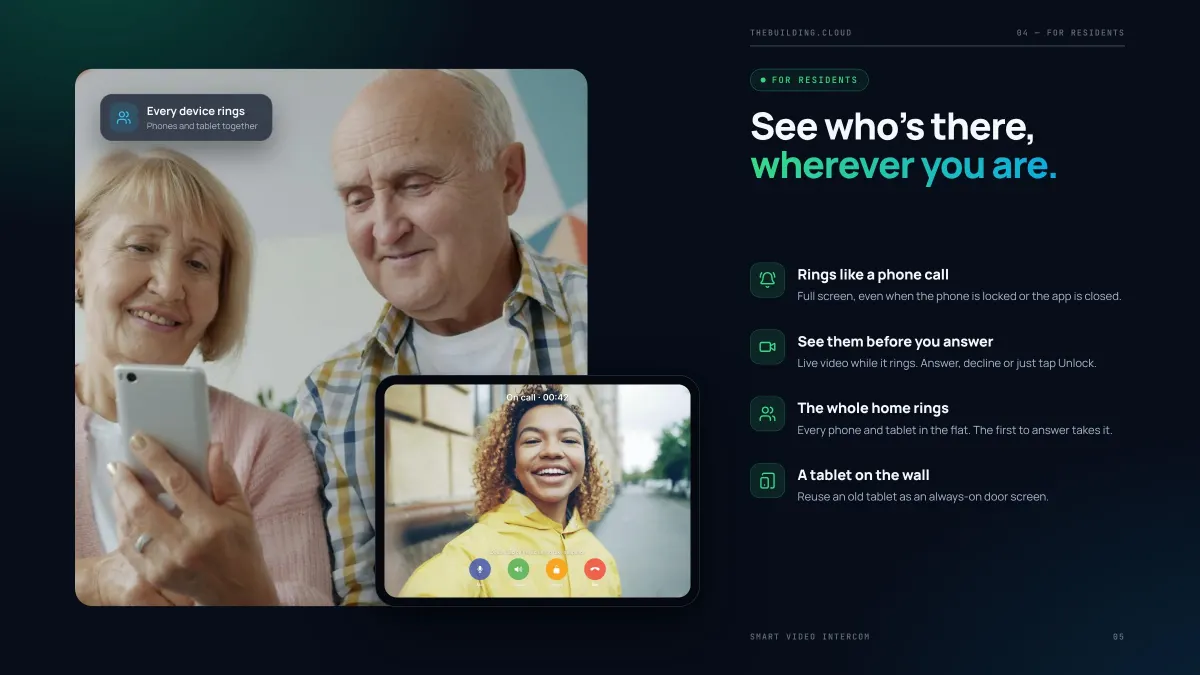
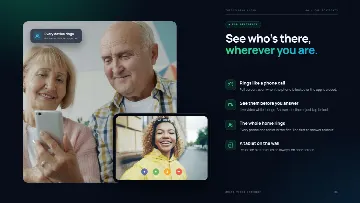
See who’s there, wherever you are.
Calls ring full screen, with live video before the resident answers. Phones and tablets in the home ring together, and an old tablet can be used as an always-on door screen.
Page 6
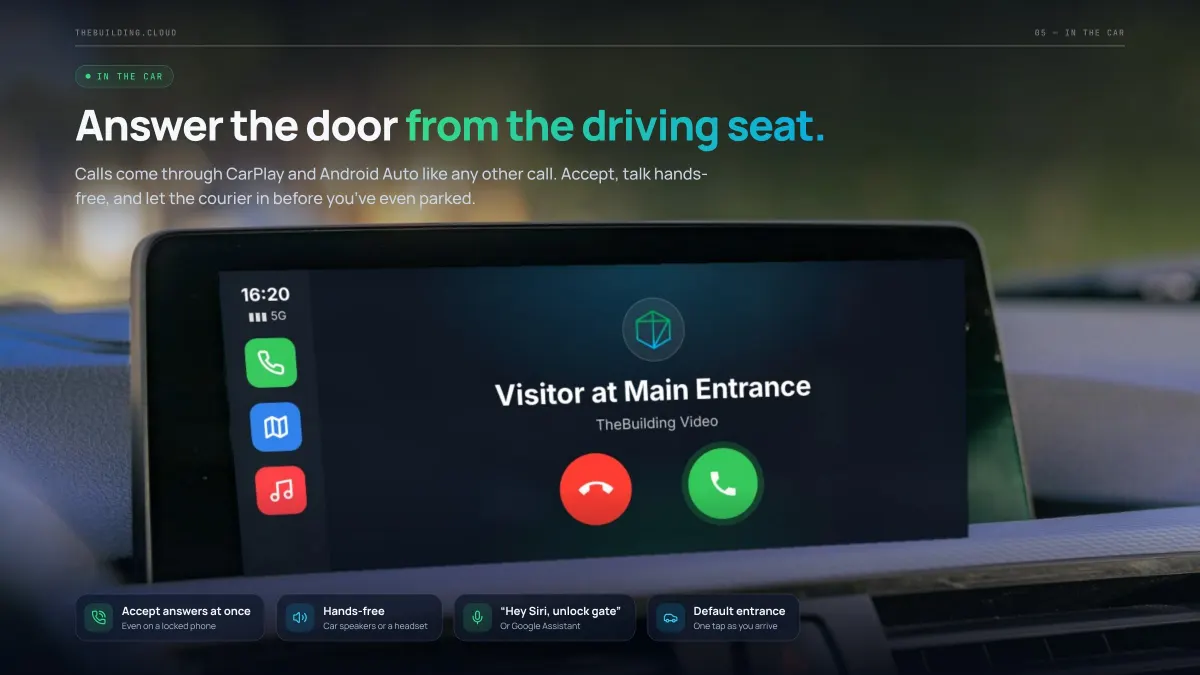
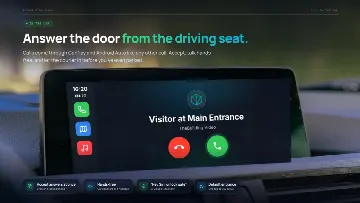
Answer the door from the driving seat.
Calls come through CarPlay and Android Auto, with hands-free conversation through car speakers or a headset. Residents can also use a voice shortcut or tap to open a default entrance.
Page 7
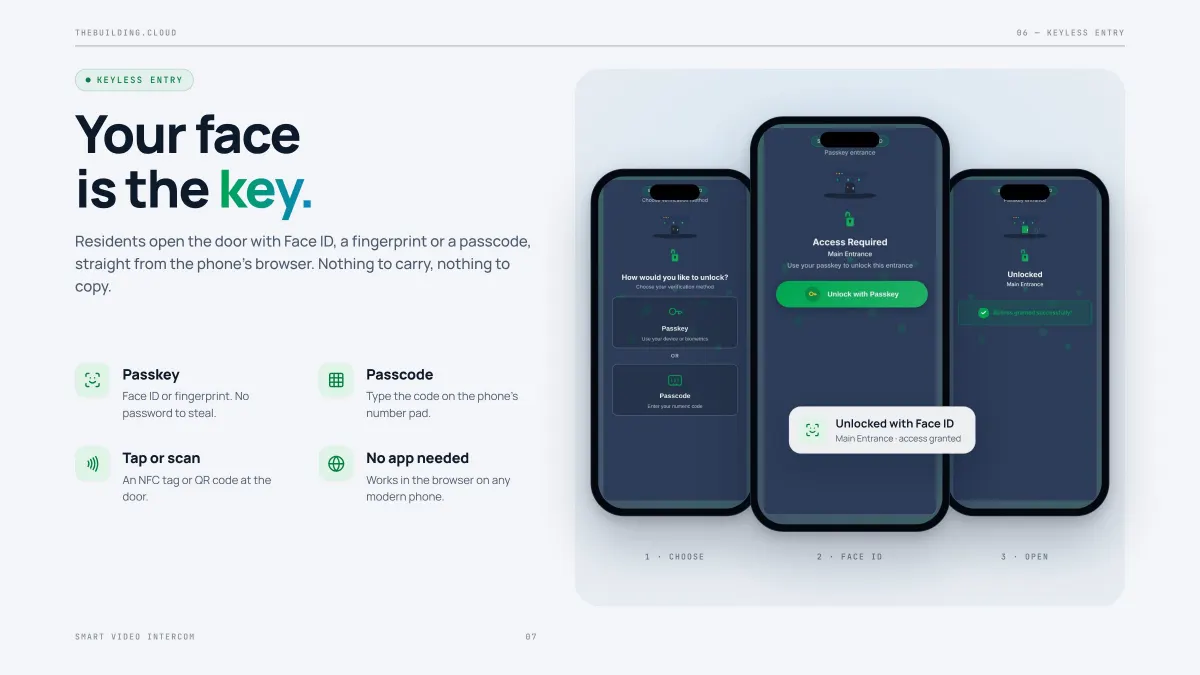
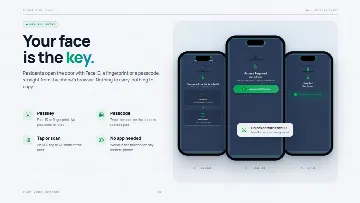
Your face is the key.
Residents can open a door from their phone’s browser using Face ID, a fingerprint or a passcode. An NFC tag or QR code at the door can also be used, without an app.
Page 8
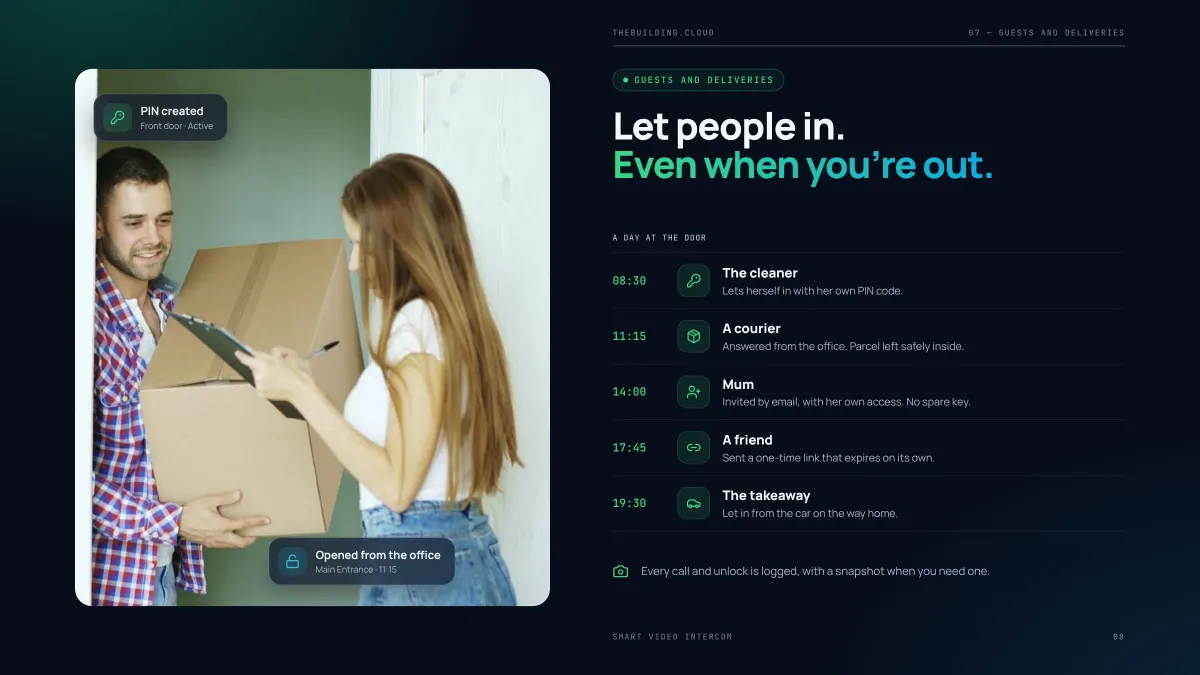
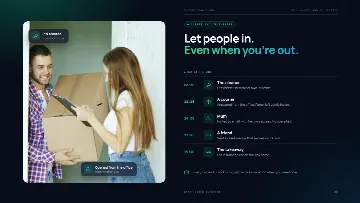
Let people in. Even when you’re out.
The brochure gives examples of entry using a PIN, an email invitation, a one-time link or a remotely answered call. Calls and unlocks are logged, with a snapshot available when needed.
Page 9
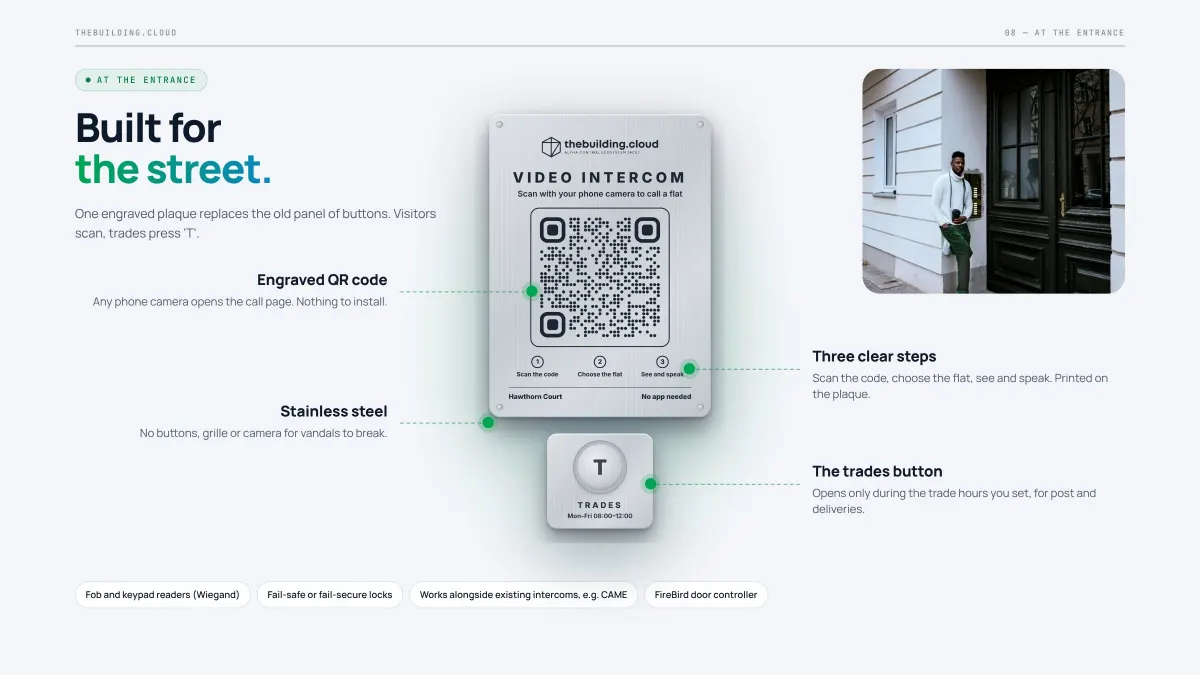
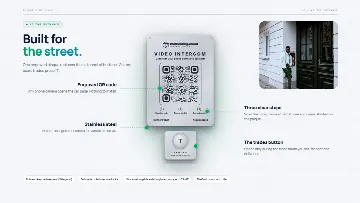
Built for the street.
An engraved stainless-steel plaque gives visitors instructions and a QR code to call a home. A trades button opens during set trade hours, and the system can work alongside existing intercoms such as CAME.
Page 10
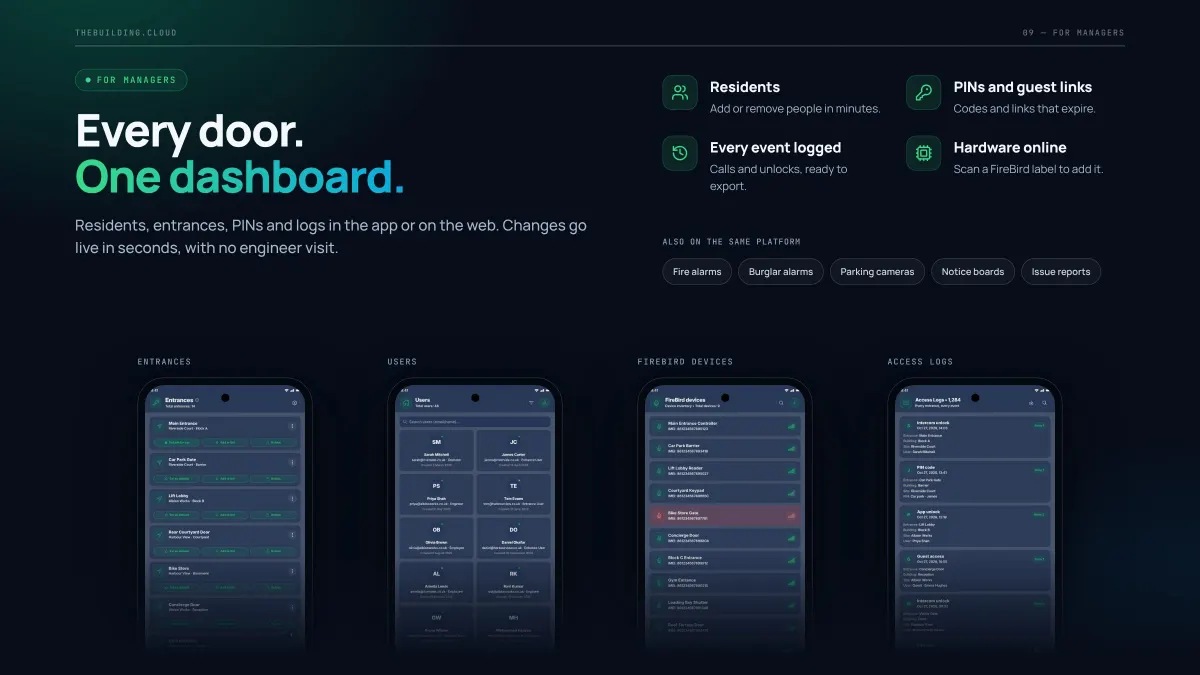
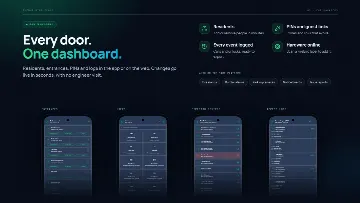
Every door. One dashboard.
Managers can handle residents, entrances, PINs and logs in the app or on the web, with changes going live in seconds. The same platform also covers alarms, parking cameras, notice boards and issue reports.
Page 11
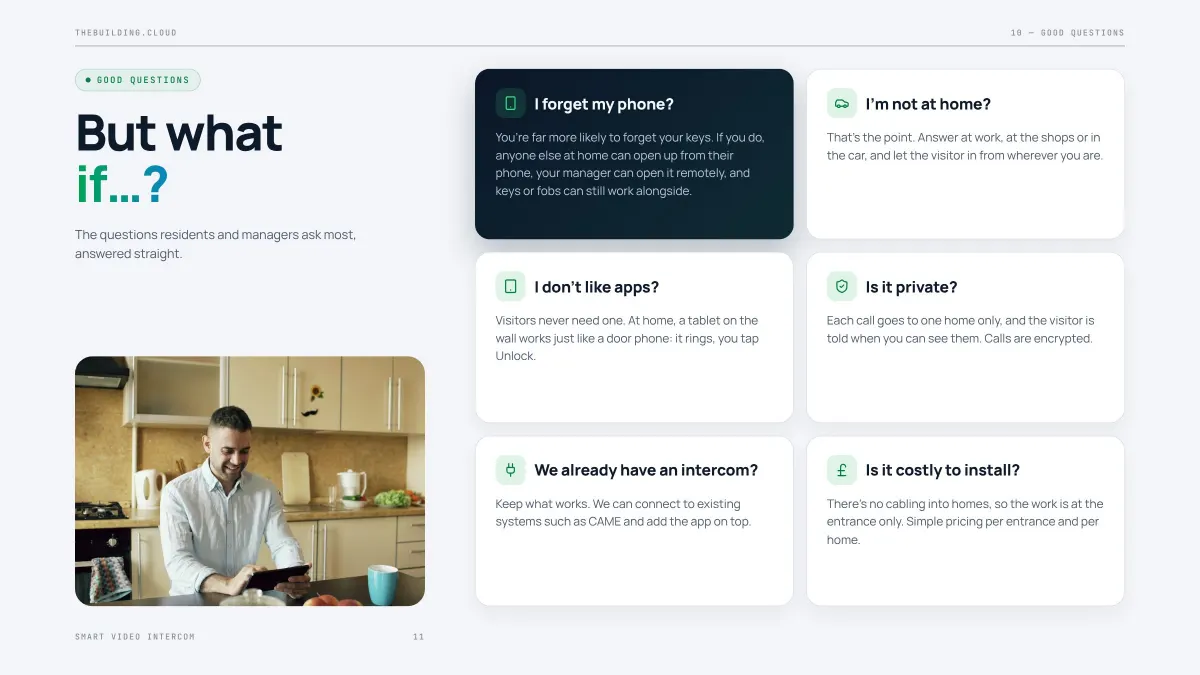
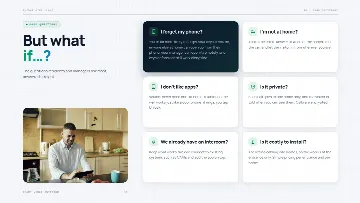
But what if…?
The brochure answers questions about forgotten phones, being away, apps, privacy, existing intercoms and installation. Calls go to one home and are encrypted; keys or fobs can still work alongside the system.
Page 12
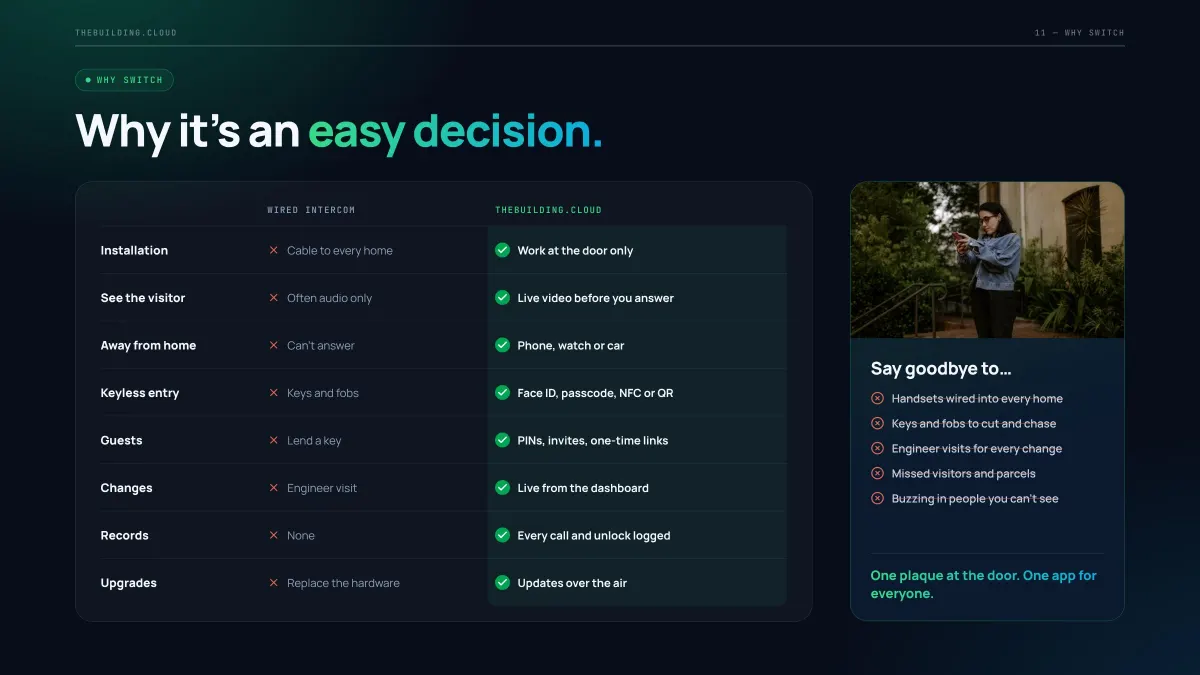
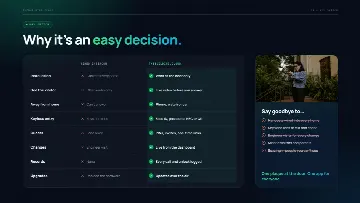
Why it’s an easy decision.
A comparison with wired intercoms covers installation, live video, remote answering, keyless entry, guest access, records and updates. The brochure says changes can be made from the dashboard and updates delivered over the air.
Page 13
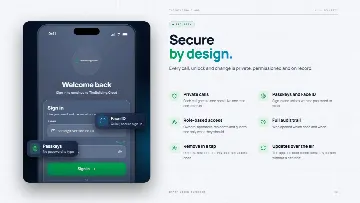
Secure by design.
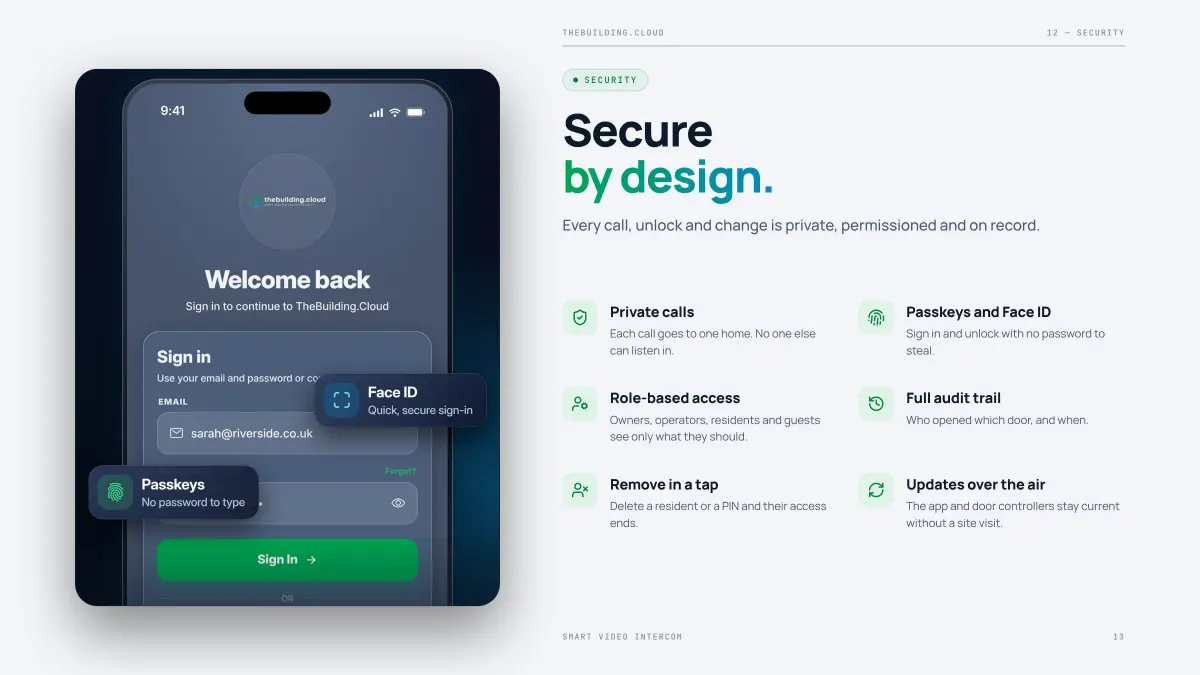
Calls go to one home, while access depends on the person’s role. An audit trail records who opened which door and when, and removing a resident or PIN ends their access.
Page 14
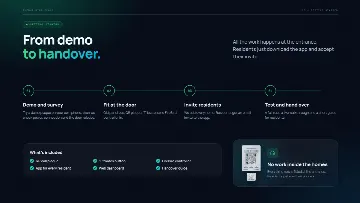
From demo to handover.
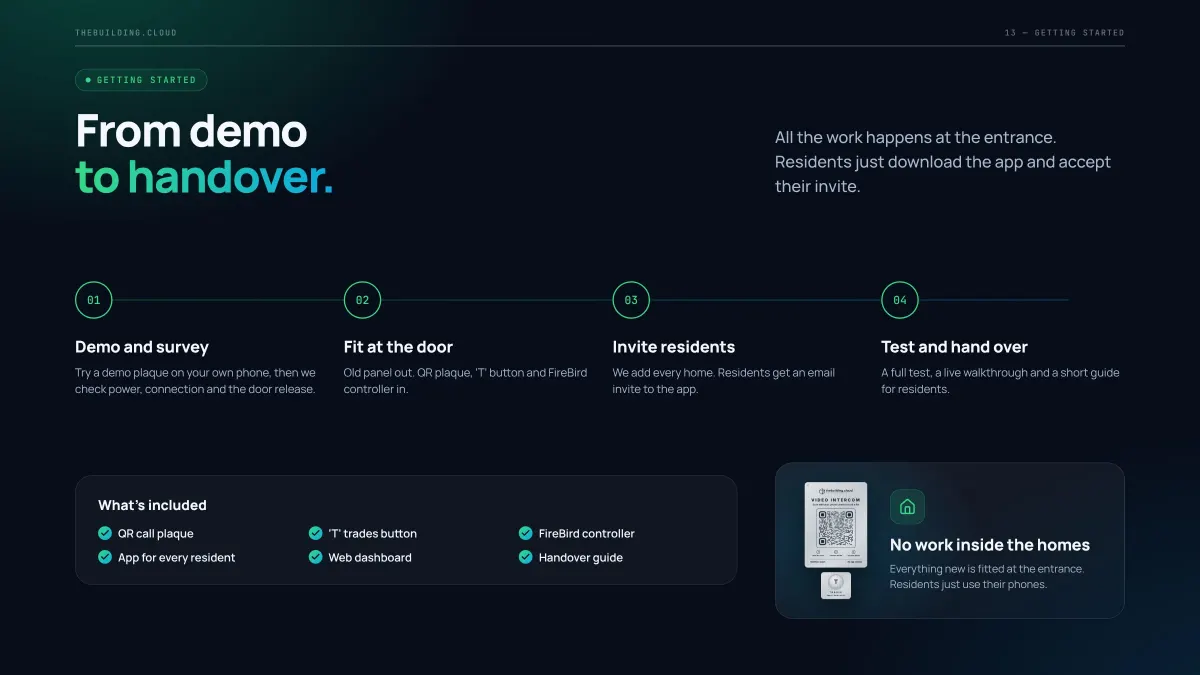
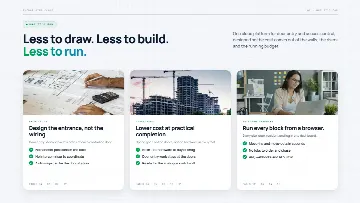
Getting started includes a demo and survey, fitting equipment at the entrance, inviting residents, and a test and handover. The listed equipment includes a QR call plaque, trades button and FireBird controller, with no work inside homes.
Page 15
Try it at your own door.
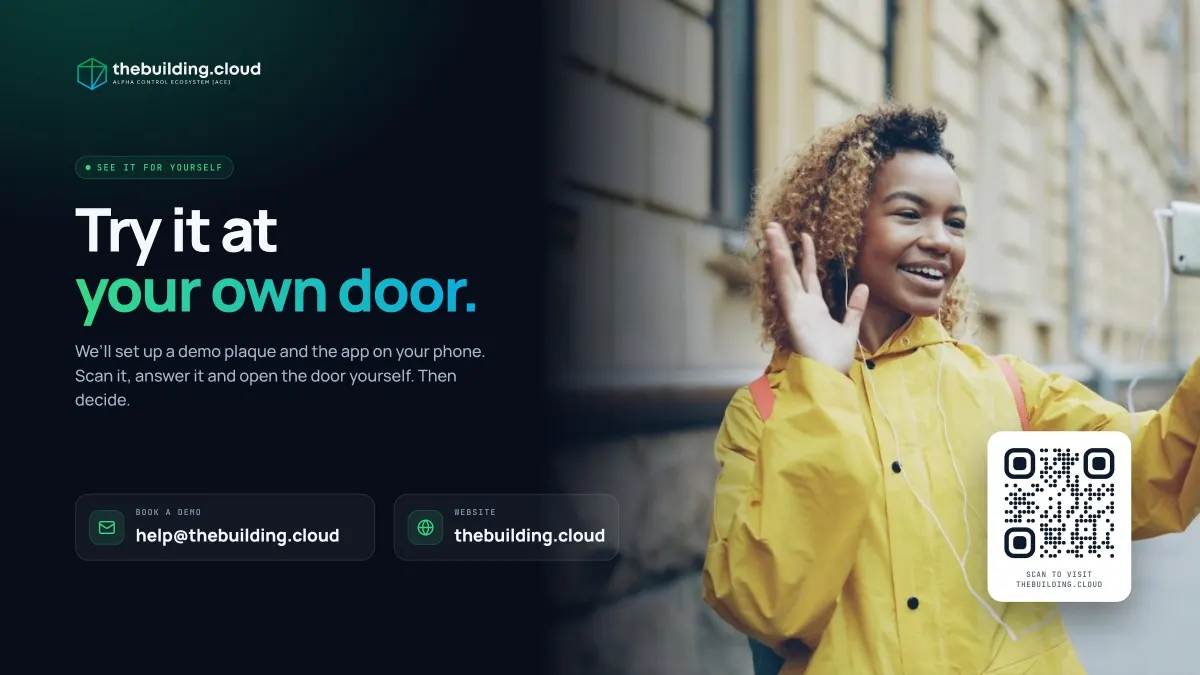
The brochure offers a demo plaque and app so people can scan, answer and open the door themselves before deciding.
Key points
- Visitors do not need an app or account to call a home.
- Every phone in the chosen home rings.
- Residents can use Face ID, a fingerprint or a passcode for entry.
- Calls and unlocks are logged.
- The trades button opens during the trade hours set by the manager.
- New equipment is fitted at the entrance, with no work inside homes.
Who it’s for
- Residents of residential buildings
- Residential building managers
- Building owners and operators
Questions people ask
Do visitors need to download an app?
No. Visitors scan the plaque with their phone camera, choose a home and call from the page that opens.
Can residents answer when they are away?
Yes. The brochure says residents can answer at work, at the shops or in the car and open the door remotely.
What happens if a resident forgets their phone?
Someone else at home can open the door from their phone, or a manager can open it remotely. Keys or fobs can also work alongside the system.
Can it work with an existing intercom?
The brochure says it can connect to existing systems such as CAME and add the app alongside them.
Does installation require work inside homes?
The brochure says the new equipment is fitted at the entrance, with no cabling or work inside homes.