About this brochure
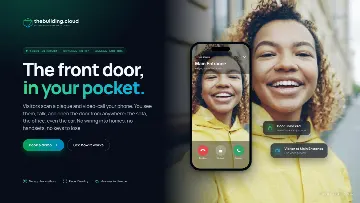
This brochure explains how TheBuilding.Cloud provides video intercom and access control without handsets in flats, intercom riser cabling or a server in the building. Residents use their own phones to answer calls and open doors, while building teams manage sites through a browser. The guide compares the approach with a traditional wired system, including illustrative costs for a 60-flat block.
It is written for architects, developers and building managers planning new schemes or upgrading existing blocks. It covers design notes for controlled doors, installation stages, fire release, accessibility guidance and the analogue phone switch-off. It also describes resident access options, handover, access logs, notices, issue reporting and connections to other systems. The brochure asks project teams to confirm final designs with their Designing Out Crime Officer, building control and fire engineer.
What’s inside
The text of each page, written out so it can be read and searched.
Page 1
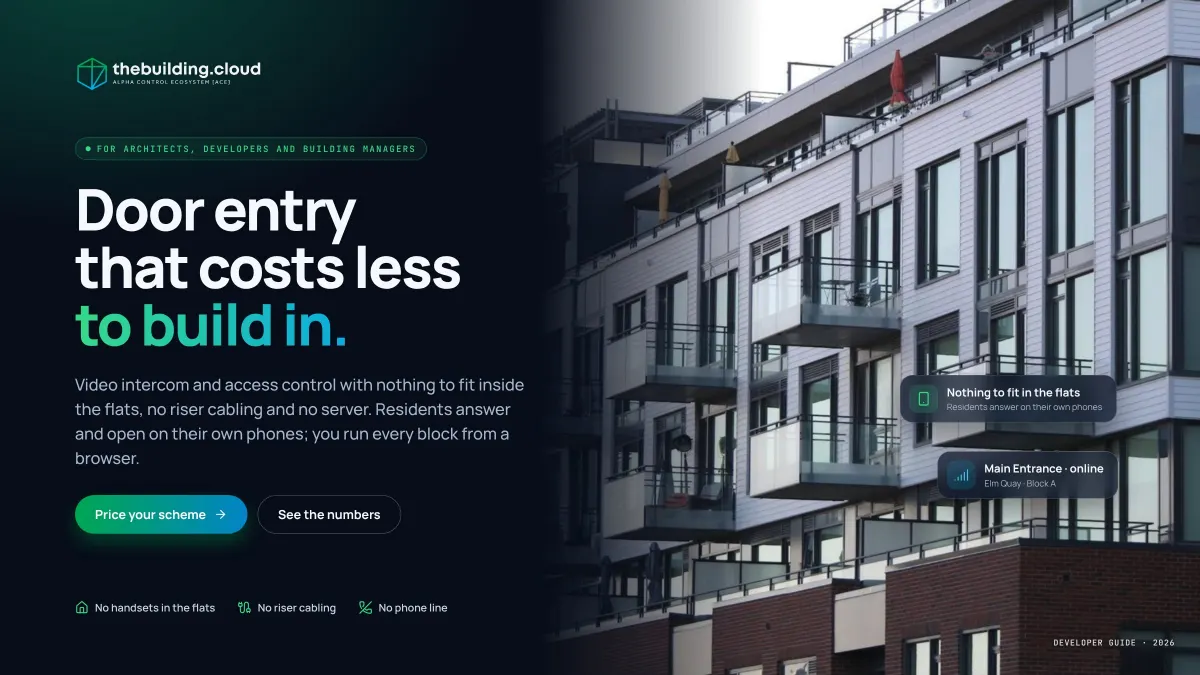
Door entry that costs less to build in.
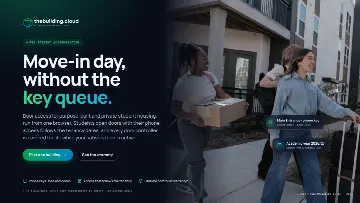
The brochure introduces video intercom and access control with no equipment in flats, riser cabling or server. Residents answer and open doors on their phones, and building teams manage blocks from a browser.
Page 2
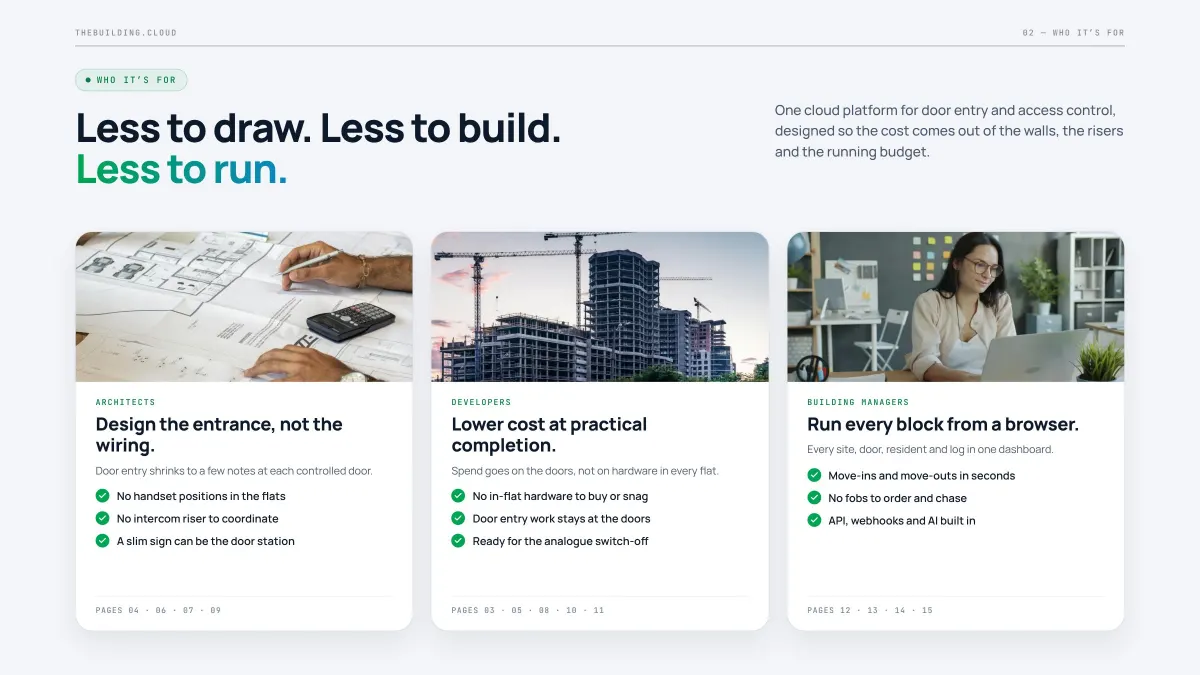
Less to draw. Less to build. Less to run.
The platform is presented for architects, developers and building managers. It aims to reduce in-flat equipment and wiring while bringing sites, doors, residents and logs into one dashboard.
Page 3
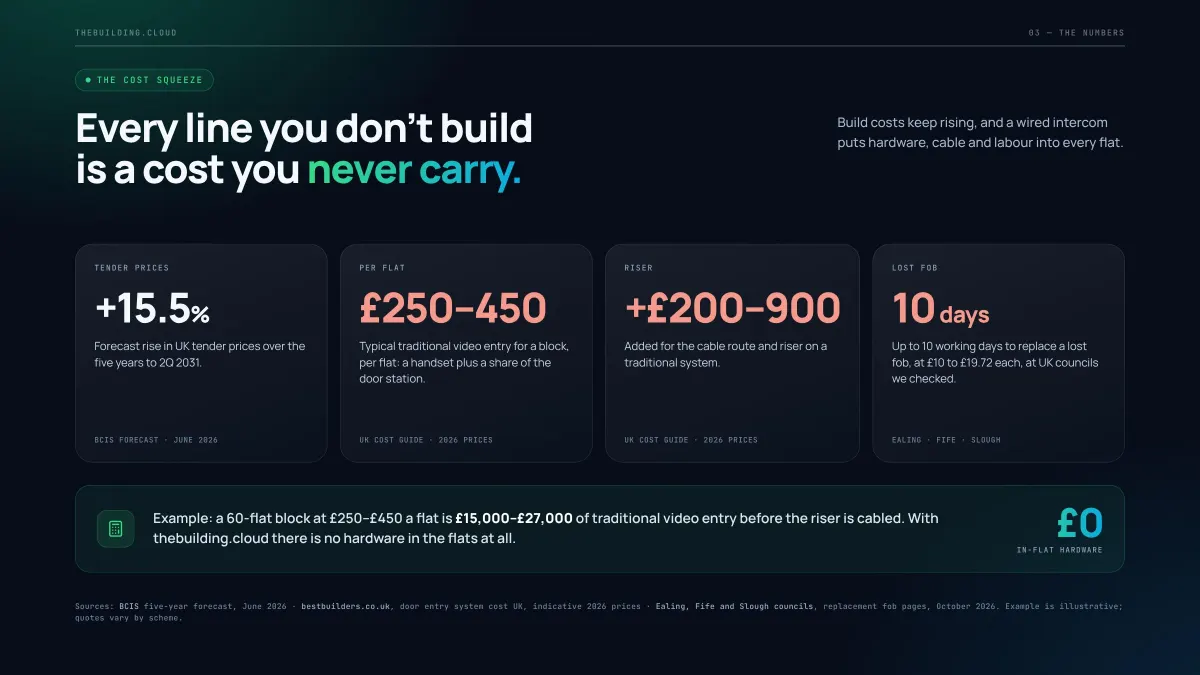
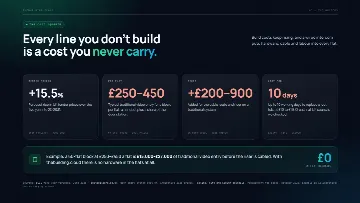
Every line you don’t build is a cost you never carry.
The brochure compares traditional video entry costs with an approach that needs no in-flat hardware. Its illustrative 60-flat example puts traditional handset and door-station costs at £15,000–£27,000 before riser cabling, noting that quotes vary by scheme.
Page 4
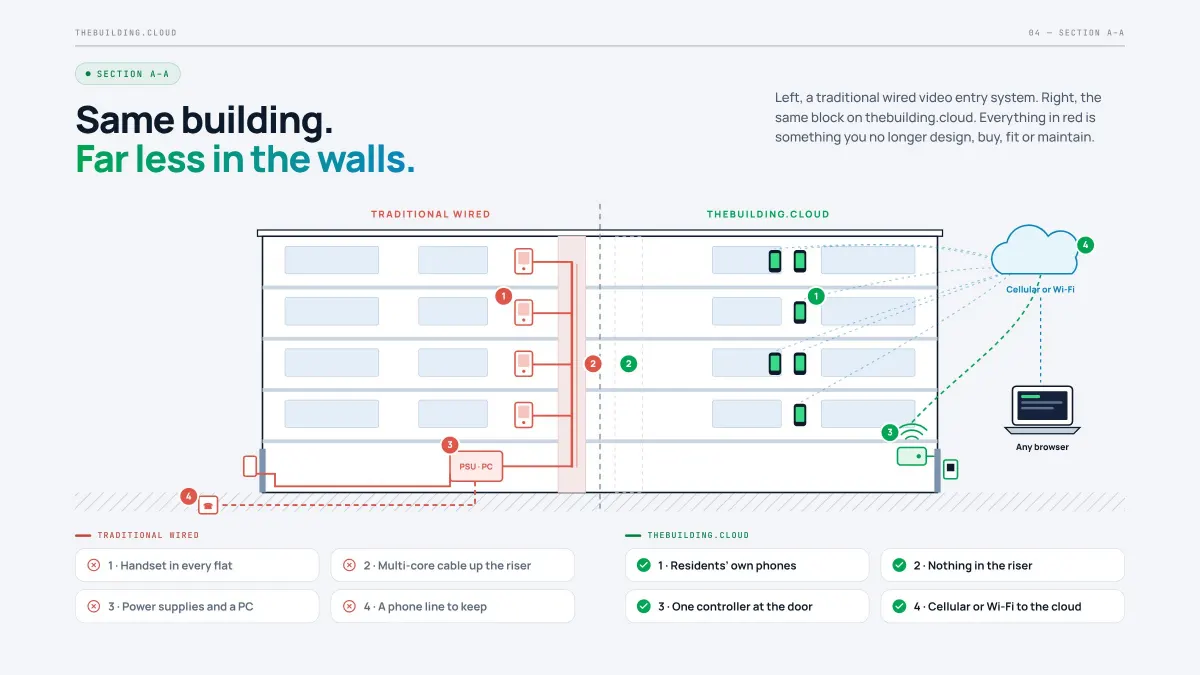
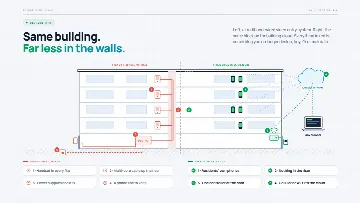
Same building. Far less in the walls.
A diagram compares a traditional wired system with residents’ own phones, a controller at each door and a cellular or Wi-Fi connection. The latter needs nothing in the riser and no phone line.
Page 5
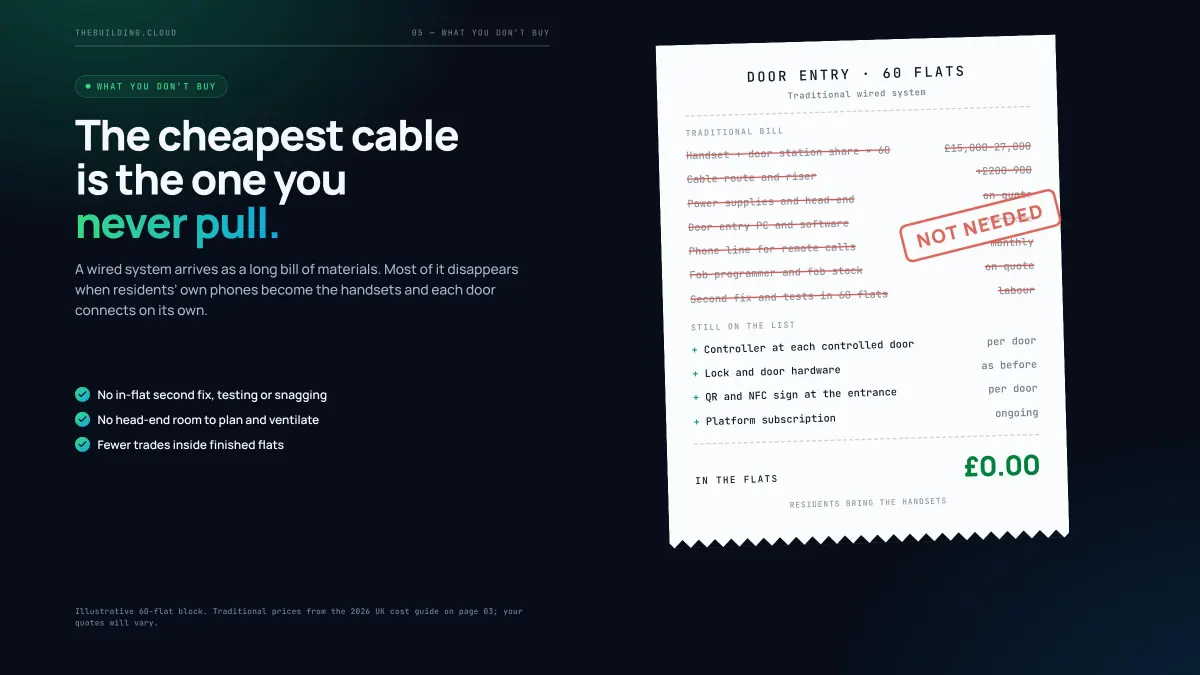
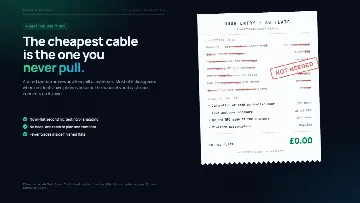
The cheapest cable is the one you never pull.
An illustrative bill of materials shows equipment and work needed for a traditional system alongside what remains for TheBuilding.Cloud. The latter includes a controller, lock and entrance sign at each door, plus an ongoing platform subscription.
Page 6
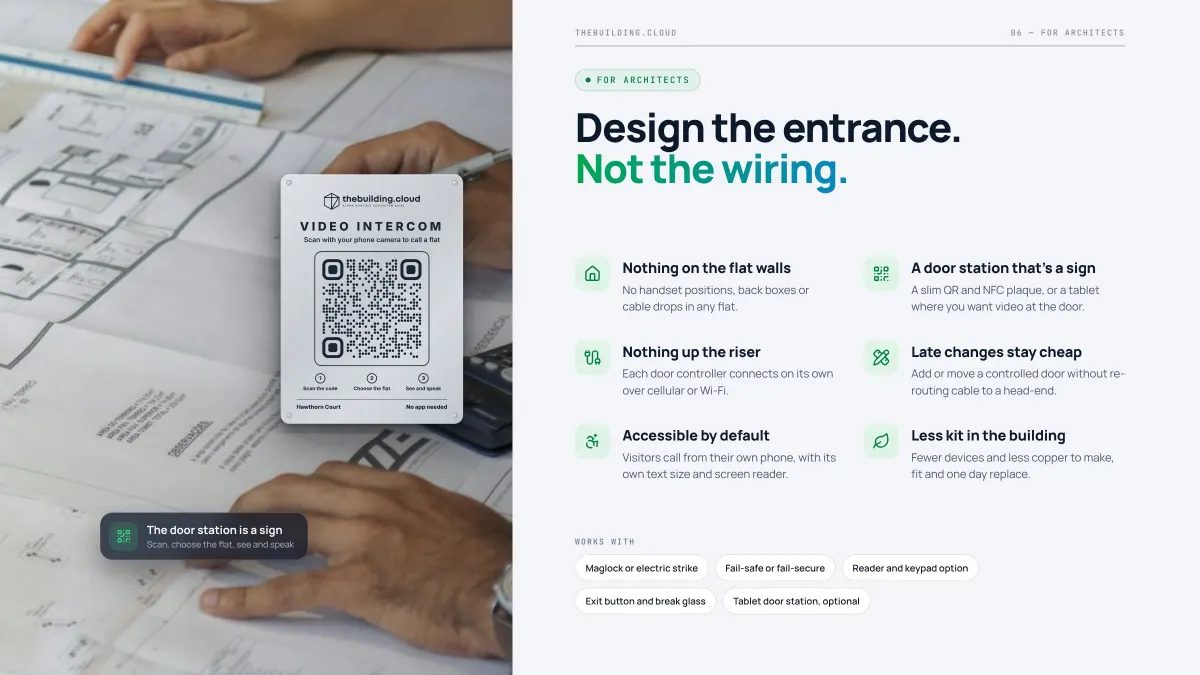
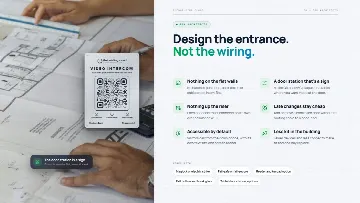
Design the entrance. Not the wiring.
Architects can use a QR and NFC plaque or an optional tablet at the entrance, without handset positions or cable drops in flats. The brochure lists compatible door equipment and says visitors can use their phone’s text size and screen reader.
Page 7
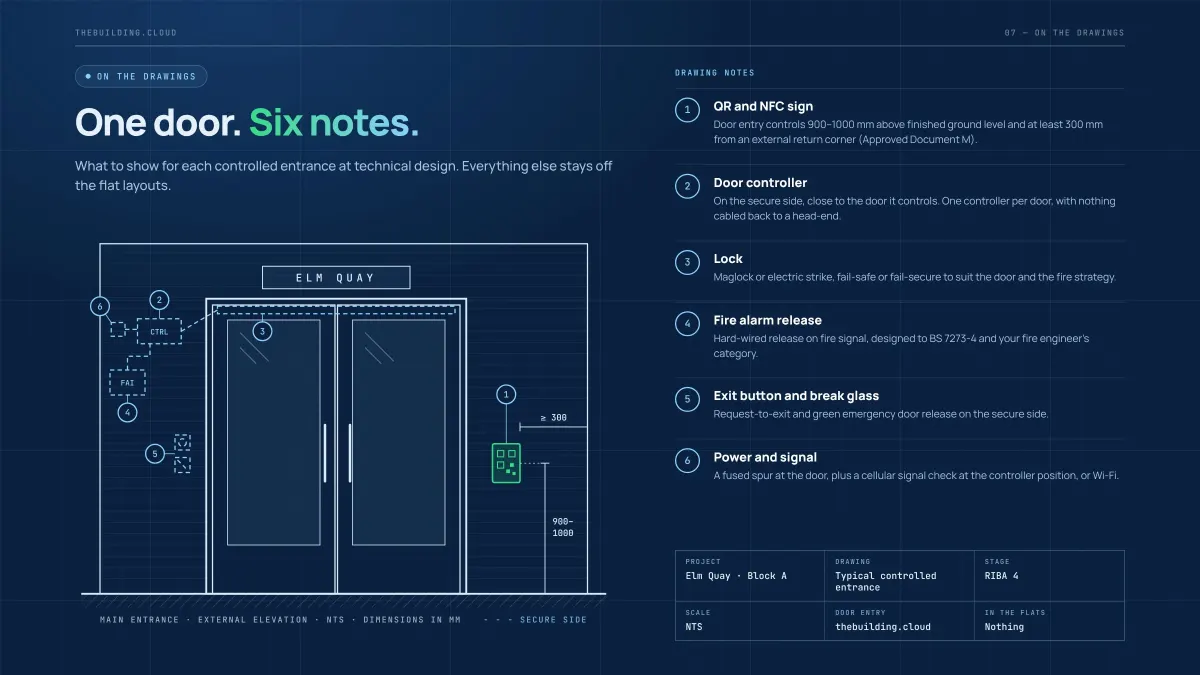
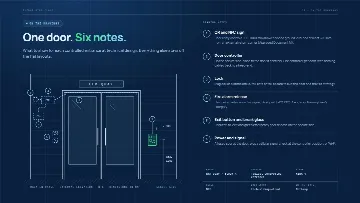
One door. Six notes.
A typical controlled entrance drawing shows notes for the sign, controller, lock, fire alarm release, exit controls, power and signal. It includes sign positioning guidance and specifies a hard-wired fire release designed around the fire engineer’s category.
Page 8
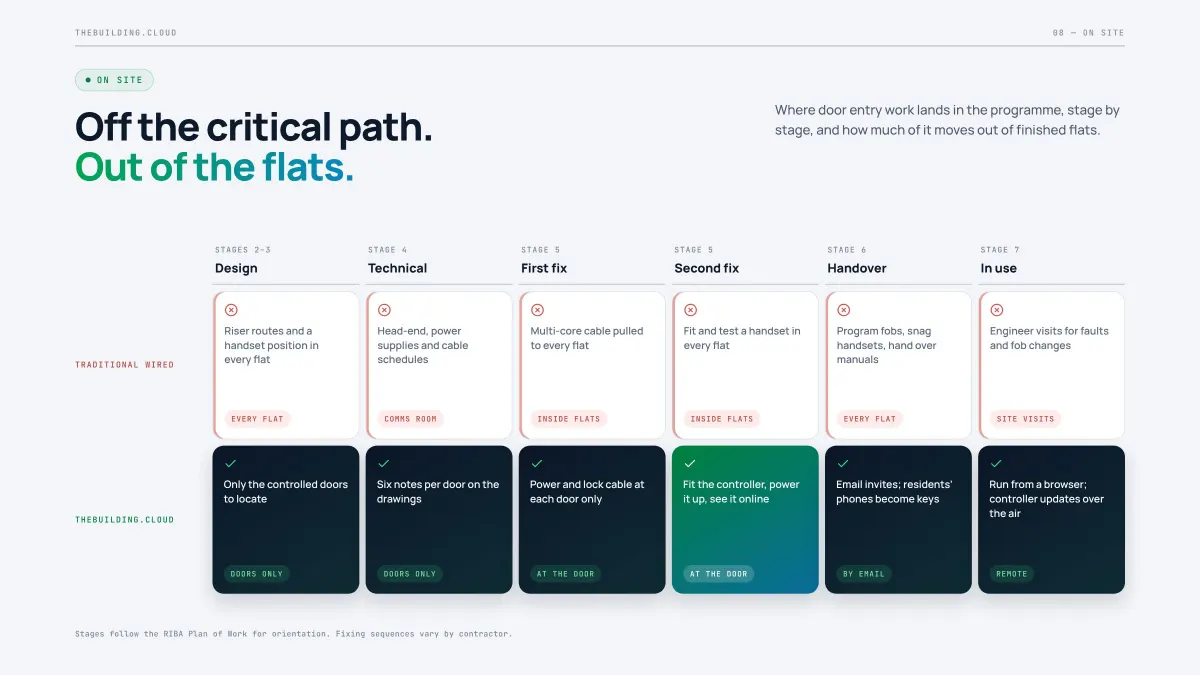
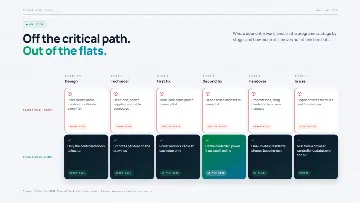
Off the critical path. Out of the flats.
A stage-by-stage comparison shows how door entry work moves from individual flats to controlled doors. The stages follow the RIBA Plan of Work for orientation, and fixing sequences vary by contractor.
Page 9
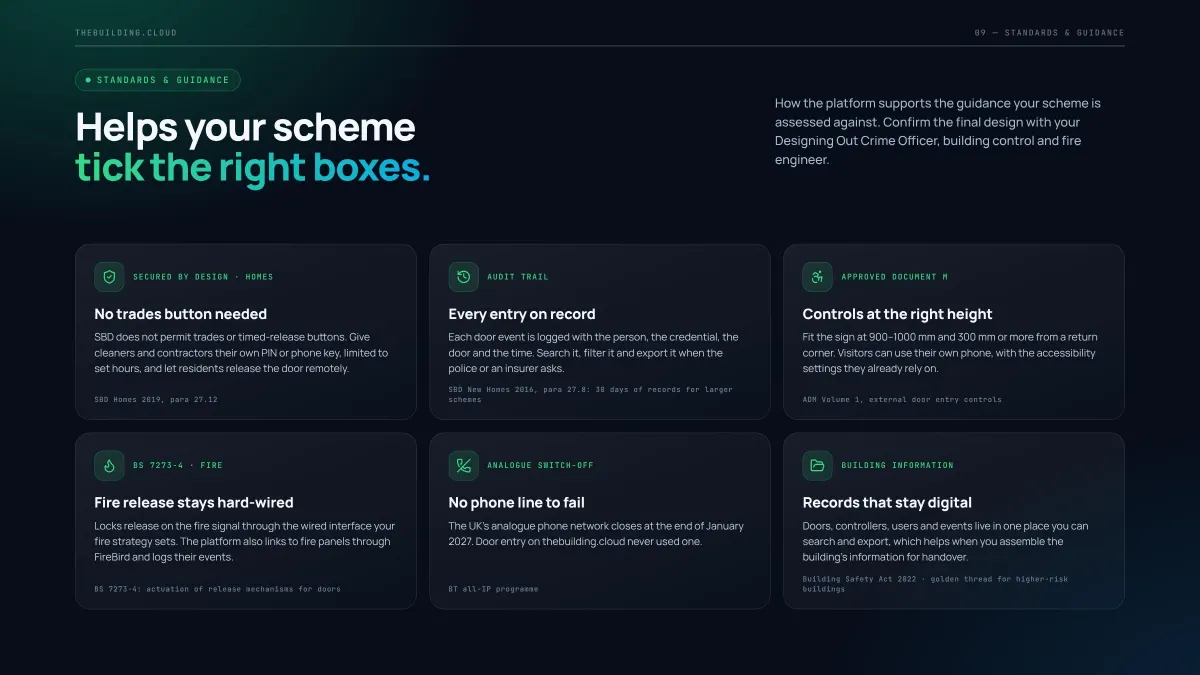
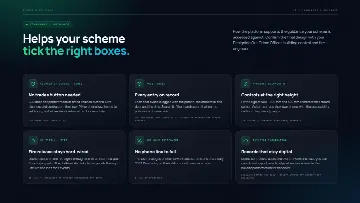
Helps your scheme tick the right boxes.
The brochure describes how access permissions, event logs, sign positioning and hard-wired fire release support project guidance and procedures. It says to confirm the final design with the Designing Out Crime Officer, building control and fire engineer.
Page 10
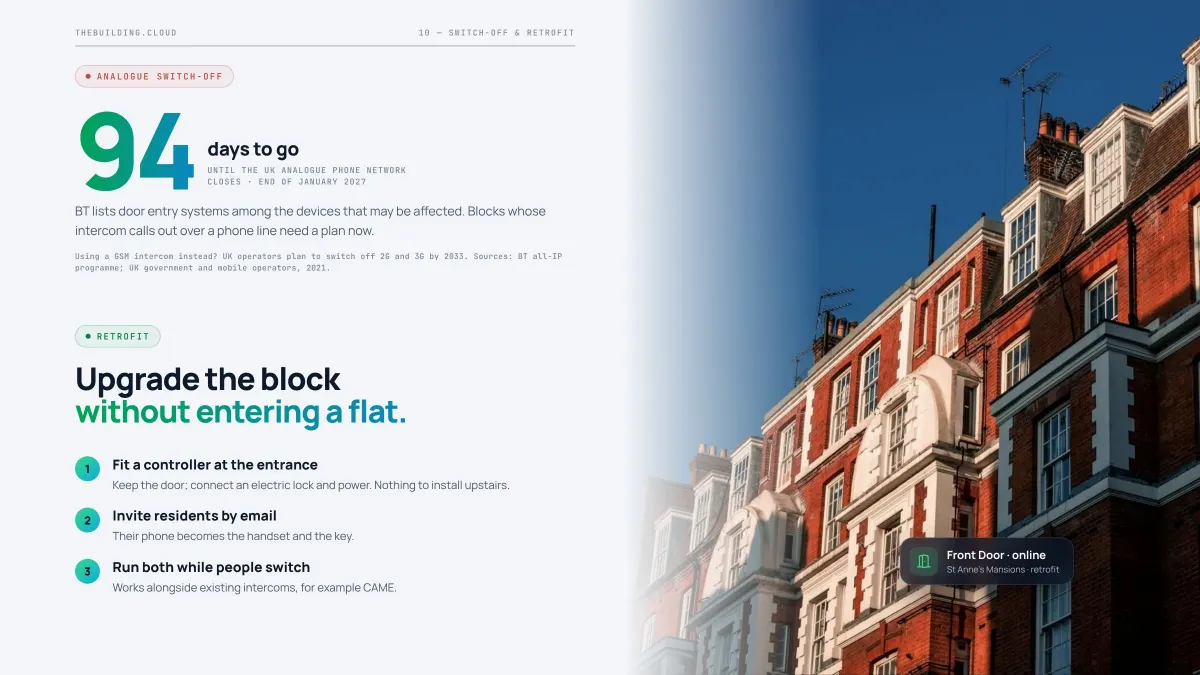
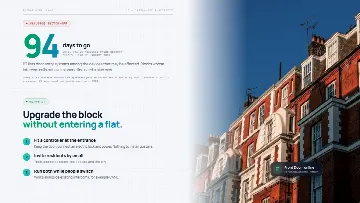
Upgrade the block without entering a flat.
The retrofit approach fits a controller at the entrance and invites residents by email. It can run alongside an existing intercom while residents switch; the page also discusses the planned analogue phone and mobile network switch-offs.
Page 11
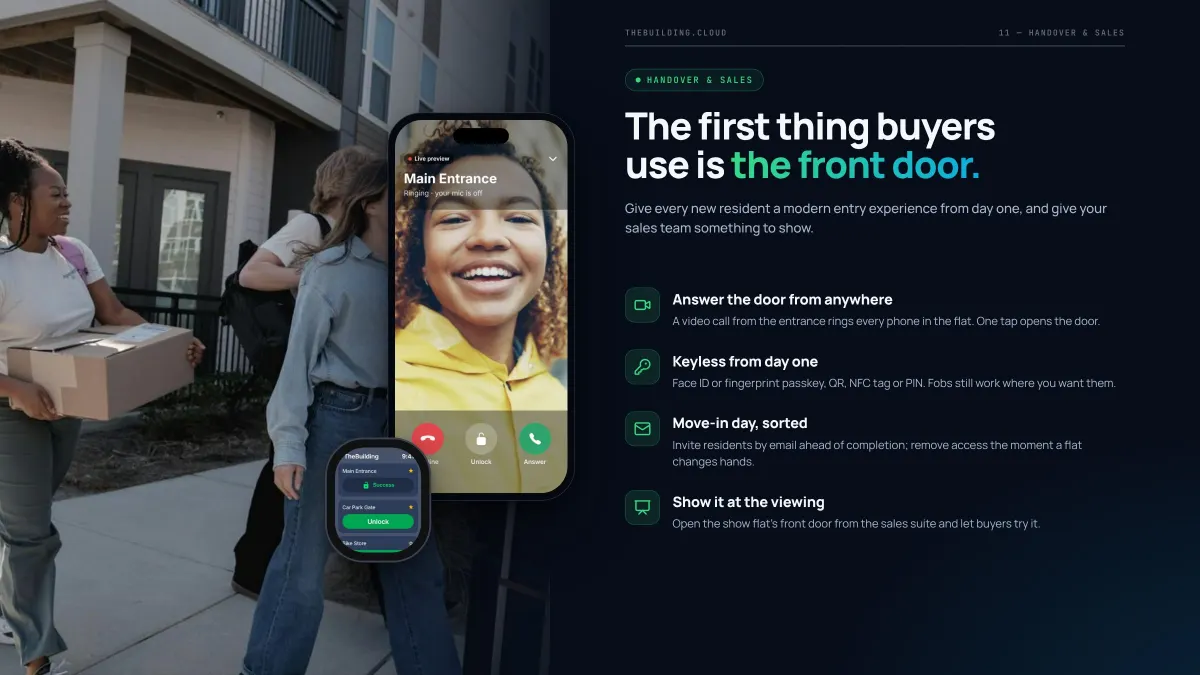
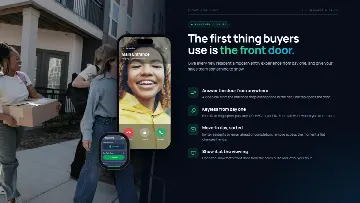
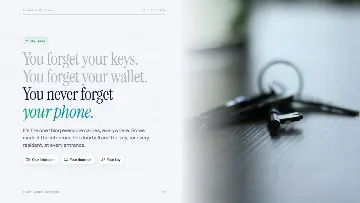
The first thing buyers use is the front door.
Residents can answer entrance video calls on their phones and use options including a passkey, QR, NFC tag or PIN. The brochure also describes inviting residents ahead of completion and demonstrating entry at a viewing.
Page 12
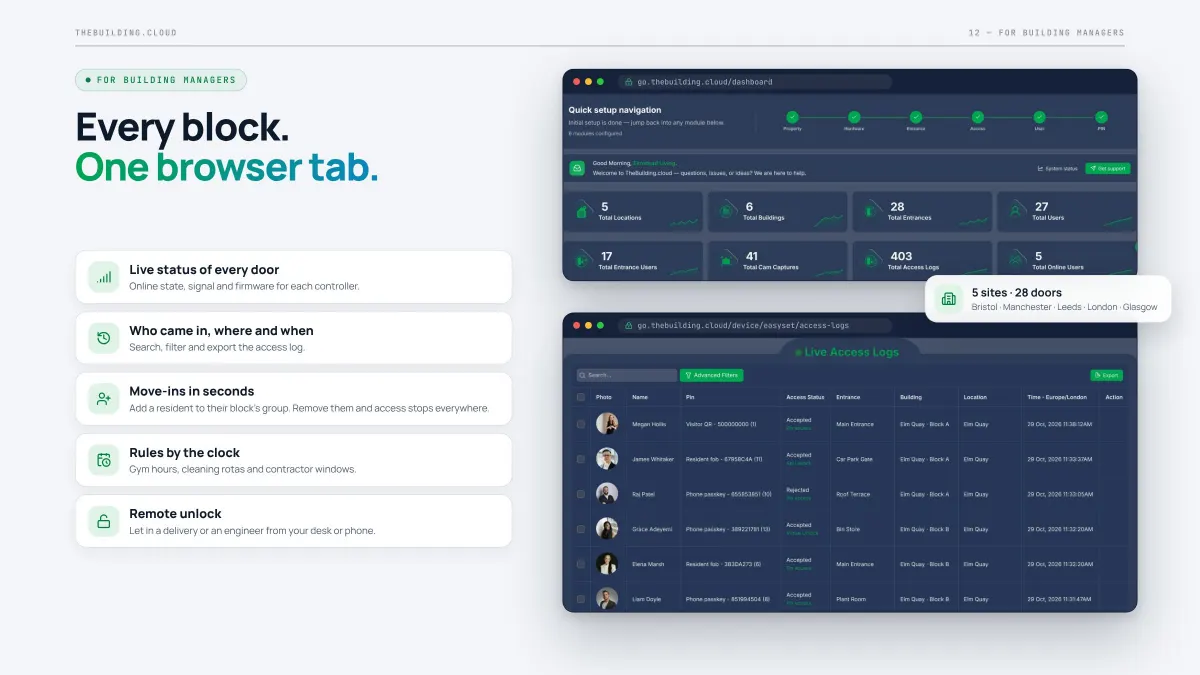
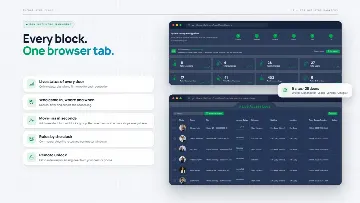
Every block. One browser tab.
Building managers can see door and controller status, search access logs, manage residents and set access hours. They can also unlock a door remotely for a delivery or engineer.
Page 13
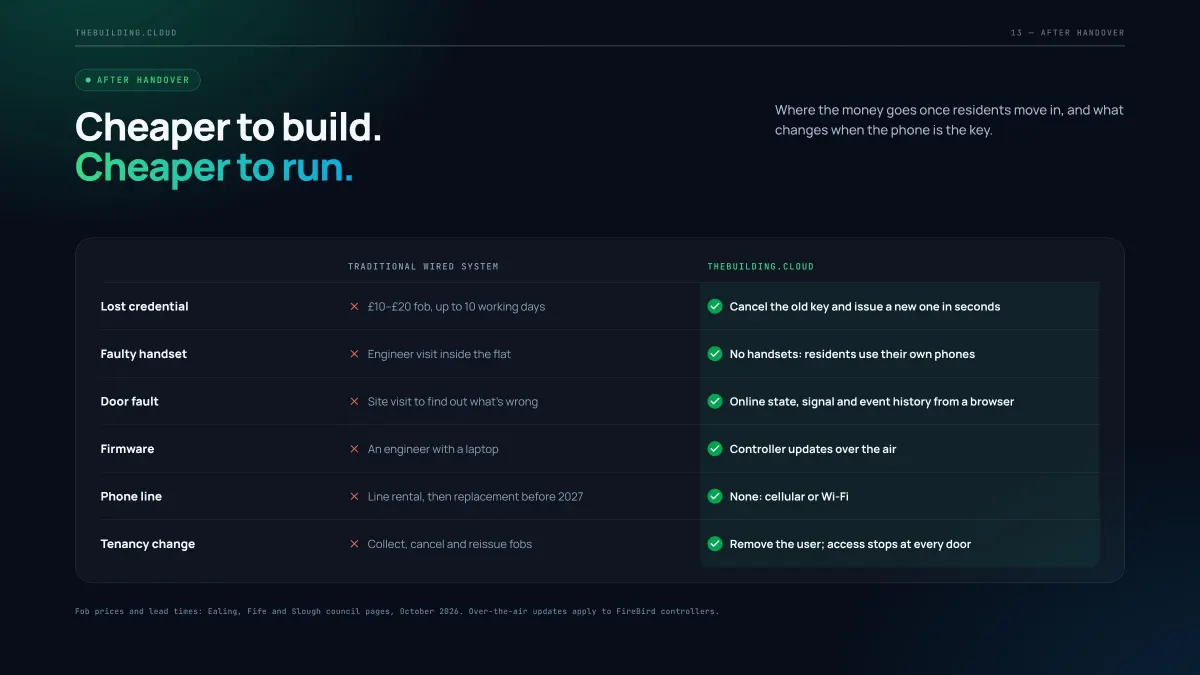
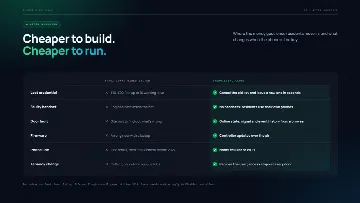
Cheaper to build. Cheaper to run.
The brochure compares ongoing tasks such as replacing lost credentials, investigating door faults and managing tenancy changes. It says FireBird controllers receive updates over the air.
Page 14
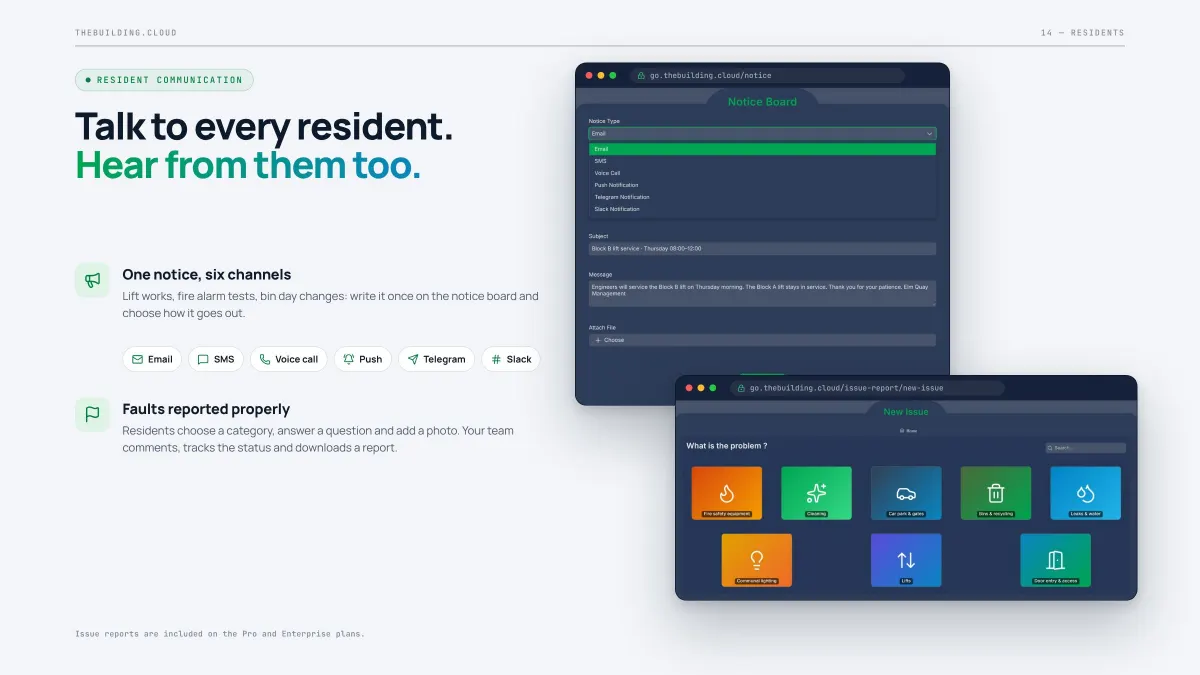
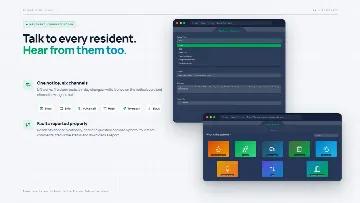
Talk to every resident. Hear from them too.
Teams can send notice board messages through selected channels, and residents can submit issue reports with a category and photo. Issue reporting is included on Pro and Enterprise plans.
Page 15
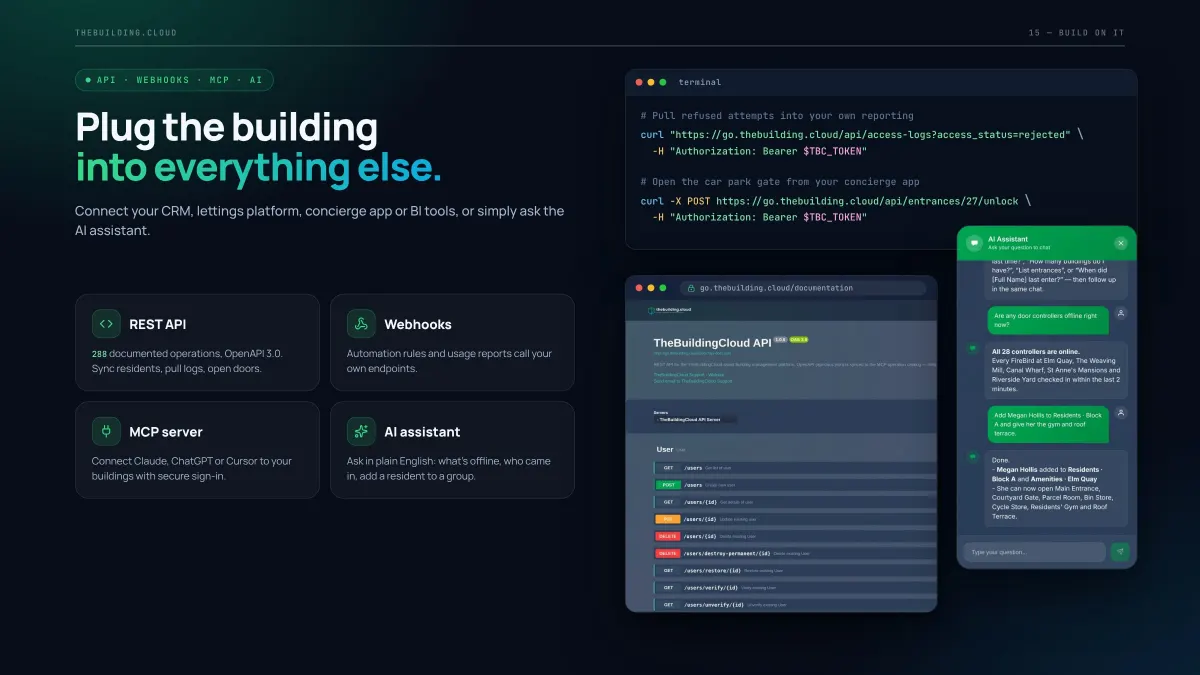
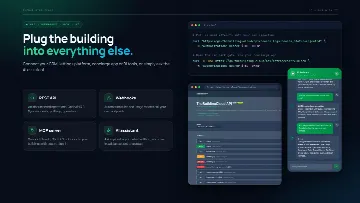
Plug the building into everything else.
The brochure describes an API, webhooks, an MCP server and an AI assistant for connecting building information and actions to other tools. Examples include pulling access logs, opening doors and asking what is offline.
Page 16
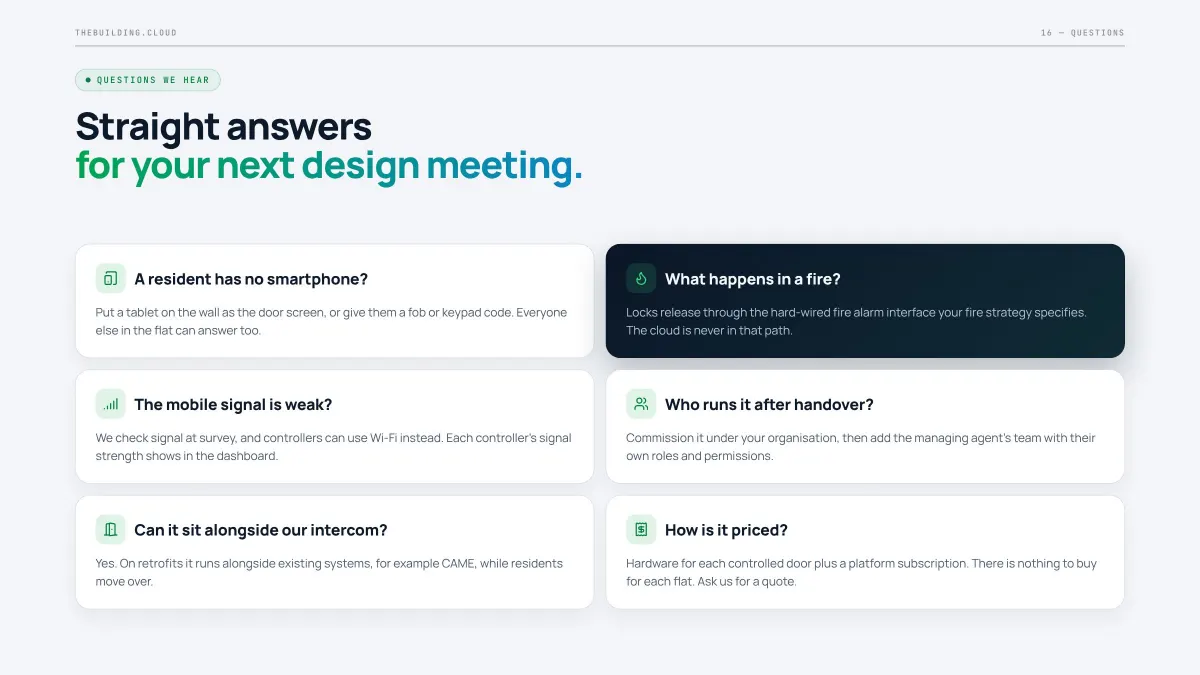
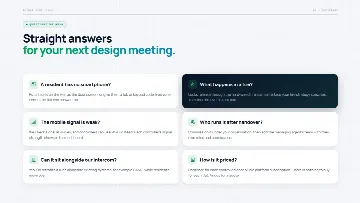
Straight answers for your next design meeting.
Common questions cover residents without smartphones, fire release, weak mobile signal, management after handover, existing intercoms and pricing. The brochure says pricing consists of hardware for each controlled door plus a platform subscription.
Page 17
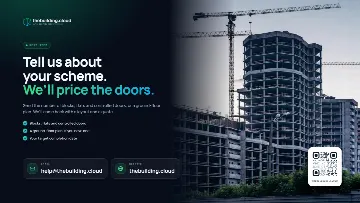
Tell us about your scheme. We’ll price the doors.
The brochure asks for the number of blocks, flats and controlled doors, or a ground-floor plan, along with the target completion date. It provides contact details for requesting a layout and quote.
Key points
- Residents answer door calls on their own phones.
- Each controlled door has its own controller.
- Controllers connect over cellular or Wi-Fi.
- Fire alarm release is hard-wired.
- Issue reporting is included on Pro and Enterprise plans.
- FireBird controllers receive updates over the air.
Who it’s for
- Architects designing residential entrances
- Developers planning new residential blocks
- Building managers running multiple blocks
- Teams upgrading existing door entry systems
Questions people ask
What if a resident does not have a smartphone?
The brochure suggests a wall-mounted tablet as a door screen, or a fob or keypad code. Other people in the flat can also answer calls.
What happens to the locks in a fire?
The locks release through the hard-wired fire alarm interface specified by the fire strategy. The cloud is not in that path.
Can it work alongside an existing intercom?
Yes. The brochure says it can run alongside existing systems during a retrofit while residents move over.
What if the mobile signal is weak?
Signal is checked at survey, and controllers can use Wi-Fi instead. Controller signal strength is shown in the dashboard.
How is it priced?
The brochure describes hardware for each controlled door plus a platform subscription, with nothing to buy for each flat. It invites readers to request a quote.